

What AI does here, and never does
Where Costimate reads, suggests and drafts with AI, what it never does (save by itself, set a price, guess a value), when it runs, and what is sent to the AI provider.
AI in Costimate reads documents, suggests what to fill in, and drafts text for you to check. It saves nothing by itself: what you keep goes through the same form as if you had typed it. It never sets a price. And it runs when you press its button, with two exceptions said below.
Where it helps
| Where | What it does |
|---|---|
| A bid's Read the tender | Lists what the tender asks for, with the buyer's own words, for you to keep |
| Write with AI on a section or an answer | Drafts the answer from the tender and your company's records, with each guess marked |
| Lines from a document | Lists the lines to price from a price schedule. It reads no price |
| Tell AI what to add or change, in a line | Proposes the entries of a line. Their prices come from your rate card, never from AI |
| Fill from the proposal, on the client's pricing form | Says which cell takes which line. The figures are your proposal's |
| A bid's Capture plan | Suggests the plan's fields, each with its sources, for you to confirm |
| A bid's Market research | Answers your questions from the web, each finding quoting its source |
| Read the letter, Draft with AI | Lists a clarification letter's questions, and drafts your answers |
| A supplier's bill, Read with AI | Fills the bill's form from the paper the supplier sent |
| Suggest with AI, Complete with AI | Fills the empty fields of a client, supplier, competitor, product or event, or of your company |
| The company profile | Reads your documents, finds papers on your website, suggests services, drafts your policies |
What it never does
- It never saves by itself. A run ends with a suggestion on your screen. You keep it, change it or drop it, and only your save writes anything.
- It never sets a price. It proposes what to price and how a line is built, but every cost comes from your rate card or from what you type, and every selling price from your mark-ups.
- It never makes up a value. What a document does not say stays empty: no date is assumed, no amount worked out. Something read on the web is kept only when the page it names says it.
- It marks what you must check. A field it filled says Suggested: check it until you confirm or change it, and a save with suggestions nobody checked asks you once. A draft marks each figure or name that no record of yours holds, and a policy it drafts writes "[to confirm]" in its place.
- It never decides. No stage is moved, nothing is approved, sent or deleted by AI.
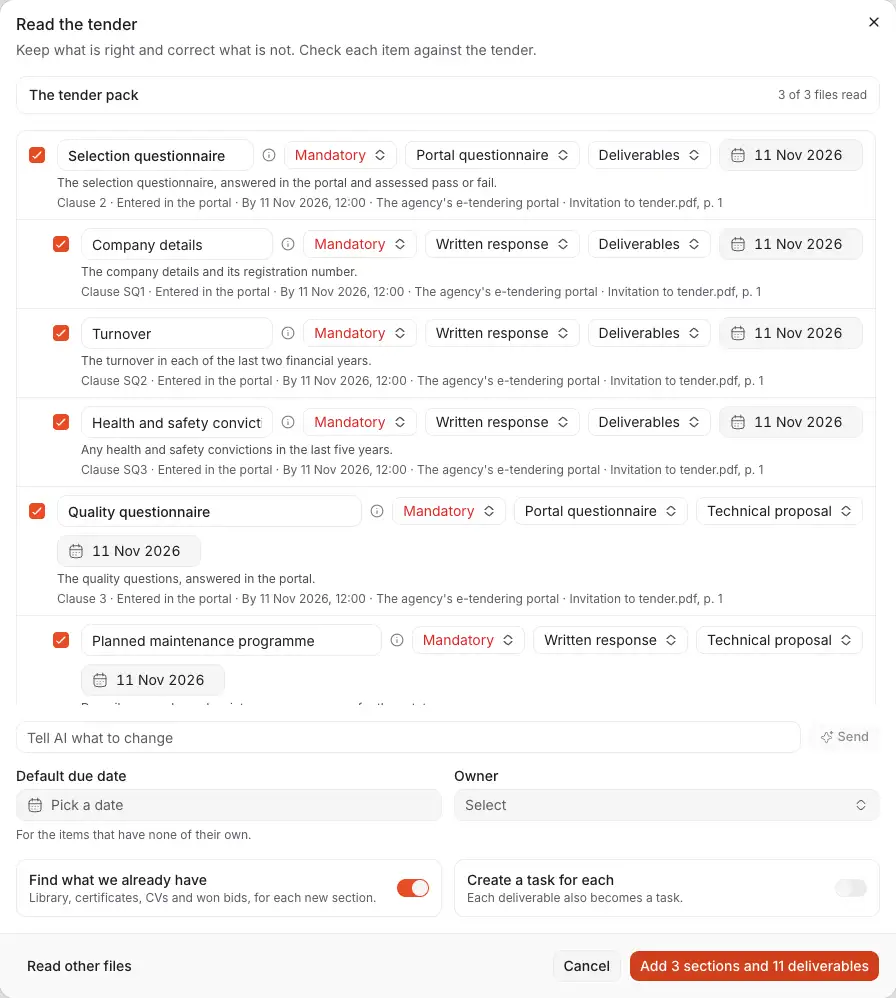
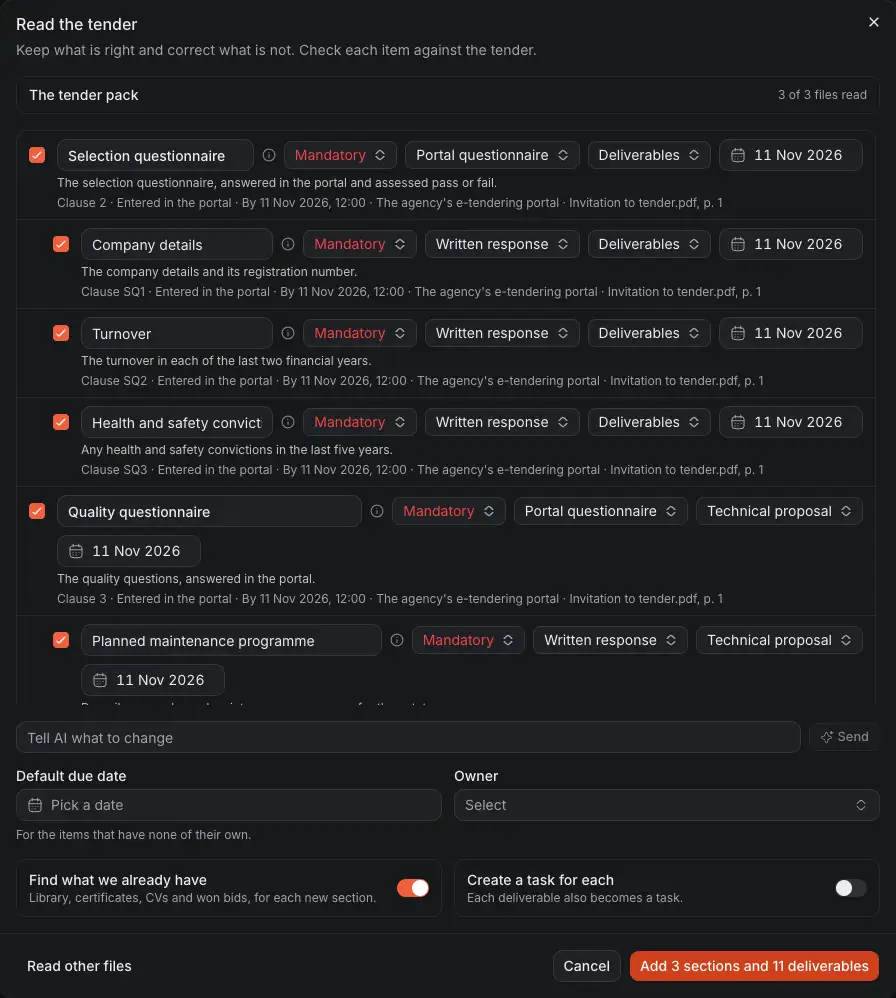
- What was read of the tender, and what could not be read.
- A suggestion, which you can correct.
- What the tender says of it, in its own words.
- Where it will live once you keep it.
- Tell AI what to change: correct the list in a sentence. What it changed is marked.
- Nothing is kept until you press this button.
When it runs
A run starts when you press its button, never because you opened a page or dropped a file. Two runs start by themselves, once each:
- the welcome's Company step reads your website when it opens, to suggest your company's details;
- a bid's Capture plan is filled in by its agent the first time someone who may change the bid opens the tab.
Each run is recorded, and only the person who started it follows it. Runs are limited per person and per company, and a tender's read can be stopped.
What is sent, and where
When AI reads something, the text of the document or the form is sent to the AI provider, OpenAI, through its API. As OpenAI's API terms state, it is not used to train its models by default. Nothing it answers is acted on until a person checks it. The Privacy Policy says more.
Some readings send less than you might think:
- An employee is described by their position only, never their name, to the model drafting a proposal.
- The price of a bid is never sent to draft the technical proposal, nor to estimate an answer's score.
If AI is switched off, or paused because the provider's account has run out of credit, the button or the message says so.
Good to know
- Connecting ChatGPT or Grok is another thing: there, your own AI app works in Costimate as you, with your access. See Connect ChatGPT.
- AI can be wrong. A suggestion is a start, not a fact: read it before you keep it.