

What Costimate does
A short tour of how a tender notice becomes a lead, a bid, a project and an invoice in Costimate, and what sits around them.
Costimate is for companies that win their work by answering tenders. It follows each piece of work from the notice that announces it to the invoice that gets it paid, in one workspace for your company. Your clients, suppliers and people sit around it, and each person sees what their role allows.
Here is the road one tender takes.
1. A notice becomes a lead
Costimate brings in tender notices from TED (the EU's tenders), SAM.gov (US federal), UK Find a Tender and UK Contracts Finder, or you add a tender by hand. Each one becomes a lead: a tender you might bid for, with its buyer, value and deadline. You can also follow public buyers, so their new tenders arrive by themselves.
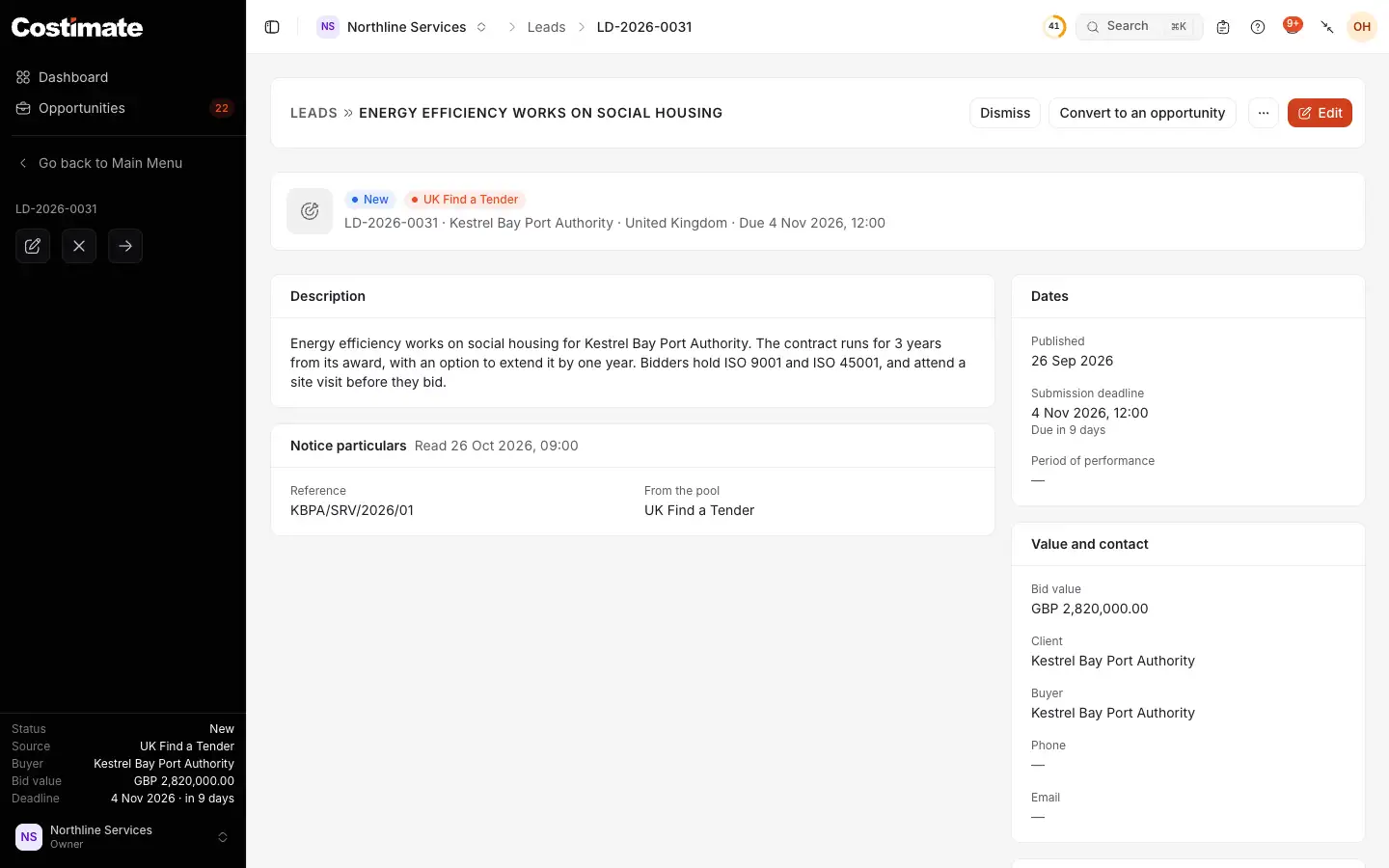
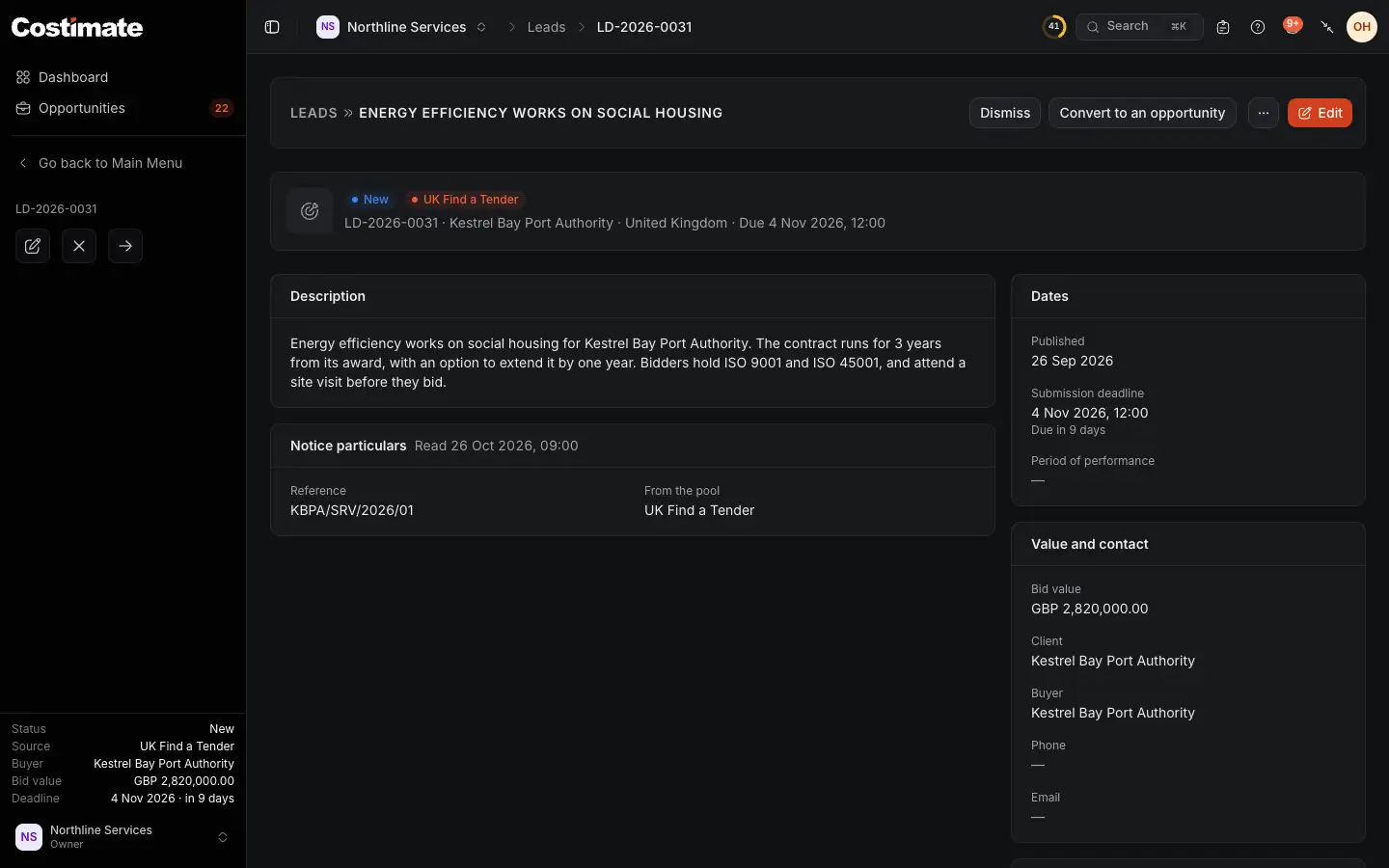
- Where the lead came from: here, a notice on UK Find a Tender.
- When the bid is due.
- Convert to an opportunity when you decide to work on it.
2. A lead becomes an opportunity
An opportunity is a bid you are working on. It moves through stages, from Inception to Submitted and the decision, and the moves your company wants checked wait for an approver. On the way you plan the capture, let AI read the tender, write the technical proposal and price the commercial proposal from your rate card.
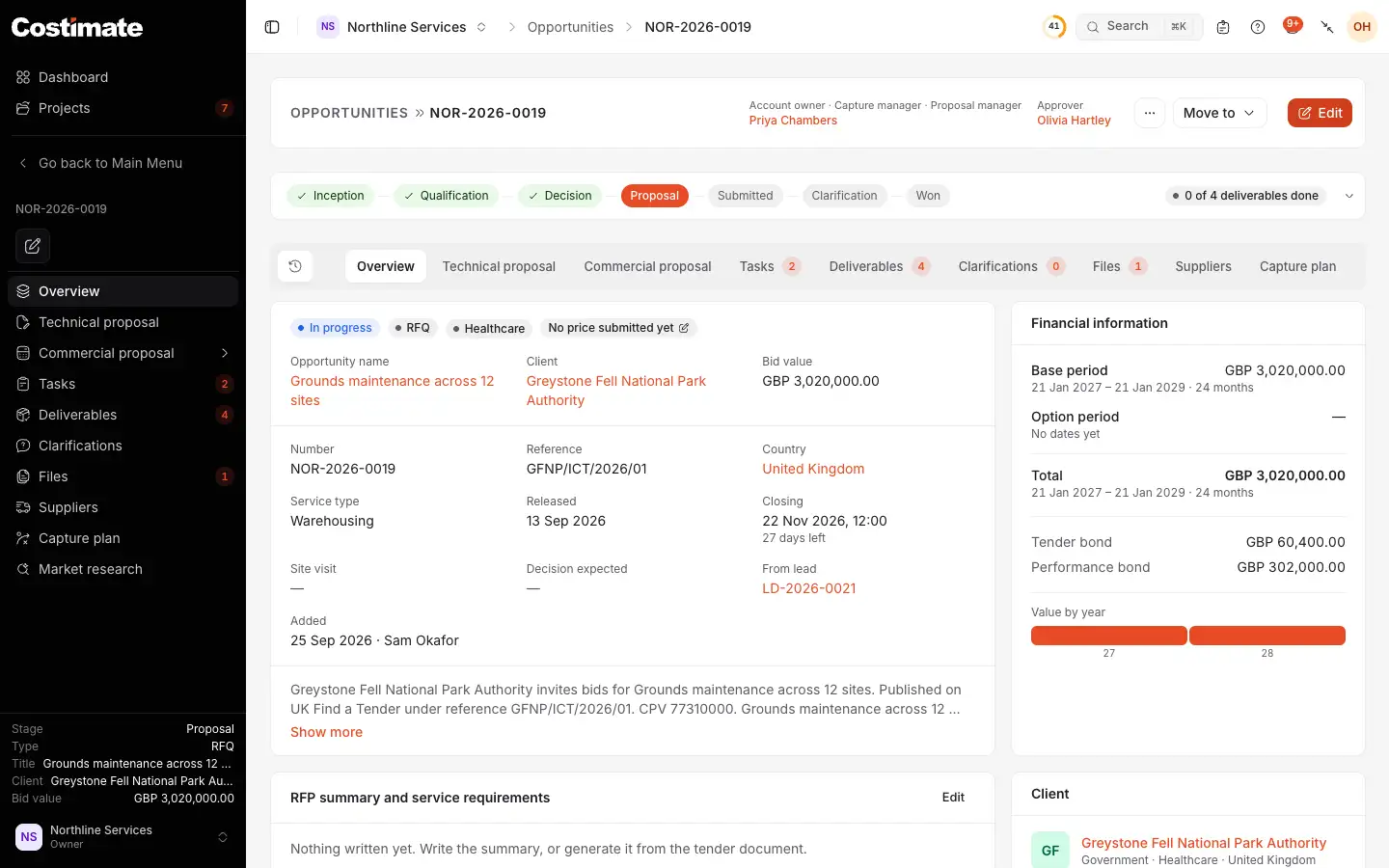
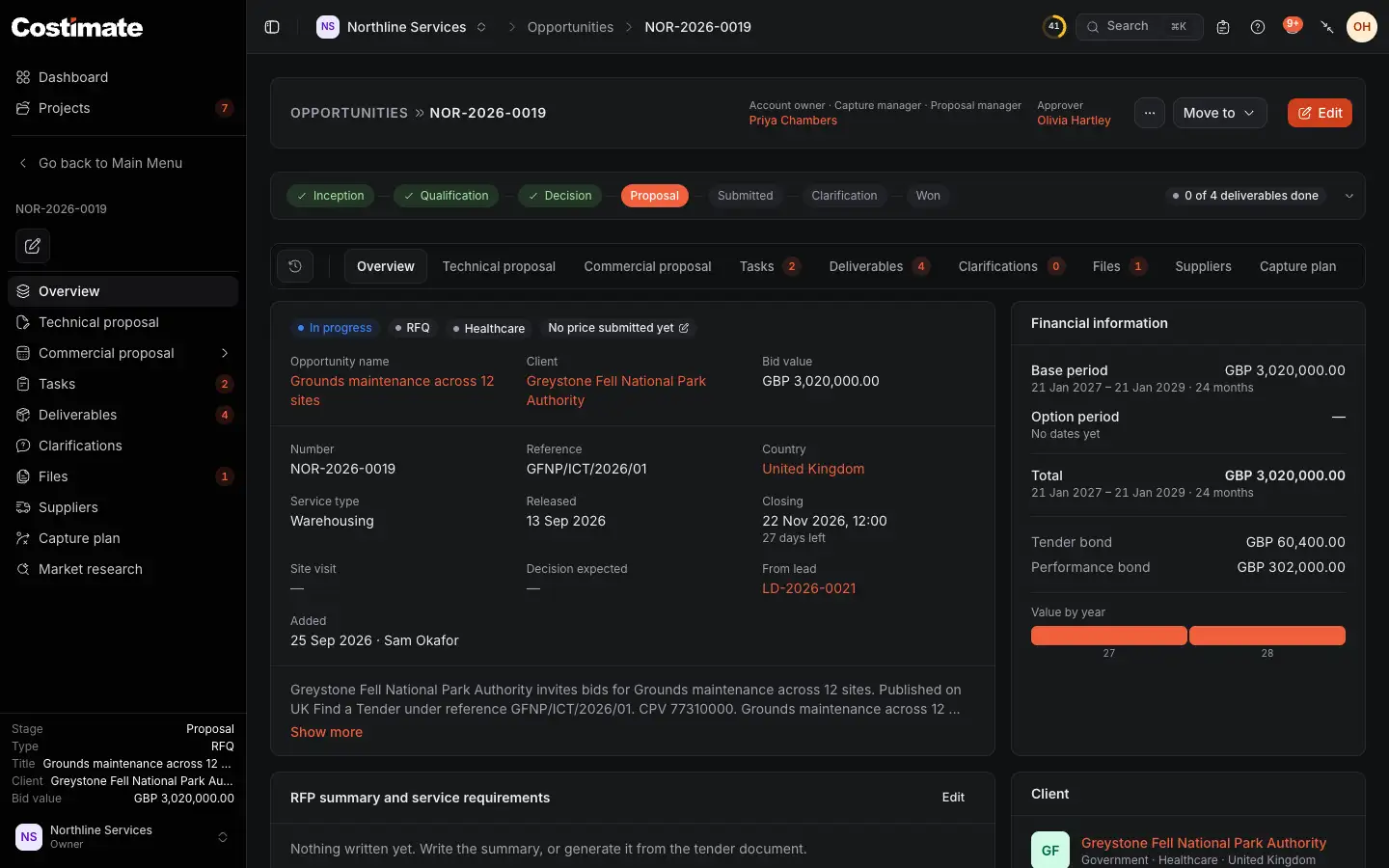
- The stages: those done, the one it is at, and those to come.
- The technical proposal: your answer to what the buyer asks, printed as one PDF.
- The commercial proposal: the cost of the work, the mark-ups and the price.
- Move to takes it to its next stage.
3. A won tender becomes a project
When a tender is won, Costimate opens its project, with a budget taken from the finalised proposal. You plan the crew and their shifts, record expenses and materials, and follow the actual cost as the work goes on.
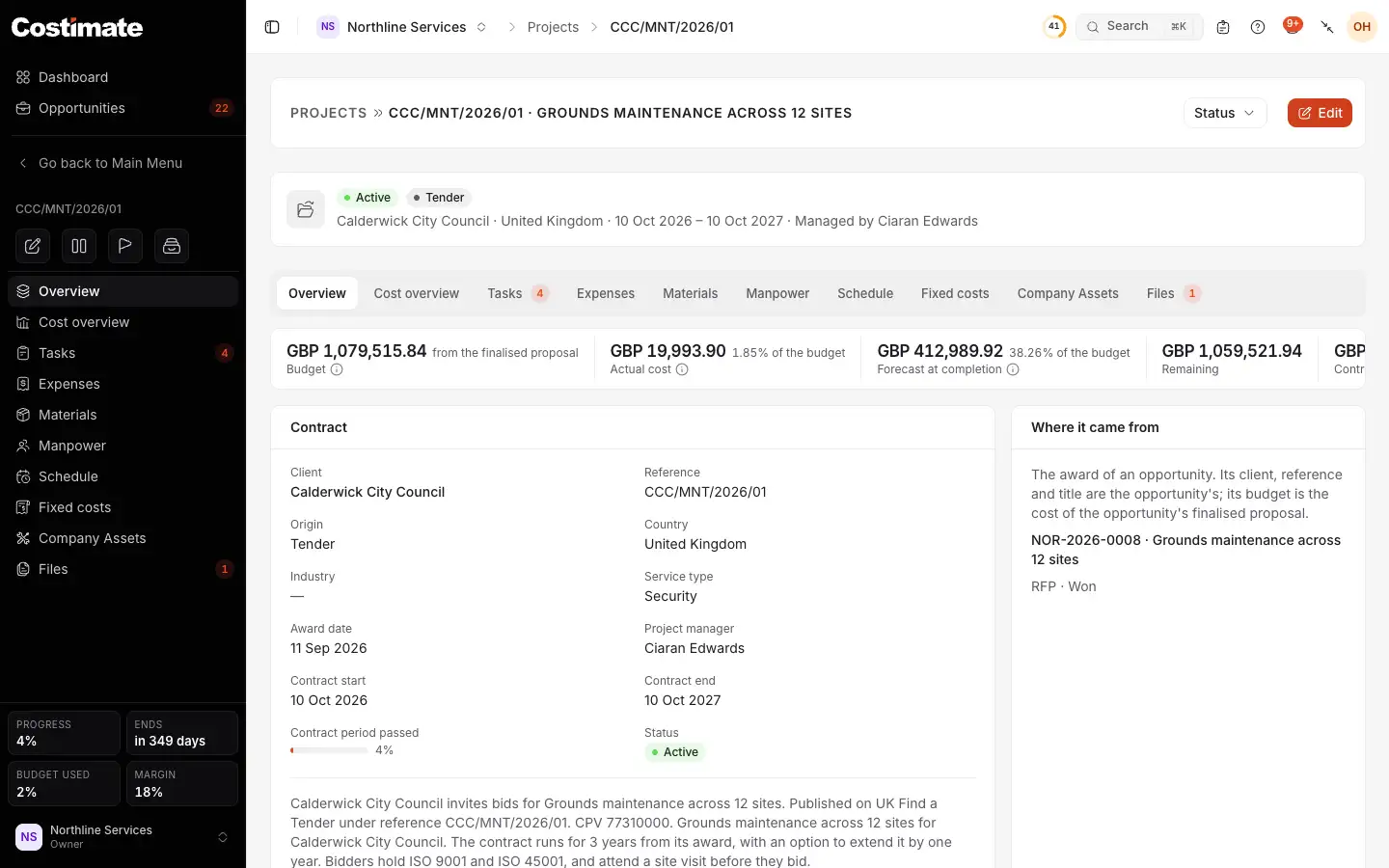
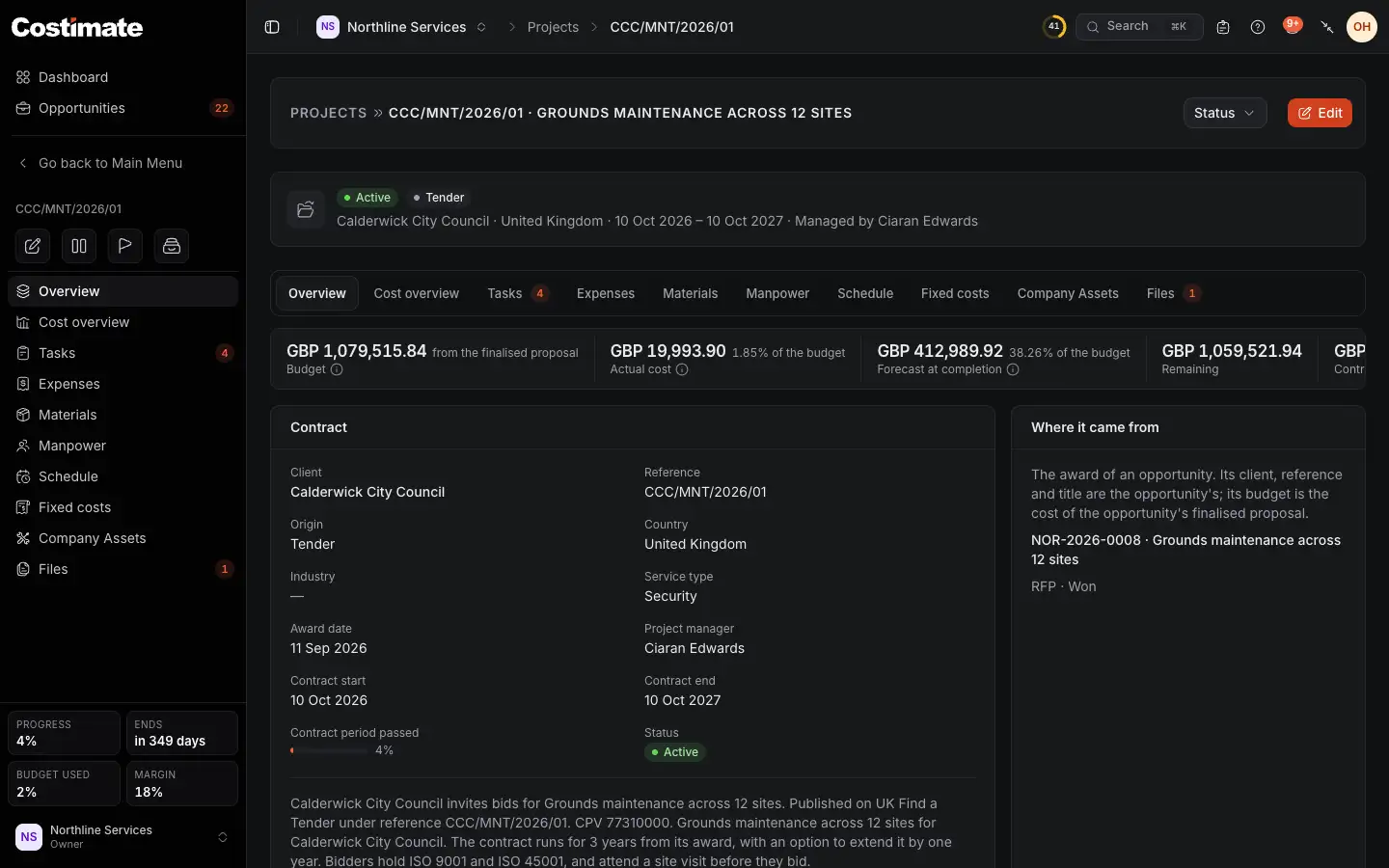
- The budget, the actual cost so far, and the forecast at completion.
- Where the project came from: the opportunity that was won.
- The schedule of the crew, one of the project's tabs.
4. The work gets paid
A quotation or an invoice can start from the proposal's lines. Costimate numbers them, sends them by email, records payments and sends payment reminders. Your suppliers' bills are kept beside them.
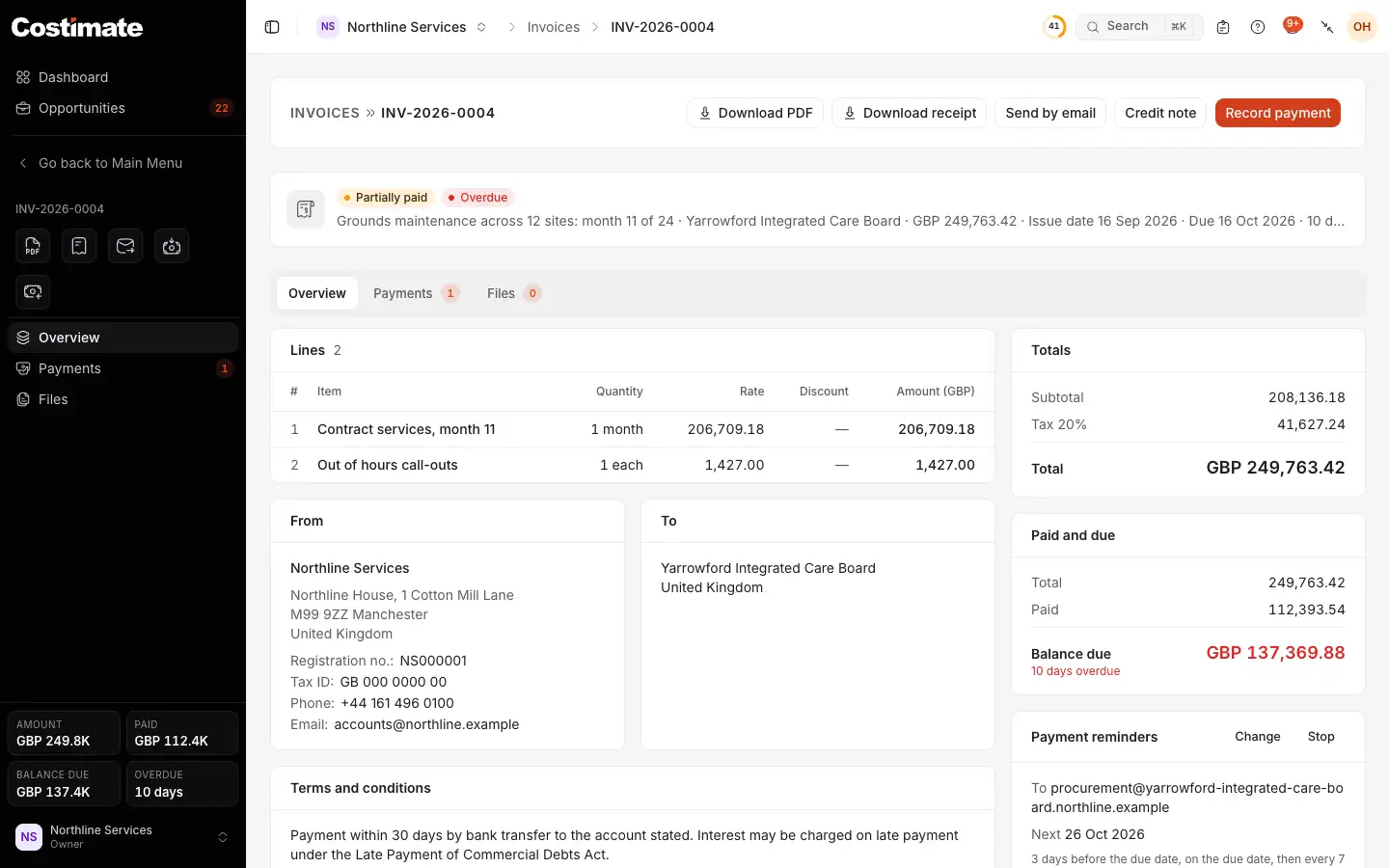
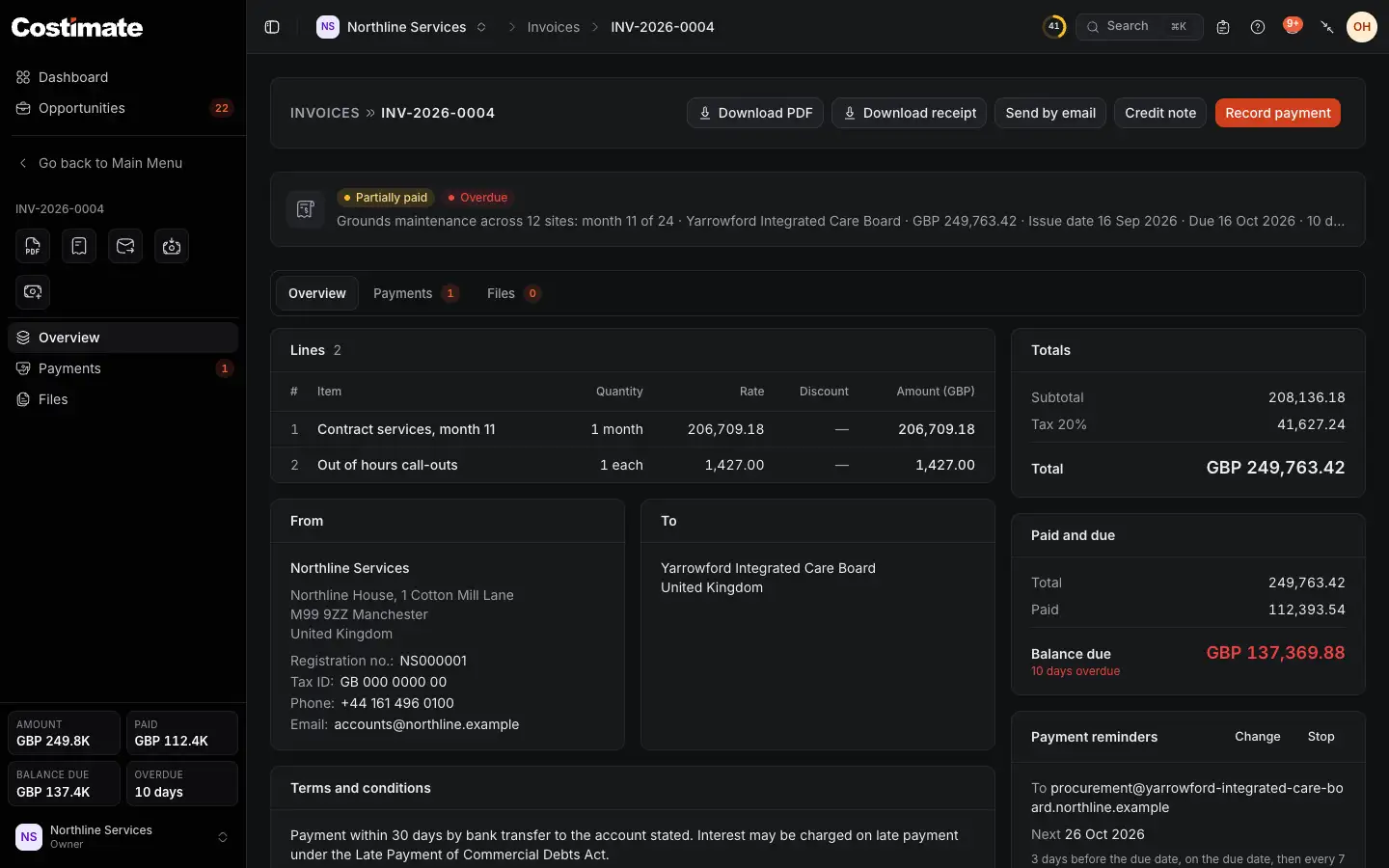
- Where the invoice stands: here, partly paid.
- What is paid, and what is still due.
- Record payment when the money arrives.
Around the work
- CRM: clients, contacts, meeting minutes, suppliers and their products, competitors, events.
- People: employees, leave, and the outside experts you work with.
- Dashboard and Workflow: where your work stands, and the decisions waiting for you.
- AI: it reads documents and proposes, and a person decides what to keep. It never sets a price.
- Who sees what: each person sees what their role allows. Prices and pay are shown only to the people allowed to see them.