

Projects: budget, cost and profit
Where a project comes from, its budget, its actual cost and its forecast at completion, the contract value and the profit, and completing a project.
A project is the work you deliver. When a tender is won, Costimate opens its project for you. You can also add one yourself for work that never had a tender. Everyone who can open projects sees what a project costs. Its price and its profit are only for people who can see prices.
Where a project comes from
- A tender you won. When an opportunity moves to Award, Costimate makes its project with the contract value, the dates and the project manager typed at the award. The client, reference and title stay the opportunity's, and you change them there.
- Work without a tender. Under Projects, choose New project, pick Direct or Contract as the origin, and fill in the client, title, country, currency and contract start. Leave Reference empty and Costimate numbers it for you. Choose Add project.
Frameworks and long-term agreements never make a project: the work called off under them does.
The four figures
| Figure | What it is | Where it comes from |
|---|---|---|
| Budget | What the work is planned to cost | The cost of the finalised commercial proposal, before mark-up. Without one, it is typed on the project |
| Actual cost | What is recorded so far | Worked out by Costimate from the crew, fixed costs, approved expenses and closed maintenance, up to today |
| Contract value | The price the client signed for | Typed at the award, or on the project |
| Profit | What is left between the price and the budget | Contract value less budget |
The value a bid was announced at plays no part in a project.
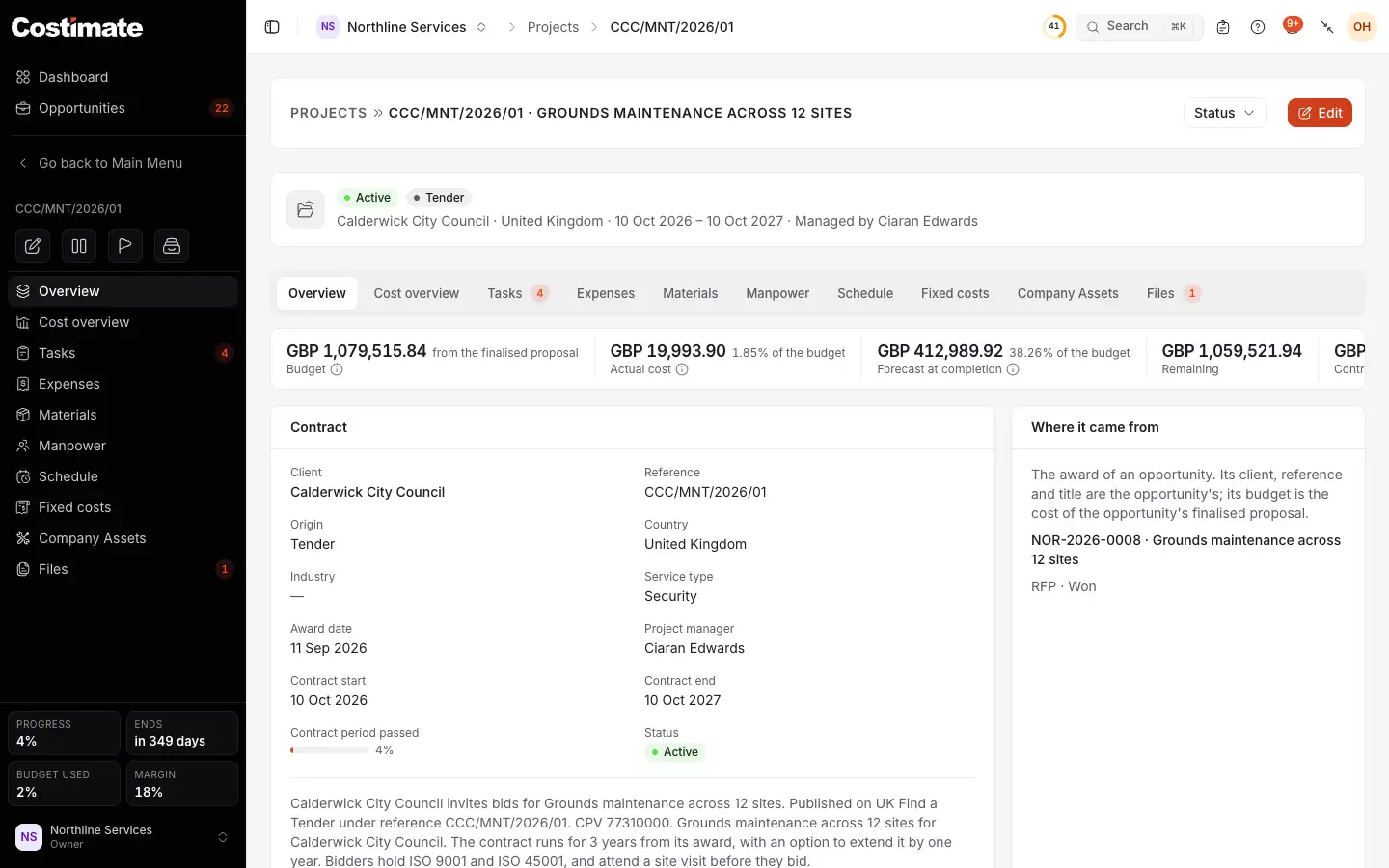
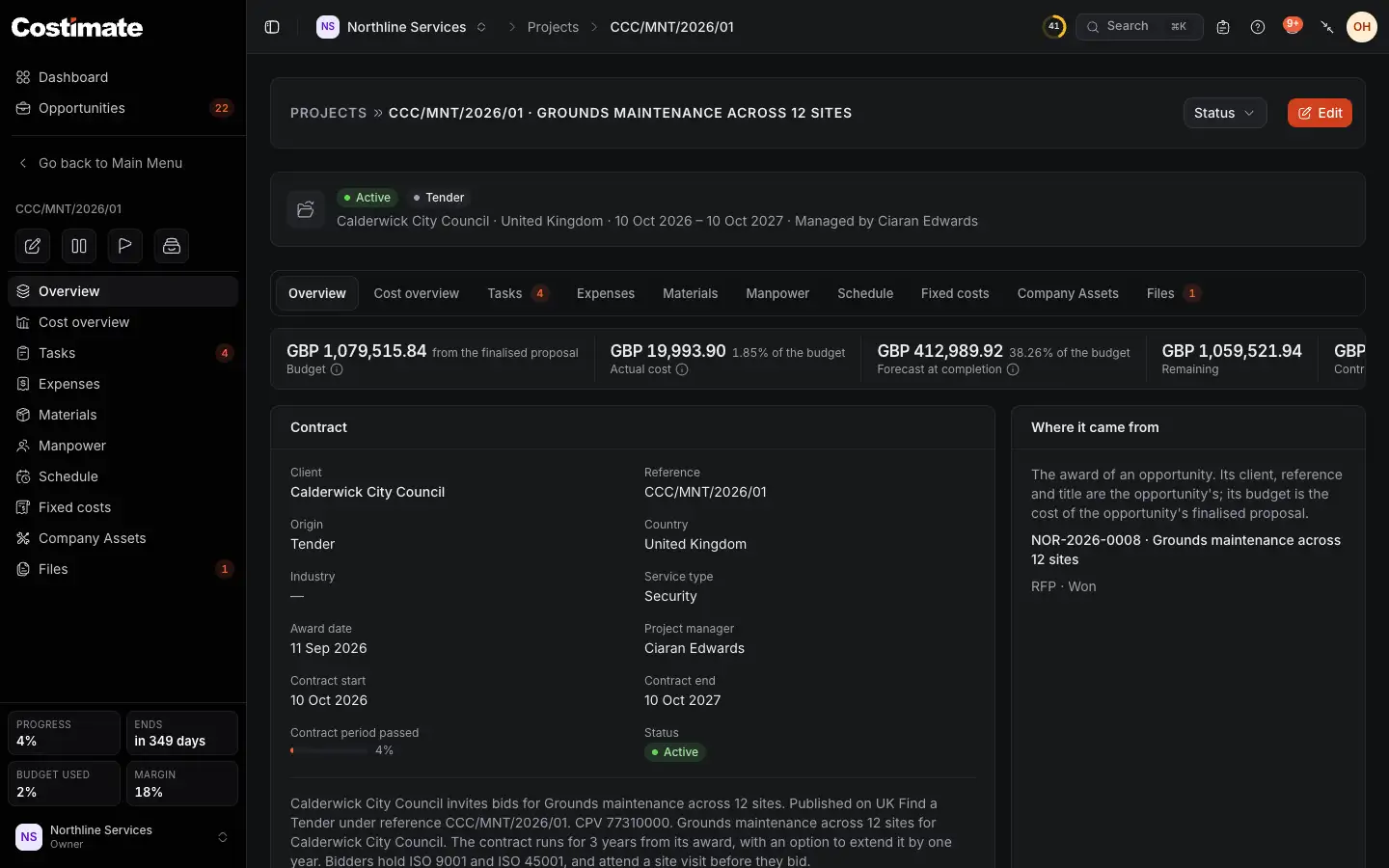
- The figures: the budget and where it came from, the actual cost and how much of the budget it has used, the forecast at completion, what remains, and for people who can see prices the contract value and the profit.
- Manpower: the crew and what they cost. See Crew and pay.
- Schedule: who works when. See The schedule.
- Status: put the project on hold, complete it, make it active again, or archive it.
Read the cost overview
Open Cost overview to see where the money goes.
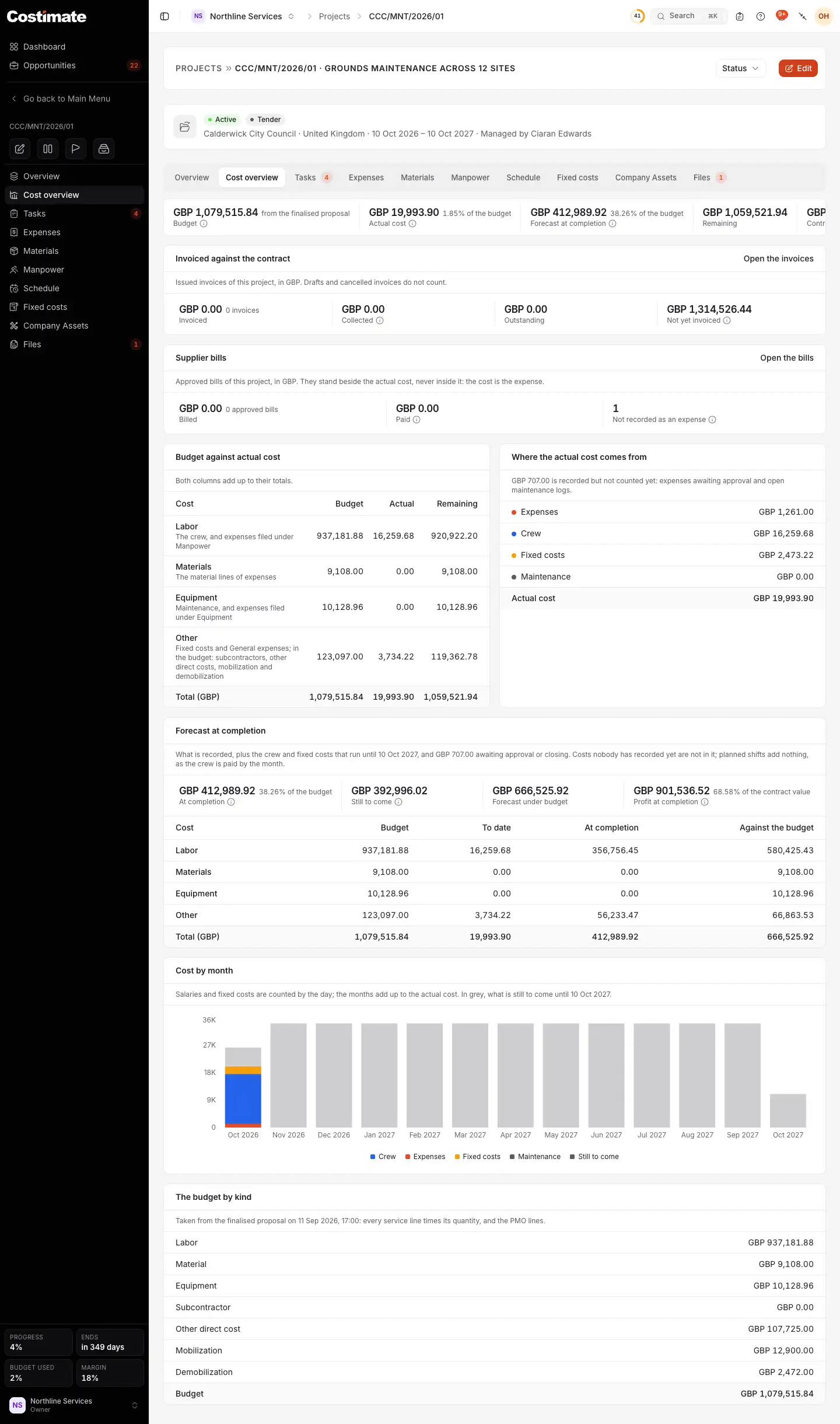
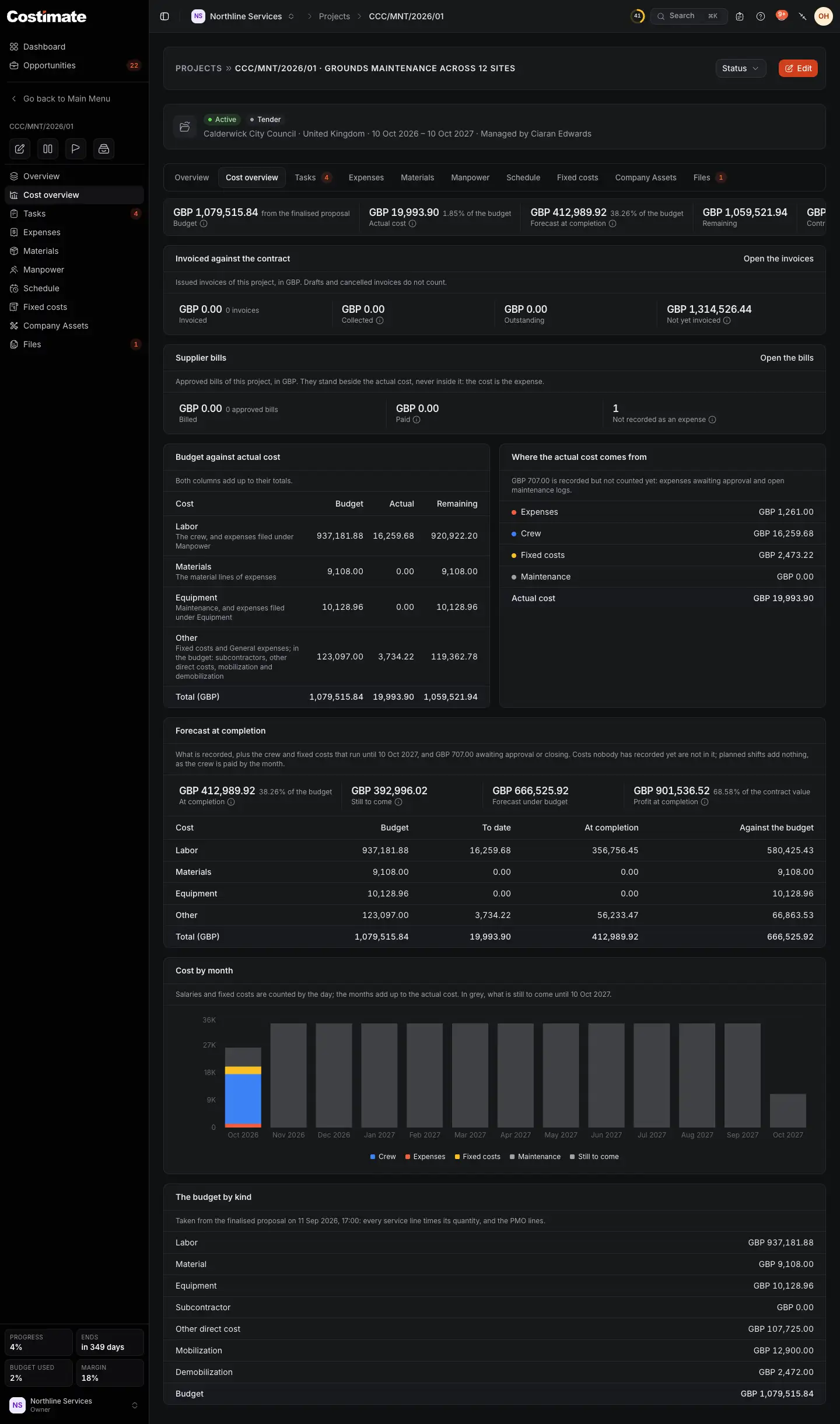
- The same figures as on the overview.
- What is invoiced against the contract, collected and still to invoice. It is for people who can see prices and open Finance.
- The budget against the actual cost, in four rows: labor, materials, equipment and other. Both columns add up to their totals.
- Where the actual cost comes from: expenses, crew, fixed costs and maintenance. What still waits for approval is said above it, and not counted.
- The forecast at completion: what is recorded, plus the crew and fixed costs that run to the contract end, and what still waits for approval.
- The cost by month, with what is still to come in grey.
How the figures are worked out
- Salaries and fixed costs are counted by the day. A month that has passed keeps its cost: a raise or a new rent starts a new period from its day, and never changes the months before.
- The forecast guesses nothing. A cost nobody has recorded yet is not in it, and a one-off purchase is not repeated. Planned shifts add nothing, because the crew is paid by the month. Without a contract end there is no forecast.
- A budget from the proposal is a copy. It is taken when the proposal is finalised and kept while someone makes changes to the proposal. It moves only when the proposal is finalised again.
- Over budget, the figure says so in red. Once a project is over budget or completed, the profit also says what is left after the actual cost.
- A supplier's bill is not a cost by itself. The expense it pays is. See Supplier bills.
Complete a project
- Choose Status and Complete the project.
- Pick the day it was completed, and confirm.
The crew and fixed costs still running end on that day, so nothing more is added to the actual cost. Shifts planned after it are removed. Make active again clears the day, but restarts nothing.
Put on hold changes no figure: rent and salaries go on. Archive only takes the project out of the list, into its Archived view.
Good to know
- People who cannot see prices never see a contract value, a profit or a margin: not in the project, the list, an export or a file. A signed contract filed under Contract is theirs to read only if they can see prices.
- A project's currency cannot change once anything with an amount is recorded on it.
- A direct or contract project with nothing recorded on it can be deleted. Otherwise, complete it and archive it. A project from a tender is removed only by undoing the award, while nothing is recorded on it.