

Create your company
Sign up in three steps, confirm your email address, choose a plan and set up your company profile.
Costimate gives each company its own workspace: its bids, projects, invoices, records and people. You create the company when you sign up, and you become its owner.
Sign up
- Choose Start free on this site, or Create account on the sign-in page.
- You: type your name, work email and password, your country, mobile and job title. A photo is optional.
- Your company: type its name and choose its country, time zone, home currency and size. Add its phone, its website and the industries it works in. A logo is optional.
- Legal and billing: type the legal name and registered address that your quotations and invoices print. Add the registration and tax numbers if you have them, tick the terms, and choose Create account.
- Open the link in the email we send you. That confirms your address and lets you in.
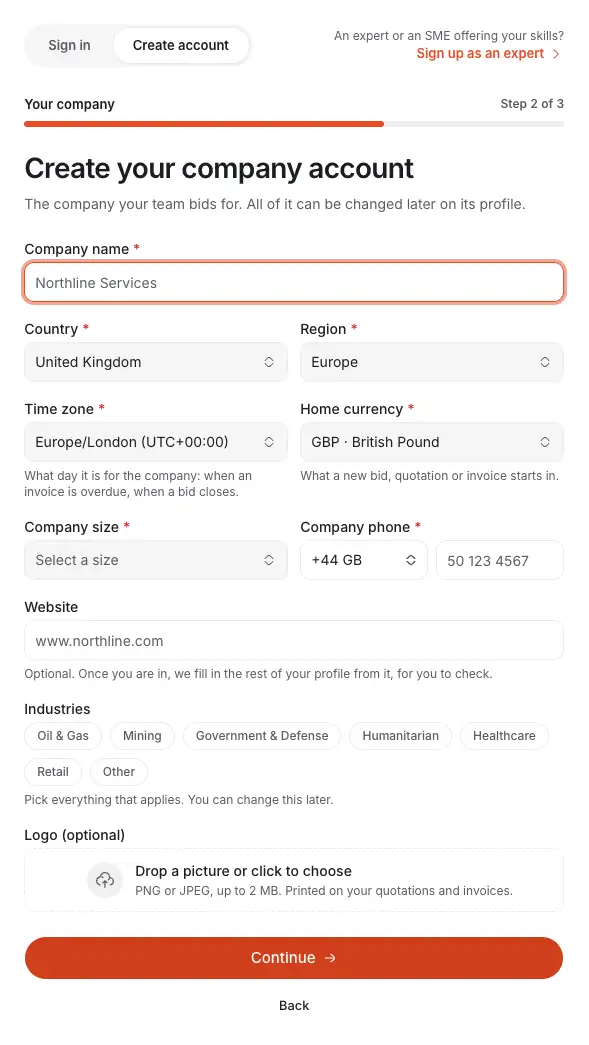
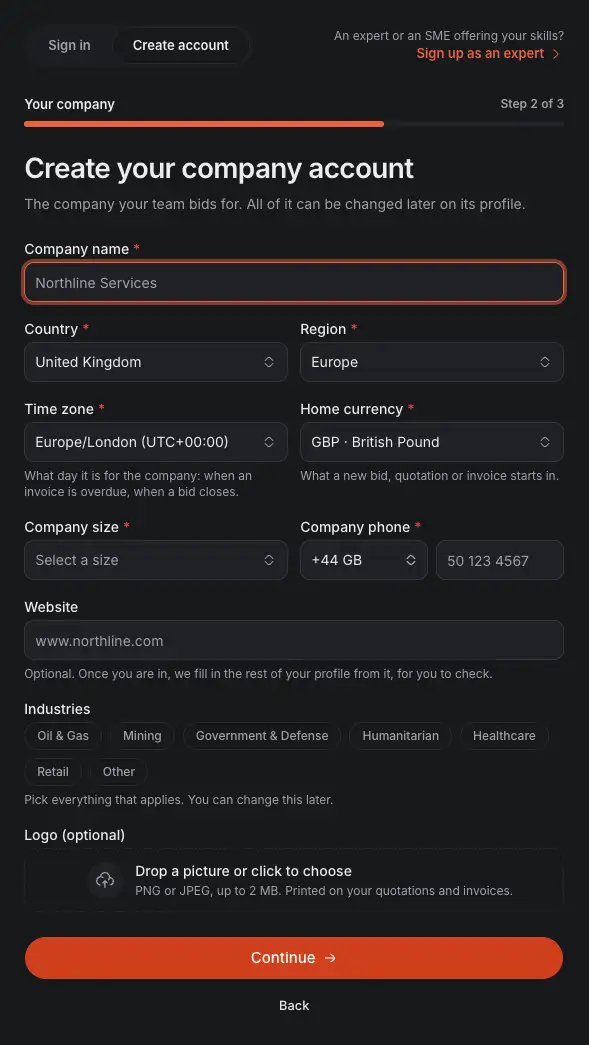
- The three steps: You, Your company, Legal and billing.
- The company's name, as your quotations and invoices print it.
- The time zone sets the company's "today": when a bid closes, when an invoice is overdue and when reminders go out.
- Your website, if you have one. Once you are in, Costimate fills in the rest of your profile from it, for you to check.
- The industries you work in. Costimate uses them to suggest the public buyers to follow.
- Continue checks the step before the next one opens. If a field is wrong, you go back to it, and everything you typed stays.
Choose a plan
Once you are in, Costimate asks you once which plan to start on:
- Free: 1 seat and 5 opportunities, with every module except working with experts and connecting AI apps. No card needed.
- Pro or Enterprise: choose the number of seats and whether to pay monthly or yearly, then pay on Stripe's checkout page.
You can start on Free and move to a paid plan at any time. See Plans, seats and billing.
The welcome
Next, a short welcome takes you through what your profile still needs: the company, its legal entity and bank account, your team, your clients and your page settings. You can skip any step and come back to it later. See The welcome.
Set up your company profile
Open the company menu at the foot of the left menu and choose Company profile.
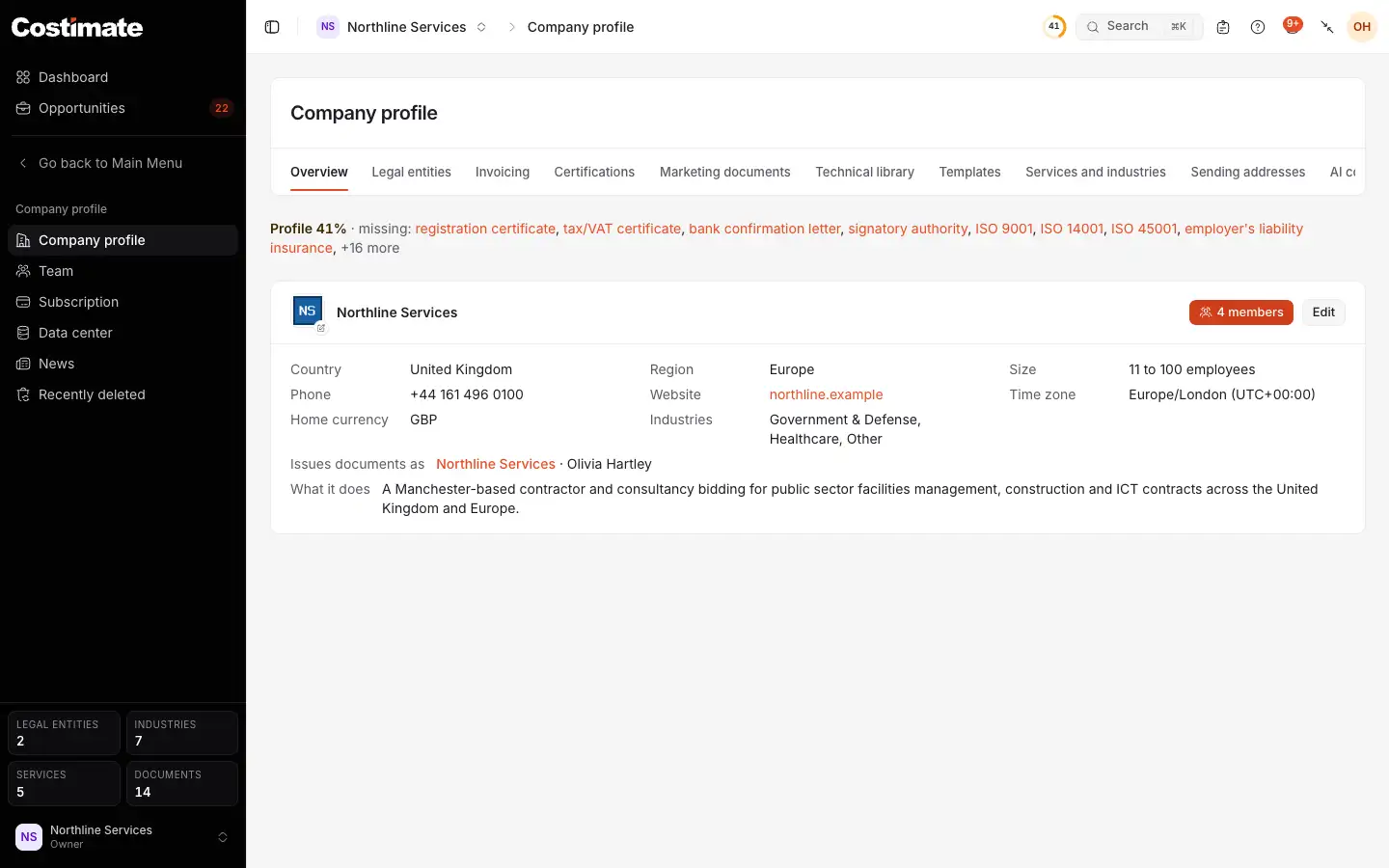
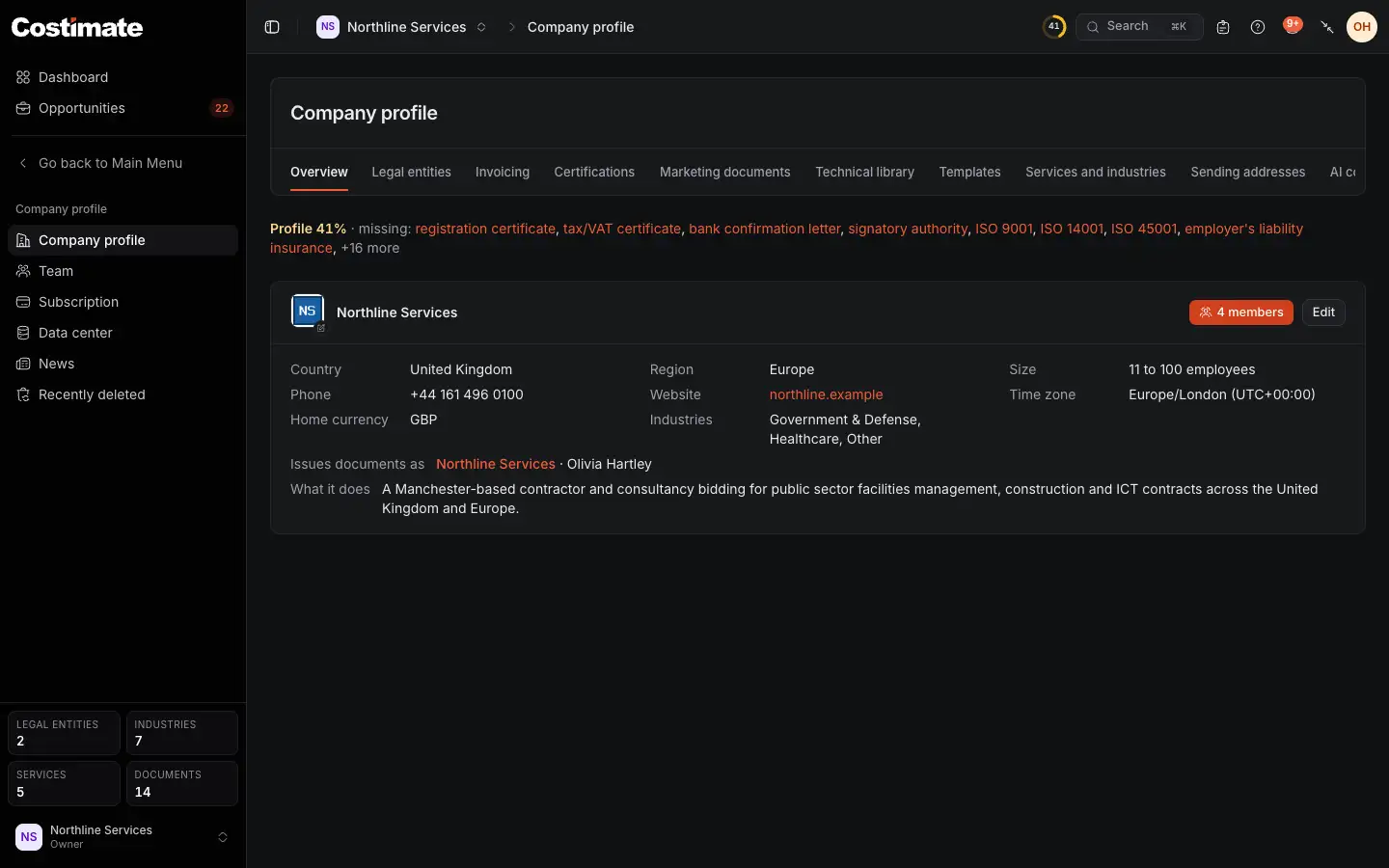
- The profile's tabs, from the legal entities to the templates of your documents and the AI apps connected to the company.
- What the profile still needs. Each item takes you to where you add it.
- Edit changes the company's details: its name, country, time zone, home currency, phone, website and what it does.
- The company's time zone, among its details.
Good to know
- Legal entities are the names, addresses, tax numbers and bank accounts that your quotations and invoices print. Costimate makes the first one from what you typed at sign-up.
- Invoicing, a tab of the profile, sets how invoice numbers are made and when payment reminders go out.
- Nothing on the profile stops you from working. Costimate lists what is missing, and you add it when you have it.