

Restore something deleted
Find a record someone deleted, see who deleted it and when, and bring it back where it was, with what it was linked to.
A record someone deletes is not gone. Recently deleted, in the company menu at the foot of the left menu, lists what was deleted, by whom and when, and brings it back with Restore. You see the kinds of records you may delete, and you may restore what you may delete.
What can be restored
| Kind | Kept |
|---|---|
| Opportunities, clients, suppliers, competitors, products, employees | For as long as your company is with Costimate |
| Contacts, meeting minutes, events, organizers | 30 days, then removed for good with their files |
Restore a record
- Open Recently deleted and the tab of the kind, or search by its name or number.
- Choose Restore on its row.
- Read what comes back, and choose Restore.
The record is back where it was: in its list, in the pickers of the forms, in search, on the dashboard and in Workflow.
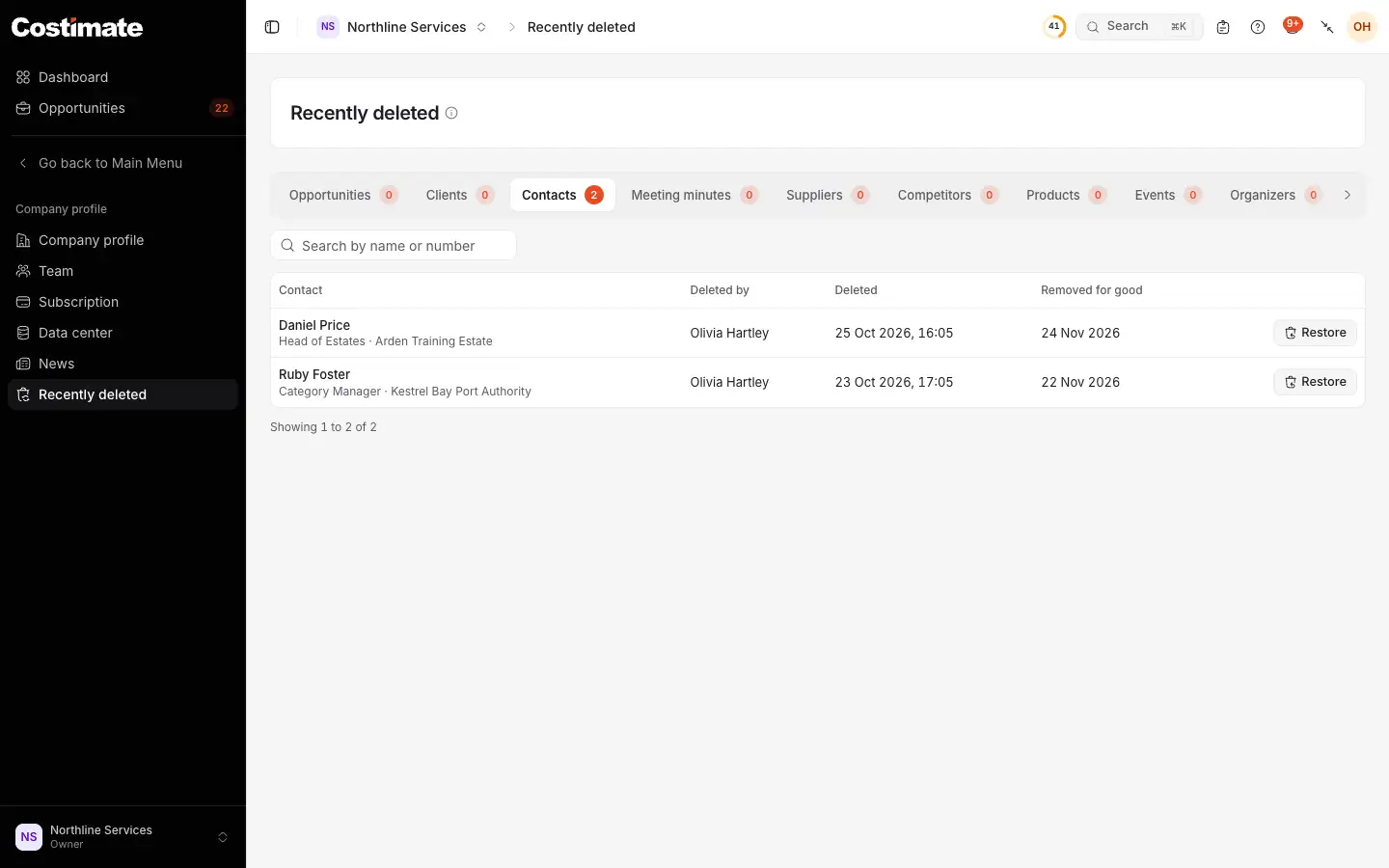
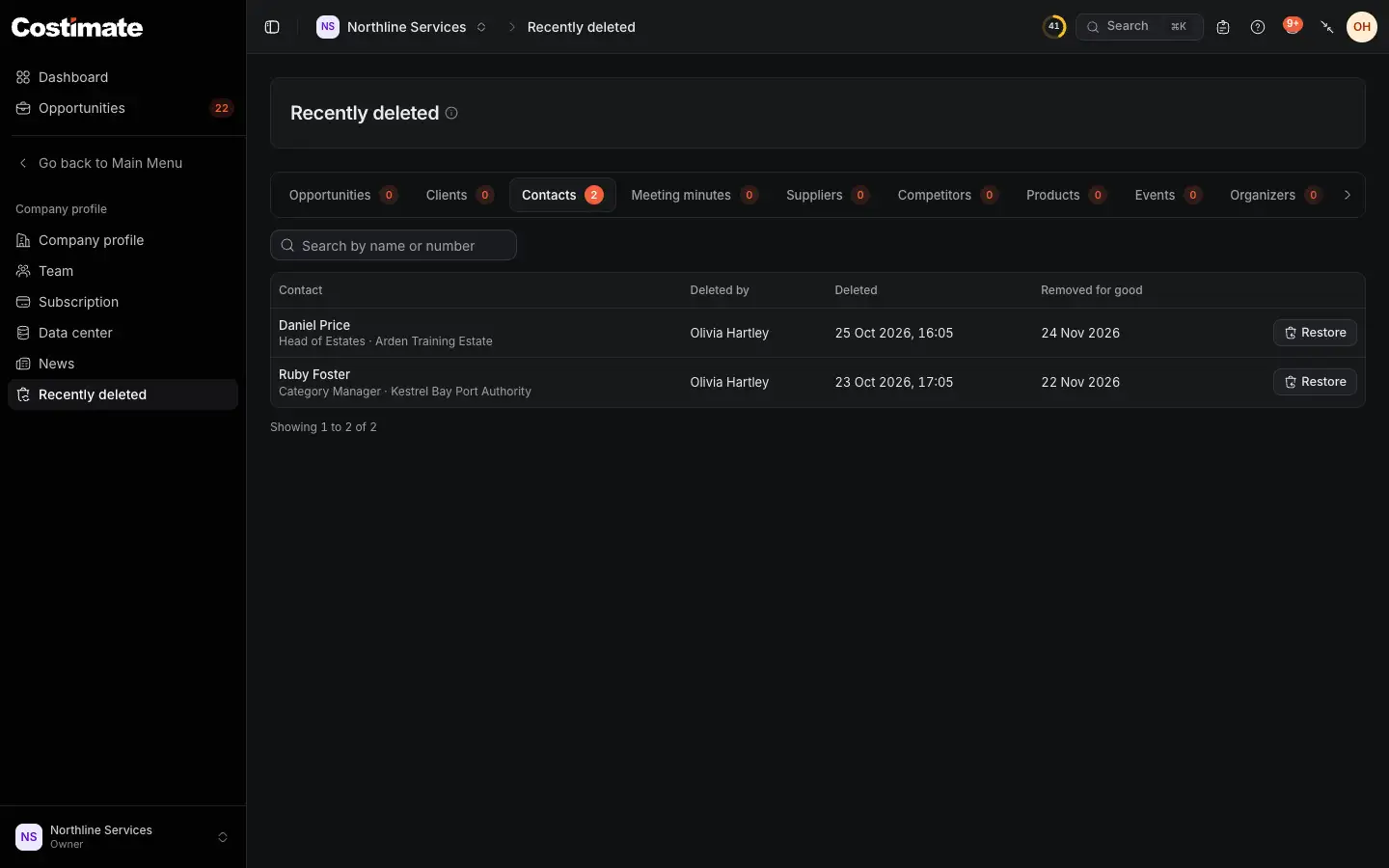
- A tab for each kind you may delete, with how many are deleted.
- Search by name or number.
- Who deleted it, and when.
- For contacts, meeting minutes, events and organizers, the day the record is removed for good.
- Restore brings it back.
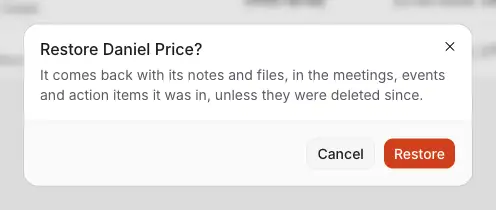
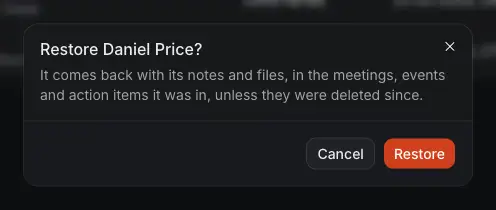
- What comes back with the record, and what does not.
- Restore brings it back.
What comes back with it
A deletion unlinks what pointed at the record, and Costimate remembers it. A restore links each back, unless something else took its place since.
- An opportunity comes back with its number, stage, files, proposals, tasks and history, in the list or the archive where it was. The lead it came from, the tender linked to it and its meetings are linked again. A request to delete it or to change its stage does not come back. Its activity says it was restored, and by whom.
- A client comes back with its details, logo, files and service types, and its sub-accounts, contacts, leads and meetings are linked to it again.
- A contact comes back with its notes and files, in the meetings, events and action items it was in, unless they were deleted since.
- An employee comes back with their career history and files, and the people who reported to them and their line on your rate card are linked again.
When a restore waits
Some restores are refused, with a sentence that says why. Nothing is renamed or changed by itself.
- A name taken since. Another client, supplier, competitor, event or organizer now has the name. Rename that one first, then restore this one.
- An opportunity whose client is deleted. Restore the client first.
- On Free, an opportunity counts against your opportunities like a new one: the restore waits for room.
What is not on the page
- A lead, a task, a file, a folder, a deliverable, a note, a line of a document and the records of a project are not kept when they are deleted.
- Projects, quotations, invoices and supplier bills follow their own rules: a draft is deleted, a numbered document is cancelled and kept.
- A client, supplier, competitor, product or employee that is still in use cannot be deleted at all. Its delete offers Mark inactive instead: it stays where it is used, says "(inactive)" after its name, and is no longer offered for new records.
Good to know
- A company whose seats are short of its members is read-only, and restores nothing until it is back within its seats.
- Restoring an opportunity also shows it again to the expert assigned to it.