

Opportunities and stages
Create an opportunity, know its type, and move it through its stages with approvals, to won, lost or not pursued.
An opportunity is a bid you are working on, from the first look to the client's decision. Your opportunities are under Sales, in Opportunities: a list, or a board with a column for each stage.
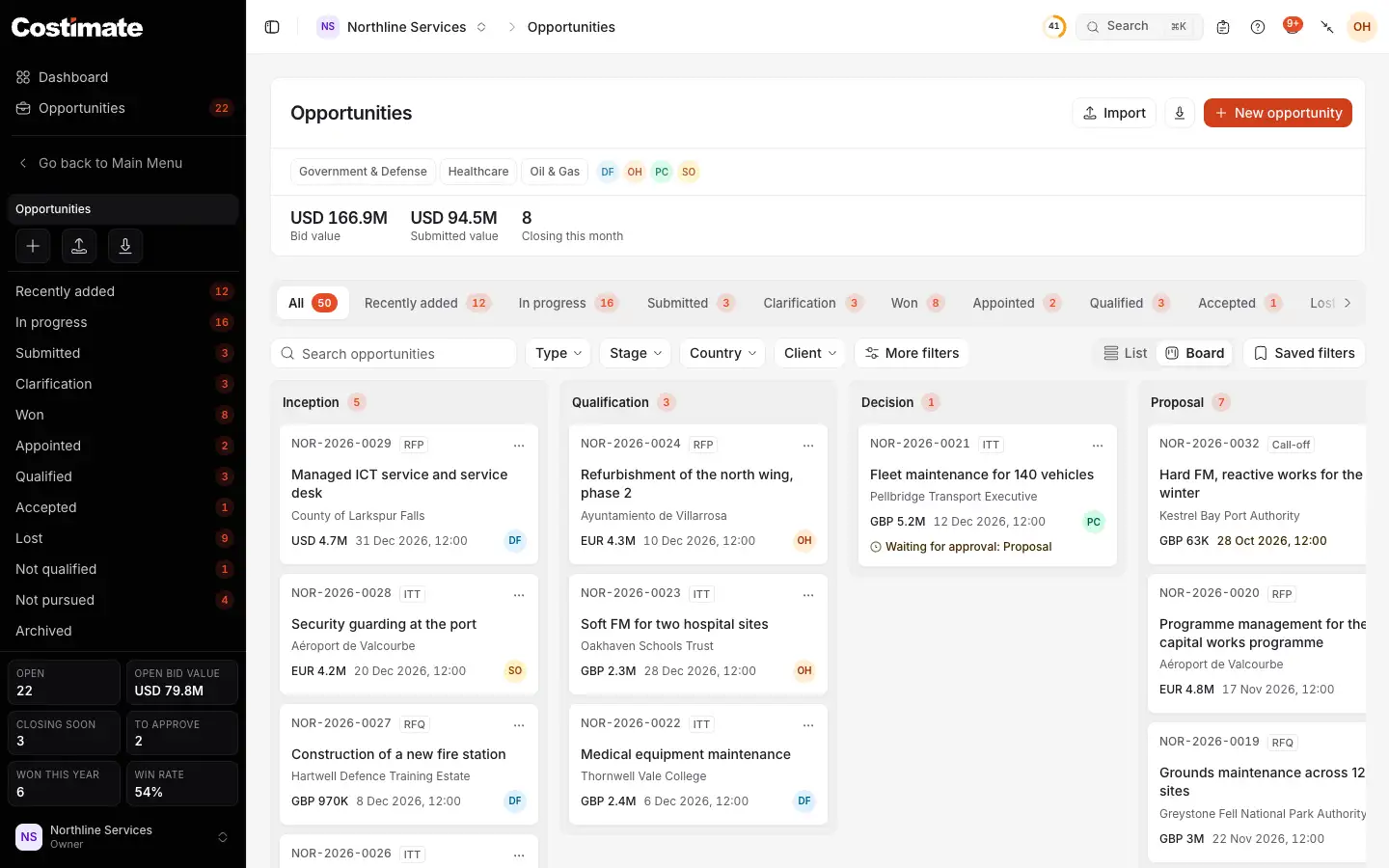
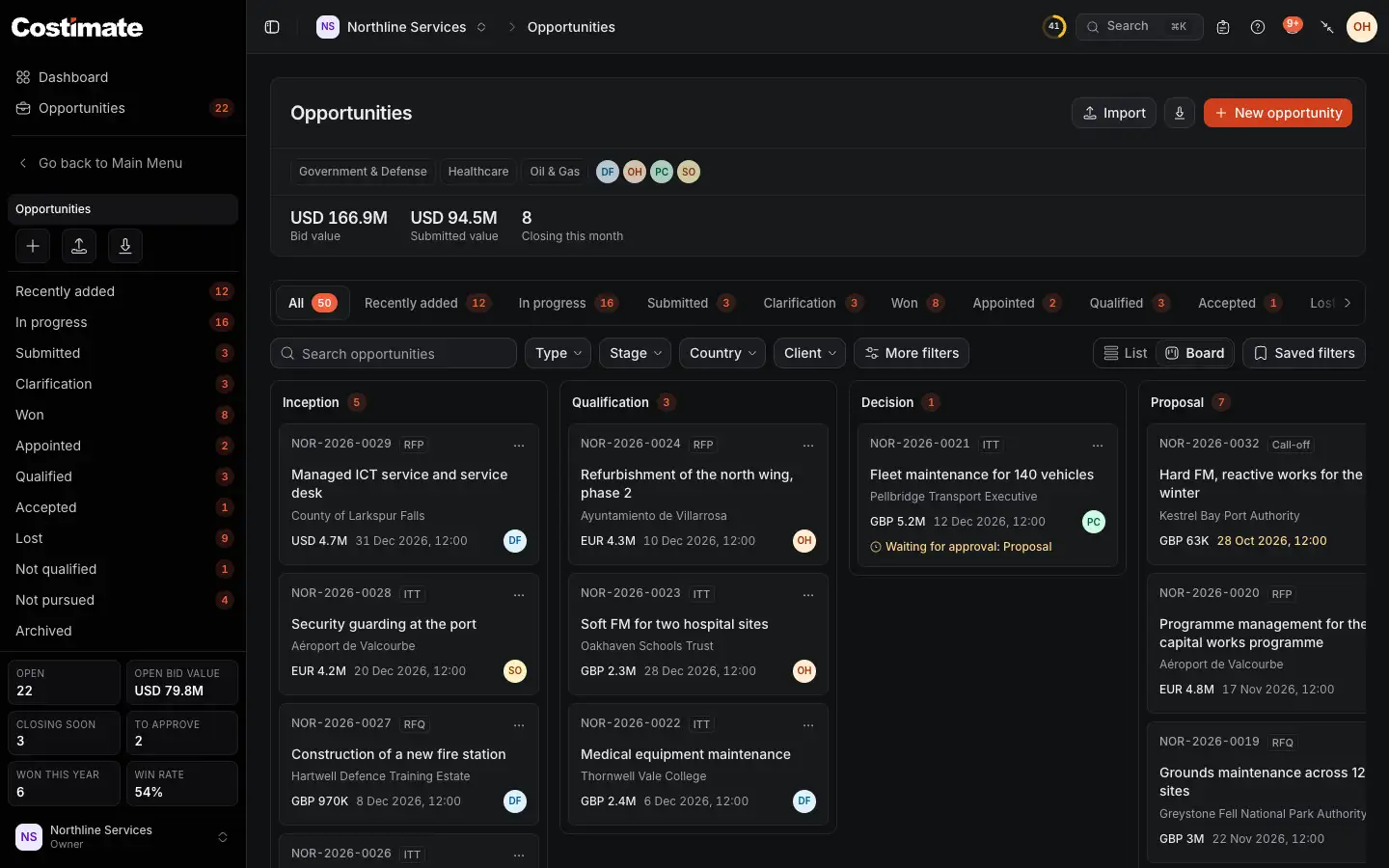
- New opportunity opens the opportunity's form.
- Your opportunities by where they stand: recently added, in progress, submitted, won, lost and the rest.
- List or Board: the same opportunities, with the same filters.
- A column for each stage, with how many opportunities are at it.
- A move that waits for its approver says so on its card.
Create an opportunity
- Choose New opportunity, or Convert to an opportunity on a lead.
- Drop the tender's files on the form, all of them at once. Costimate ticks the one to read, usually the invitation to tender, and says why; tick another if you want. Choose Fill from the document. Costimate fills in the empty fields: the reference, title, buyer, closing date and time, country and bid value, for you to check. What you typed or chose stays as it is. A framework or long-term agreement is read as one, with its lots. What the document does not say stays empty.
- Save the form. Nothing is saved before you do.
On Free, a company has 5 opportunities. The paid plans have no limit.
Types
The type says what the client asked for, and so which stages the opportunity goes through and how it ends.
| Type | What it is | How it ends |
|---|---|---|
| RFP, ITT, RFQ, RFT | A tender you price | Won, which opens its project, or Lost |
| PQQ | A prequalification: answered, not priced | Qualified. The tender that follows is an opportunity of its own |
| EOI, RFI | An expression of interest or a request for information: answered, not priced | Accepted or Not qualified |
| FWA, LTA | A framework or a long-term agreement | Appointed, which makes an agreement, not a project |
| Call-off | Work called off under an agreement you hold | Made from the agreement, and won or lost as a tender is |
Stages
A tender moves through Inception, Qualification, Decision, Proposal, Submitted, Clarification and Award. It can also end as Lost, or as Not pursued when you choose Do not pursue. An EOI and an RFI have no Clarification.
Every move except the first, from Inception to Qualification, waits for an approver, unless an approver makes it. The approvers are the person named as the opportunity's Approver, and anyone whose role lets them move an opportunity to any stage and approve stage changes: by default the owner, admins and the Approver role.
- Choose Move to and pick the stage.
- Fill in what the move asks for, if anything: the day the client is expected to decide for Submitted, the contract's dates and the project manager for Award, what you know of the winner for Lost.
- Confirm. If you are not an approver, the move waits for one. It shows on the opportunity, and in the approver's Workflow.
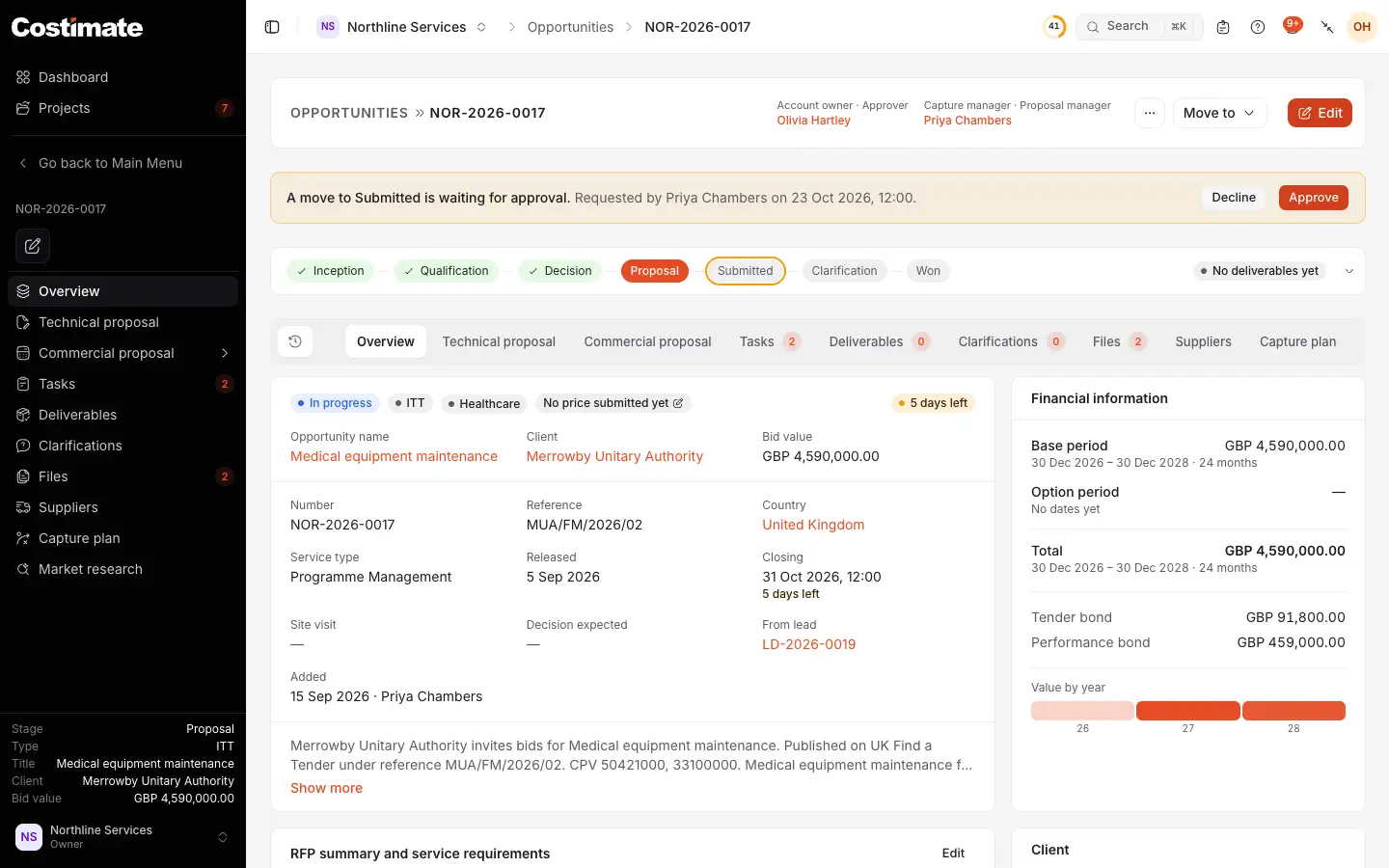
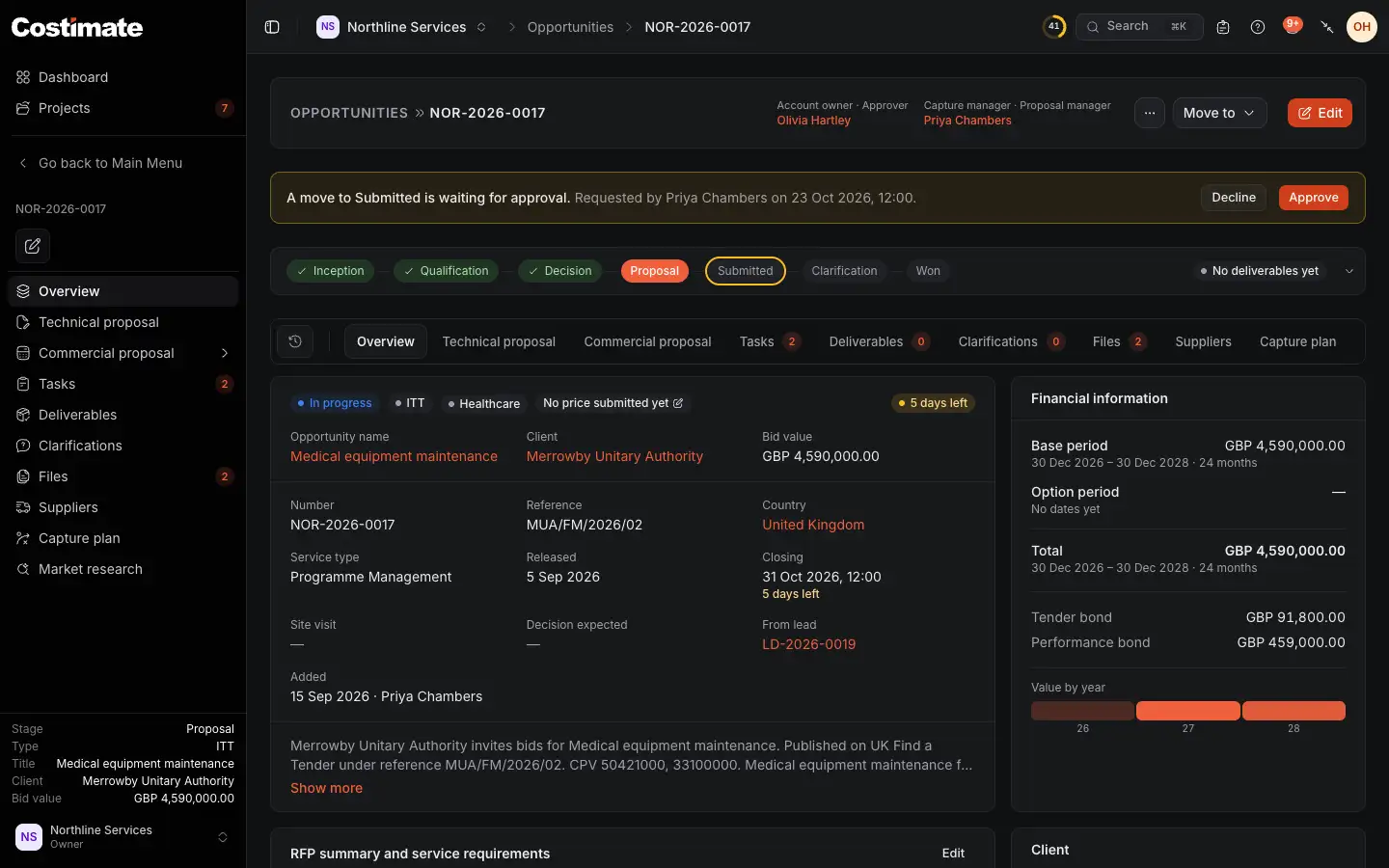
- Move to asks for the next stage, or another.
- A move waiting for its approver, and who asked for it.
- Approve or Decline, for the people who can decide it. They can add a note.
- The opportunity's stages: those done, the one it is at, and the one it waits for.
- The tabs, with the commercial proposal among them.
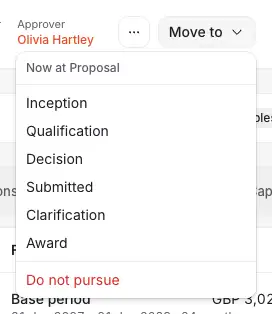
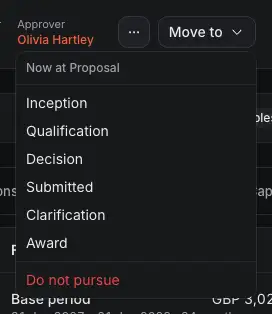
- Where the opportunity is now.
- Submitted: the proposal went to the client.
- Award: the client chose you. A tender then opens its project.
- Do not pursue: you decided not to bid.
Do not pursue, and Lost
- Do not pursue gives a bid up. An approver can reopen it later.
- Lost is for a bid the client gave to someone else. Costimate offers it only once the closing date has passed. It asks what you know of the award, such as who won and why, and all of it is optional.
Both wait for an approver, as other moves do.
Good to know
- On the board, drag a card to another column to move it. A move that asks for something opens the same dialog as Move to.
- When a tender is won, Costimate opens its project, with its budget from the finalised proposal.
- A capture plan that is not complete never stops a move past Decision: the move says what is still to do. See Plan the capture.