

My business
The expert's dashboard across every company you work with, what is due this week, the invitations to answer, your bids, your profile and your money, and how to work in one company at a time.
My business is the page your expert portal opens on. It gathers what you have with every company you work with: what is due this week, the invitations to answer, the bids you are on, your profile, the companies, your money, and public tenders that fit you.
Read My business
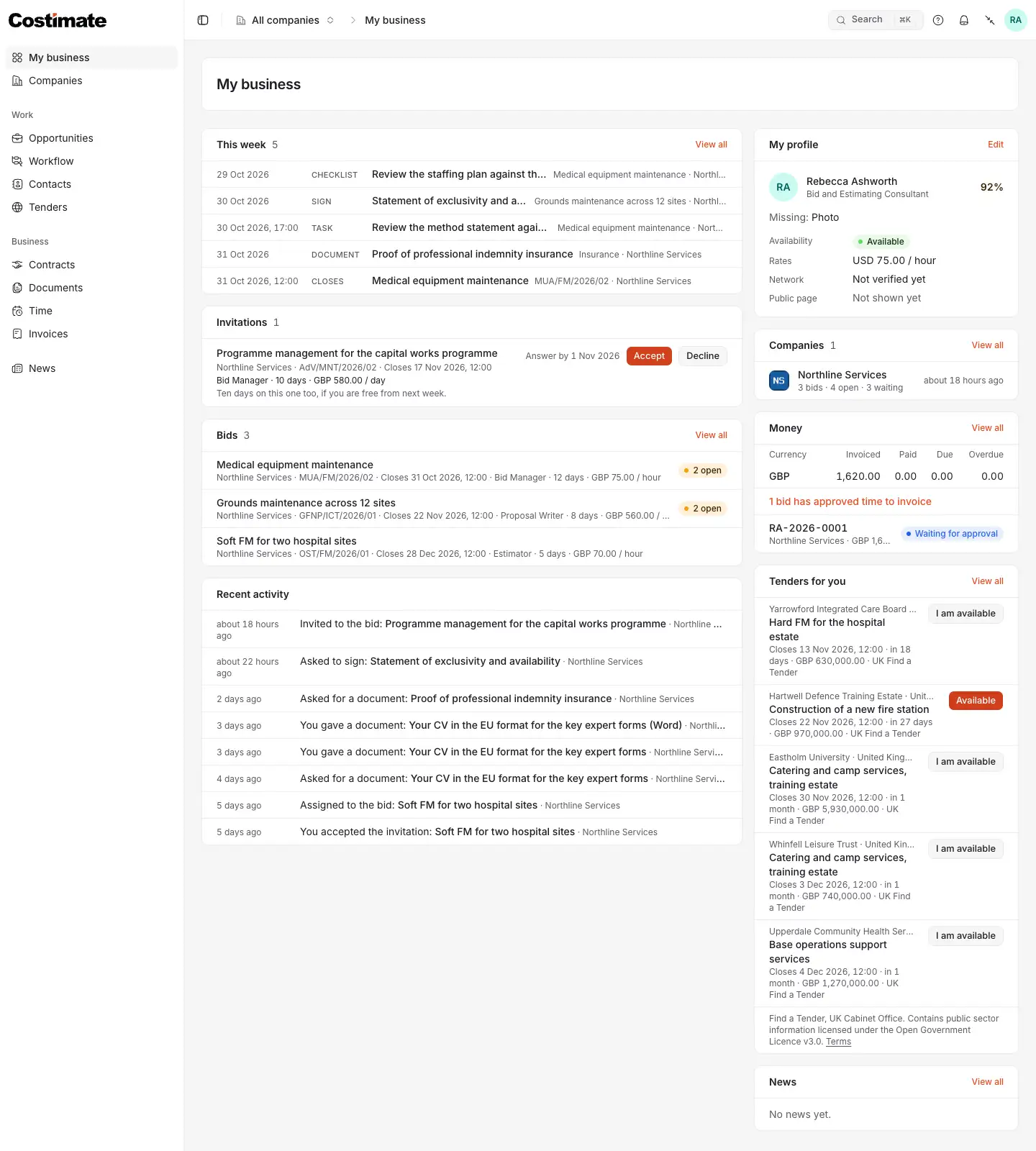
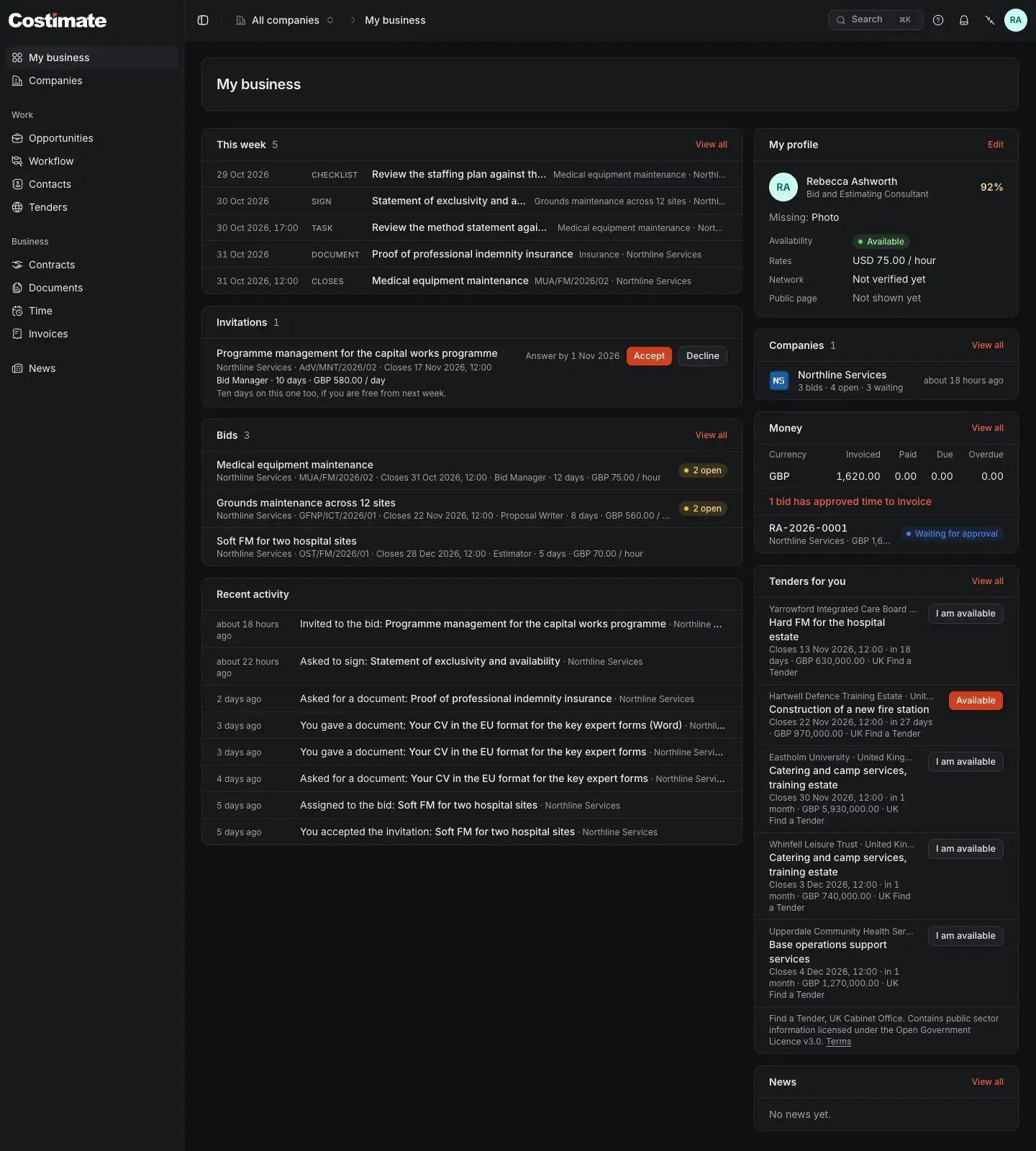
- The company switcher: All companies, or one of them. My business is always across all of them.
- This week: every deadline from the overdue ones to seven days ahead, by date. A bid that closes, a checklist item or a task of yours, an agreement to sign, a document asked of you.
- An invitation to a bid, with its role, days, rate and message, and the day to answer by. Accept or Decline.
- Bids: the bids you are on, the next to close first, with the role and rate you agreed and what is still open for you.
- My profile: how complete it is, your availability and rates, where your network agreement stands, and whether your public page is shown.
- Companies: each company you work with, with how many bids you are on, what is open and what waits for you.
- Money: what you invoiced, what is paid, due and overdue, in each currency. See Time and invoices.
- Tenders for you: open public tenders in your sectors, with I am available: a company that holds the tender as a lead or a bid sees your name on it.
Recent activity lists the latest things between you and your companies: an invitation, an assignment, a document asked for or given, an agreement signed.
Answer an invitation
A company invites you to a bid with its terms: your role, how many days it expects, your rate per hour or per day, and a message.
- Read the invitation under Invitations, on My business or in that company's space.
- Choose Accept: you are on the bid, and the terms are what you agreed. Or choose Decline.
The invitation shows four facts of the bid: its title, the client's reference, the closing time and the company's name. Accepting is what opens the bid to you.
Work in one company
Choose a company in the switcher at the top, or on Companies, to enter its space. The menu's lists then show that company's only: Opportunities, Workflow, Contacts, Contracts, Documents, Time and Invoices. Choose All companies to see every company's again, each row naming its company.
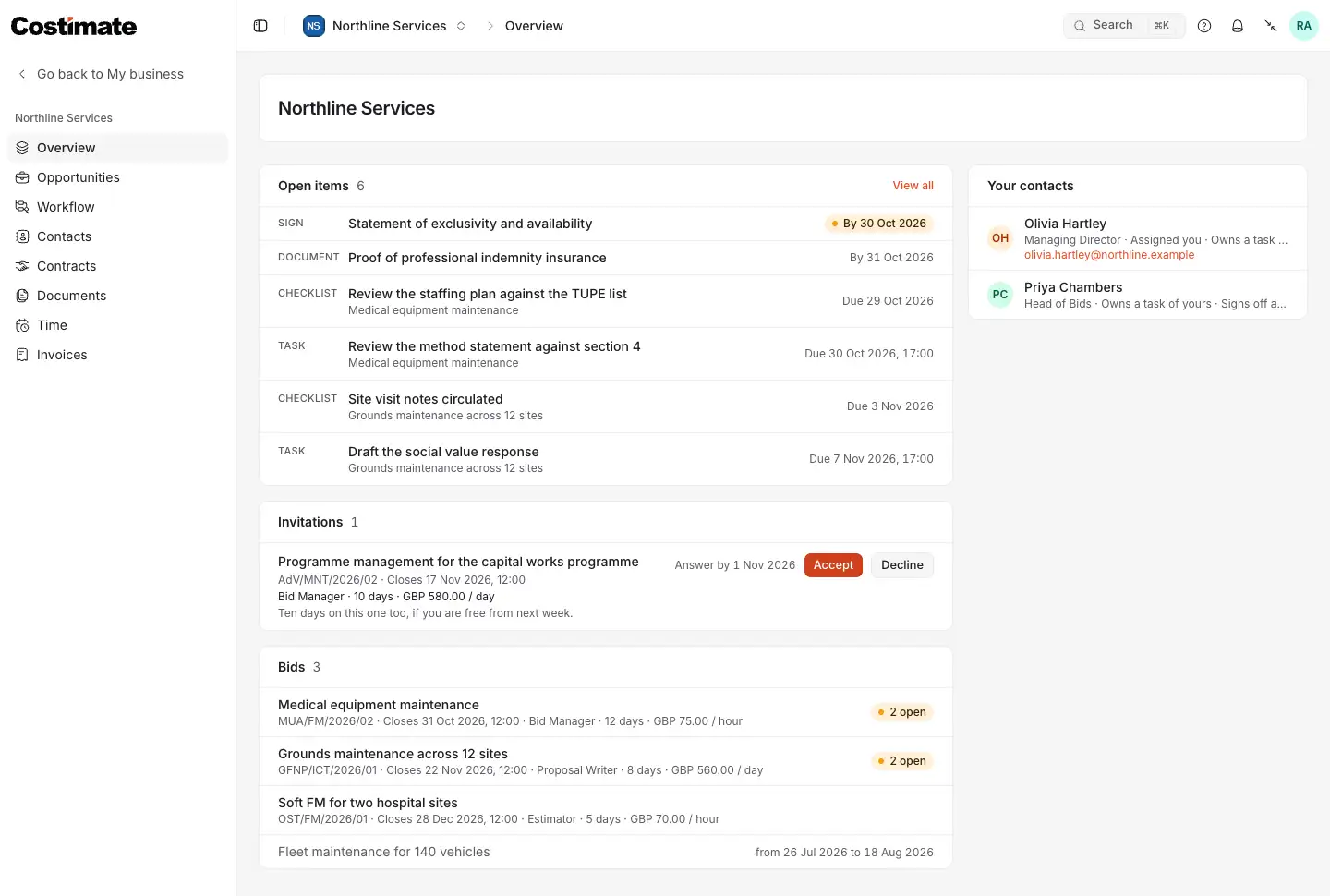
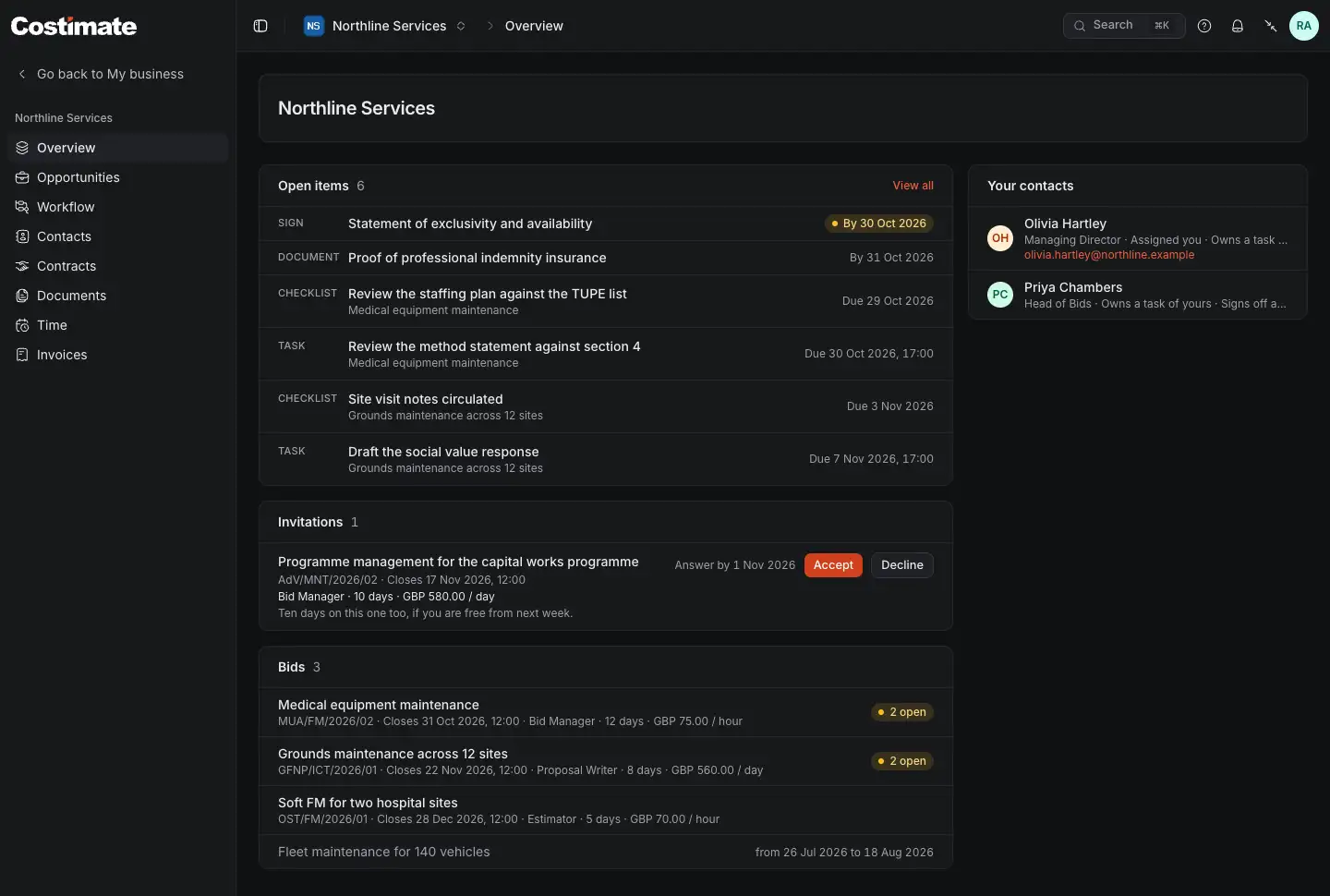
- Open items: what you have open with this company, the agreements to sign and the documents asked of you among them.
- Its invitations to answer.
- The bids you are on with it, and the ones you were on before.
- Your contacts: the people there you work with, and why each is your contact.
On a bid
A bid you are on has its own page: its particulars (the buyer, country, industry, type of tender, closing, site visit, description and scope), the files the company shares with you, and the checklist items and tasks given to you. You comment on an item, report a task's progress, and talk to the team in a task's conversation. Its menu has Tailor my CV for this bid.
You never see the bid's value, its price or costs, its stage, its competitors, notes or proposals, or anything of another company. When the company takes you off the bid, it is no longer yours to open.
What a company may ask of you
- To sign: its consultancy agreement, a confidentiality agreement, or a statement for one bid. You read it, tick, type your name and sign it in Costimate, under Contracts.
- A document: your CV in a format, a certificate, proof of insurance, an ID. You give it under Documents, and can give a document unasked, such as a certificate. What you gave stays yours to see.
Good to know
- A company is in your list while you have something with it: a bid, an invitation, an agreement, a document asked for or given, a week of time or an invoice. It leaves the list when the last of these ends.
- The days and times of a company are its own: a deadline is read on that company's clock.
- A company reads your profile, never your Costimate rate, and keeps its reviews of you to itself.