

Agreed rates and changes
Read the rates agreed with the client version by version, put a change to the client of a long-term agreement, and record its answer.
The agreed rates are the prices you hold with the client under an agreement. They are kept as versions, and a version is never changed: a new one takes over from its day, and the old one stays to read. They are selling terms, so their figures are only for people who can see the prices of the agreement's opportunity. Everyone else who opens the agreement reads the versions' dates and the client's answers, without a figure.
Where the first version comes from
When you are appointed, the rates of the bid's commercial proposal are frozen as version 1, in force from the first day of the term. A bid that was never priced in Costimate has no version, and the tab says so. Its call-offs start from your company's rate card.
Read the rates
Open the agreement, then Rates.
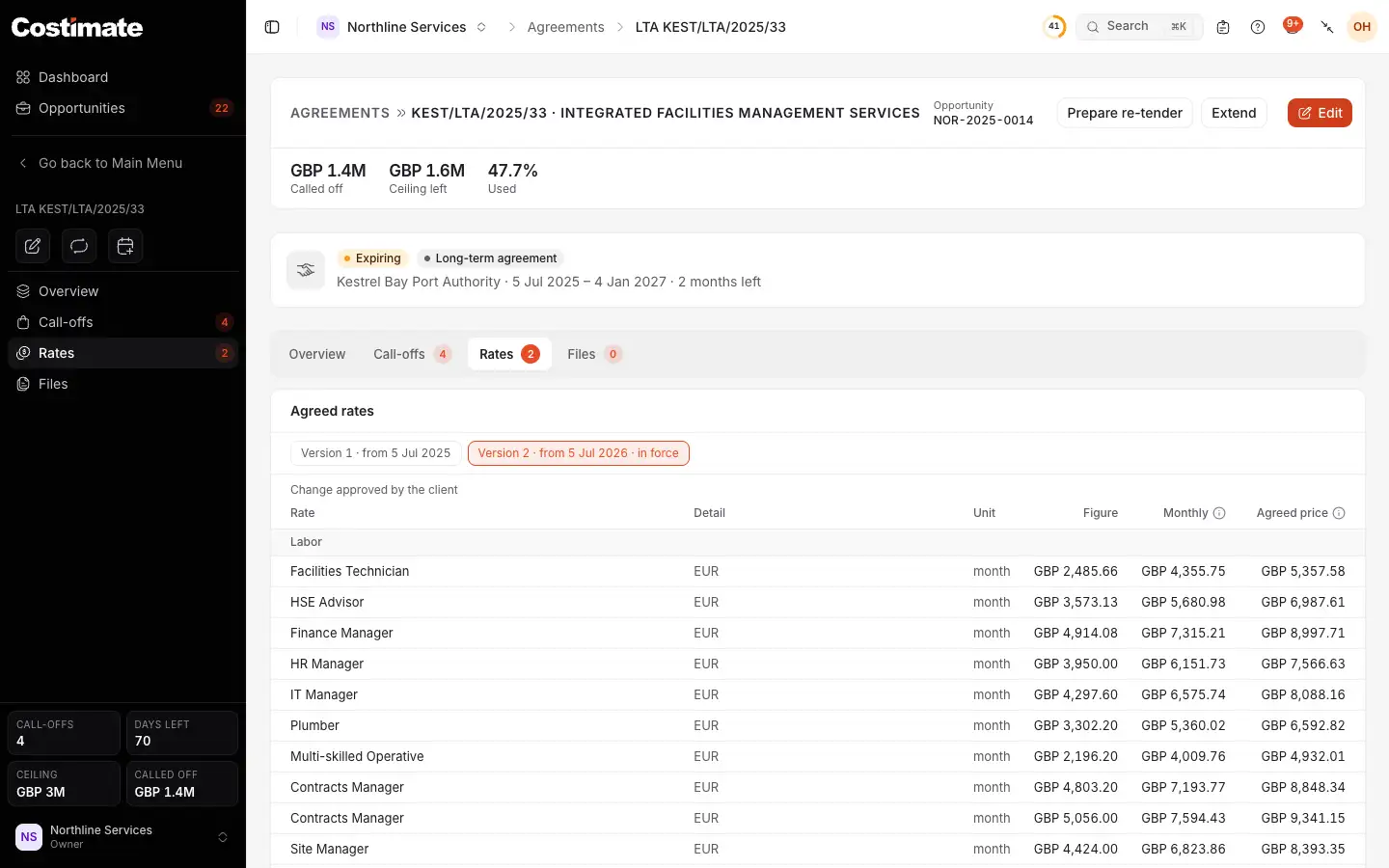
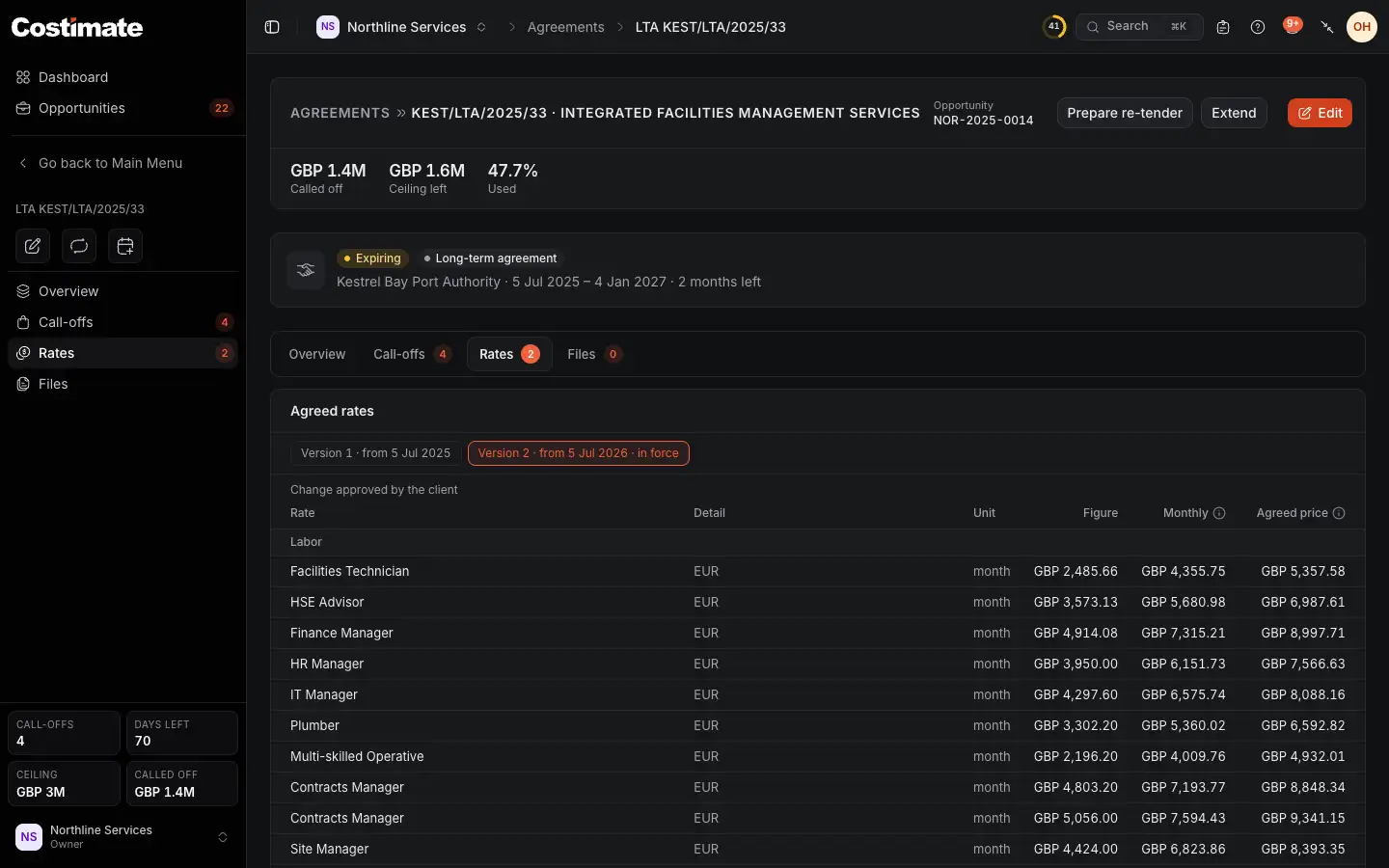
- An earlier version, with the day it started. Choose one to read it.
- The version in force today.
- Where this version came from.
- Figure: the rate as agreed. For a position it is the base salary, for a mark-up its percentage.
- Agreed price: what the client pays for one unit. It is the rate's cost with the agreed mark-ups, and a purchase order is priced at it.
The rates are grouped: Labor, with each position's Monthly rate worked out from its base salary, Subcontractors, Other direct costs, Materials and equipment, and Mark-ups.
The version in force on a day is the latest that has started by then.
Put a change to the client
This is for a long-term agreement, whose prices are fixed for its term. A framework's rates are what its mini-competitions start from and its direct awards are priced at. Nothing is put to the client, and its tab shows the versions alone.
You need to be able to change opportunities and see the agreement's prices. One change can wait at a time.
- On Rates, choose Request a change. It is not offered while another waits.
- Pick a Rate and type its New figure. Another rate adds one more.
- Pick In force from. It cannot be before the version in force began.
- Type the Reason.
- Choose Record the request.
Costimate sends nothing to the client: you put the change to them your own way, and this records that you did. A change that waits for the client is not your company's decision, so it is not on anyone's Workflow.
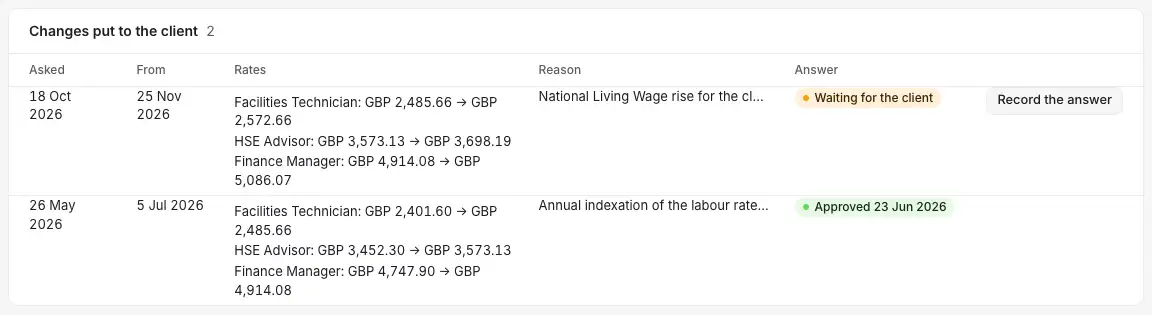
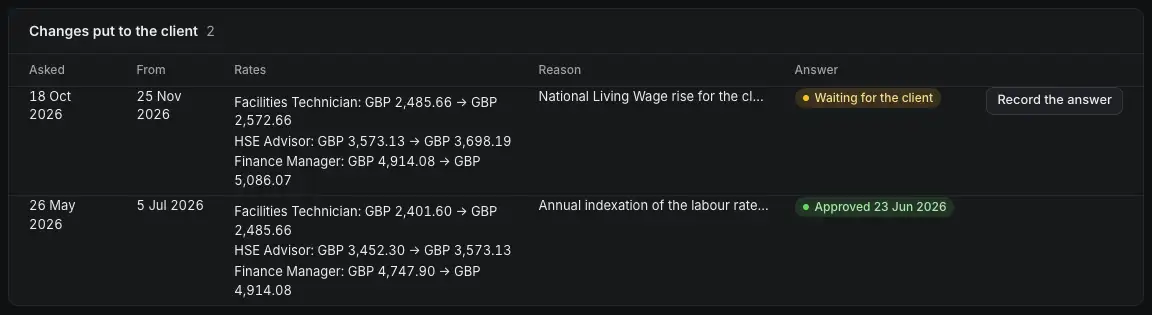
- The day it takes effect, if the client agrees.
- Each rate, from what to what.
- Why you asked.
- Waiting for the client.
- Record the answer, once the client has replied.
- An answer recorded, with the client's date.
Record the client's answer
- Choose Record the answer.
- Pick Approved or Declined, and the day the client answered.
- Add a note if you like, and choose Record the answer.
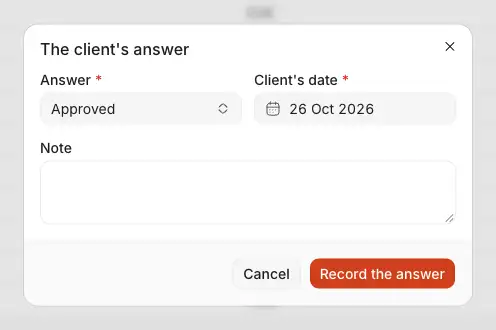
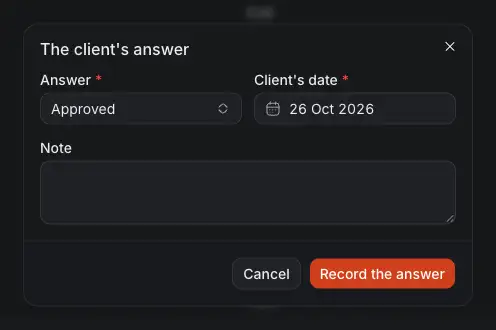
- Approved or Declined.
- Client's date: the day of their answer.
- A note of your own.
- Record the answer.
Approved: the next version is made, the latest with the changes applied, in force from the day you asked for. A position's monthly rate is worked out again from its new base salary. Declined: nothing changes.
The opportunity's Activity says each step, without a figure.
What a new version changes
- New call-offs and purchase orders use the version in force.
- A task order already being priced keeps the version it started from until someone takes the new one. Once the new version is in force, and while the proposal is a draft, it offers Take version with the new number, which moves its rows and its materials to the new prices.
- Work already won is not touched.
- A mini-competition copied the rates when it started, and they are its own from then on, since it competes.