

Suppliers and market research for a bid
List the suppliers who would provide parts of a bid and what each quoted, take a quote into your proposal, and ask AI who else will bid, who could supply, and what the buyer is like.
Two tabs of a bid help you decide and price better. Suppliers holds who would provide parts of the work, and at what price. Market research is where you ask AI who else will bid, who could supply the work, and what the buyer and the market are like.
Everyone who can open the bid can read both. To change them you need to be able to change the bid. A supplier's price is a cost, so it is open to everyone who reads the bid. Experts never see either tab.
The bid's suppliers
- Open the bid, then Suppliers, and choose Add supplier.
- Pick one from your Suppliers list, or choose New supplier at the end of the list to add one there.
- Set its status.
- In its menu, choose Add line, and fill in what it would provide.
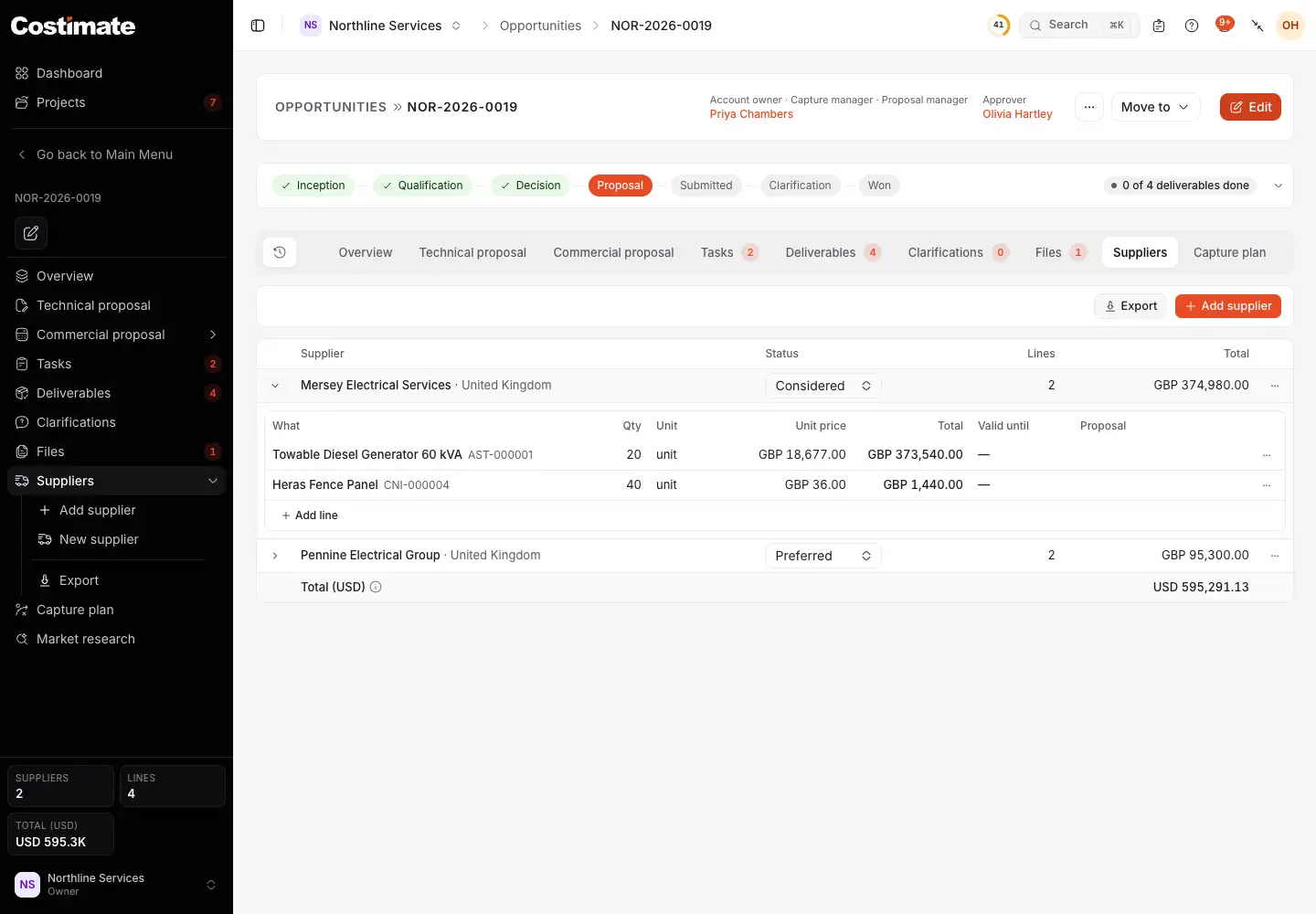
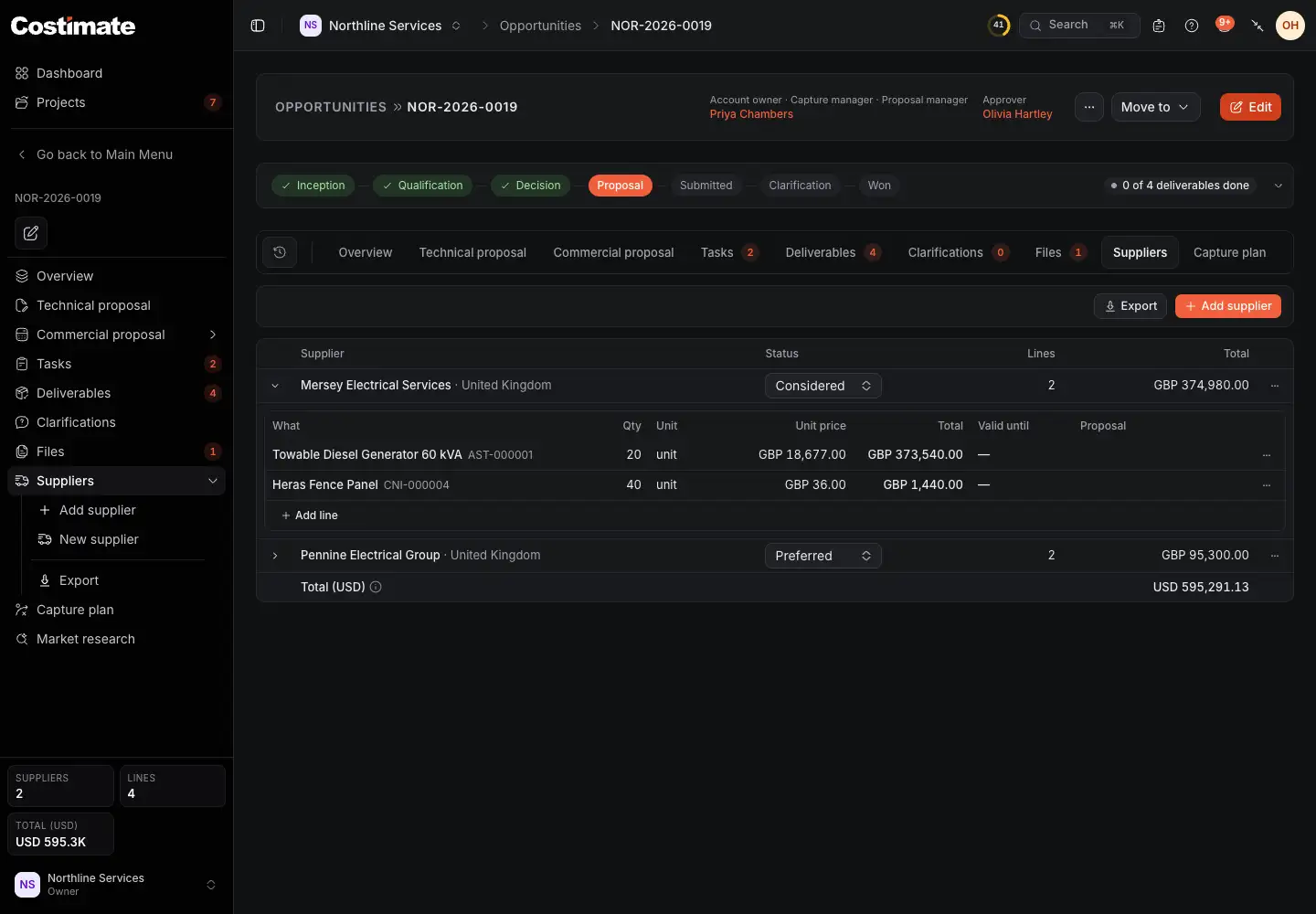
- Add supplier.
- Its status: Considered, Shortlisted, Preferred or Declined.
- What it comes to, one total per currency.
- Each line's menu: Edit, Add to the proposal and Delete.
- Add line: what it would provide, its quantity, unit and price, how long the quote is valid and the quote's file. A line can be one of its products, with its latest price proposed.
- The total in US dollars, without the declined suppliers. What has no exchange rate is left out and counted.
Costimate works out a line's total. A declined supplier keeps its lines, and only leaves the total.
Take a quote into your proposal
- In the line's menu, choose Add to the proposal.
- Pick where it goes, and confirm.
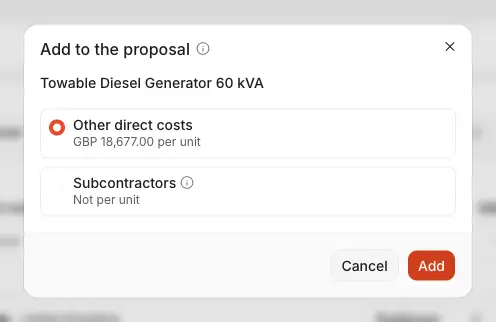
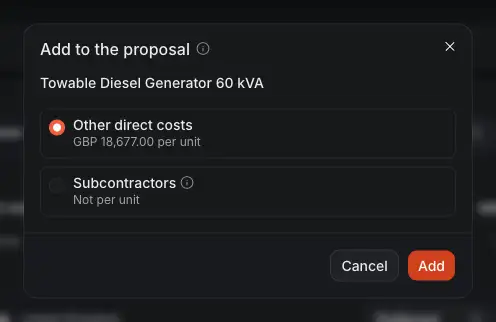
- Other direct costs takes any unit.
- Subcontractors takes a price per month, so it says when a line cannot go there.
- Add makes a rate of the bid's card, in the bid's currency, converted at today's rate if it has to be.
The line then says In the proposal, with a link. It can be added once. See Price the bid.
Ask about the market
Open the bid, then Market research. There are four groups, each its own agent with its own conversation: Competitors, Suppliers, Client and General. Each remembers what was said and what was found.
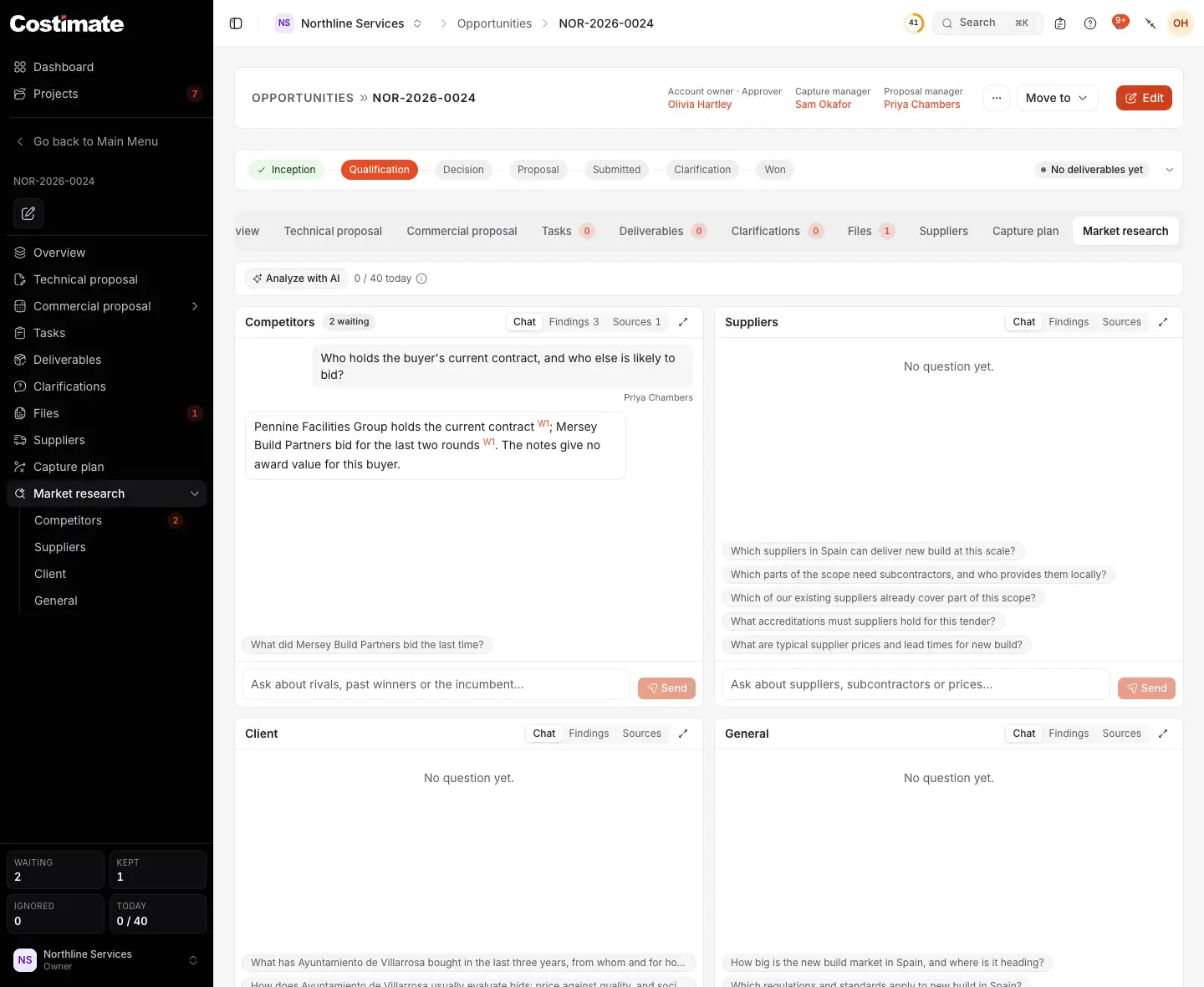
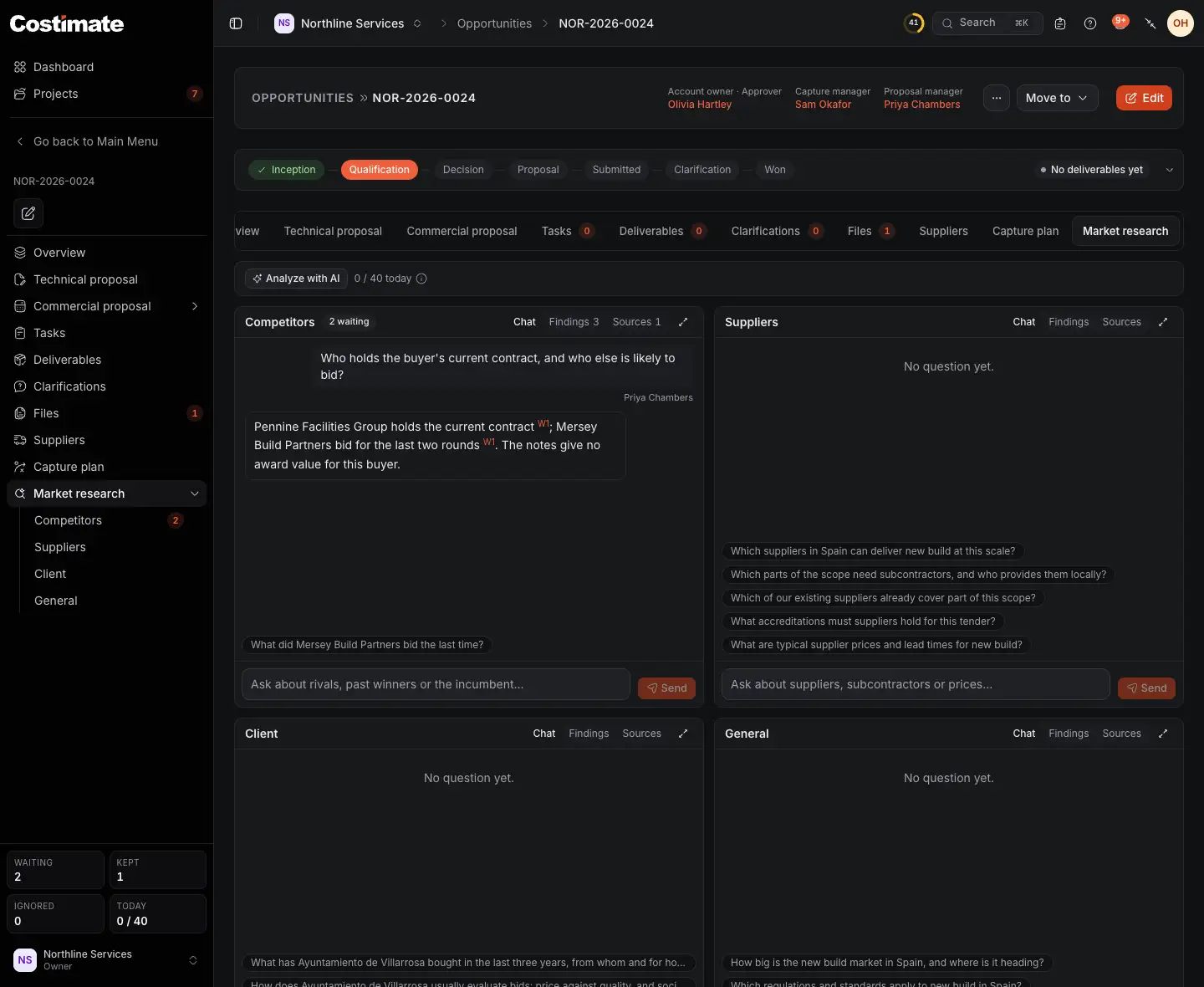
- Analyze with AI asks a set of default questions of all four groups in one go. It asks you first, with roughly what it will cost in AI, and runs once a day for a bid.
- How many questions were asked of this bid today, out of the day's limit. Analyze with AI is not counted.
- A group, with its conversation.
- The arrows widen a group to the page's width.
- Chat, Findings and Sources, in each group.
- Questions you might ask, written from the bid's own facts. Choose one to ask it.
- Or type your own, and choose Send.
An answer is written with numbered sources. A raised number links to where it comes from. Each agent reads your own records, the public registers and the web, including the client's own site, and never a social network. An answer can take a while, and it goes on if you leave the page.
Keep what is worth keeping
An answer can carry findings. Open Findings to decide on each. Nothing reaches your records until you do.
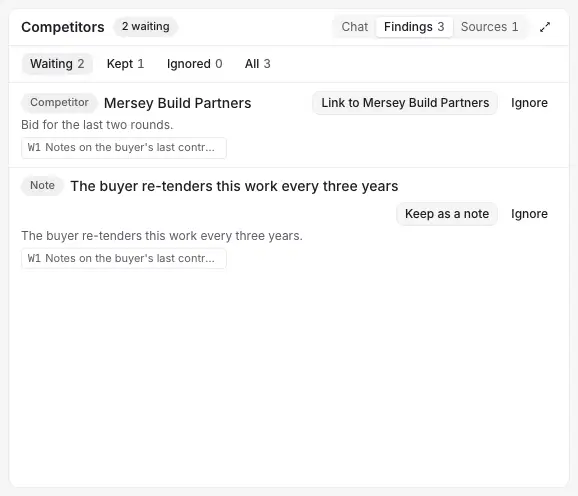
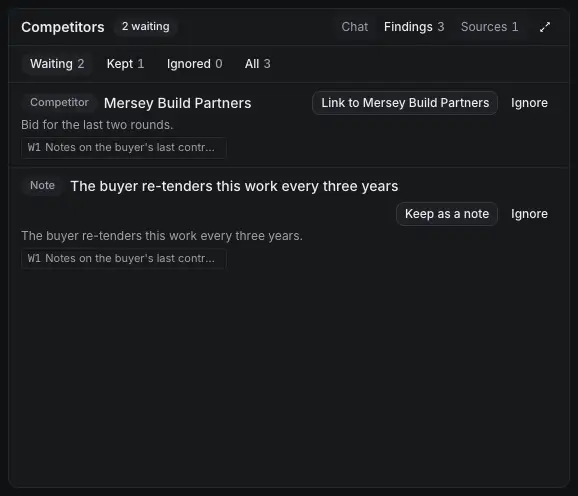
- Waiting, Kept, Ignored or All.
- A competitor: Link to a record you already have, or Add to Competitors to add a new one.
- Ignore sets it aside. It is not proposed again.
- A note: Keep as a note keeps it on this bid.
- Its source. Each finding quotes the words of the source it came from, and one that cannot be found there is thrown away.
- A competitor or a supplier opens that register's own form, filled in for you to check. Saved, it also joins this bid, and a competitor joins the capture plan's Competition step as a suggestion.
- An incumbent is proposed only on evidence, such as an award notice, and says what the evidence is. Kept, it is marked as the incumbent on the bid.
- A fact about the client opens the client's form, filling only what is empty.
- The capture plan reads the findings nobody ignored, and cites them as "Market research". See Plan the capture.
Good to know
- A call-off has its own questions, about its agreement and its lot. Until you change its client, its research reads the agreement's client, and the tab says so with Change client.
- Nothing you keep or ask is shown to other companies on Costimate. Your questions go to the AI provider and drive web searches.