

Work a lead
Read a lead, decide whether to bid, dismiss it if you will not, and convert the right ones into opportunities.
A lead is a tender you might bid for. Working it means reading it and deciding: Convert it if you will bid, Dismiss it if you will not. A lead has no other steps. It is New, Converted or Dismissed.
Anyone who can open leads can read them. To change or dismiss a lead you need to be able to change leads: the owner, admins and the Capture manager can. To convert one you need to be able to add opportunities, which the Proposal manager can too.
Find what to look at first
Open Leads under Sales. Open lists what nobody has decided yet. Due soon narrows that to what closes within 30 days. Sort by Deadline to see the soonest first.
Read a lead
Choose a lead to open it.
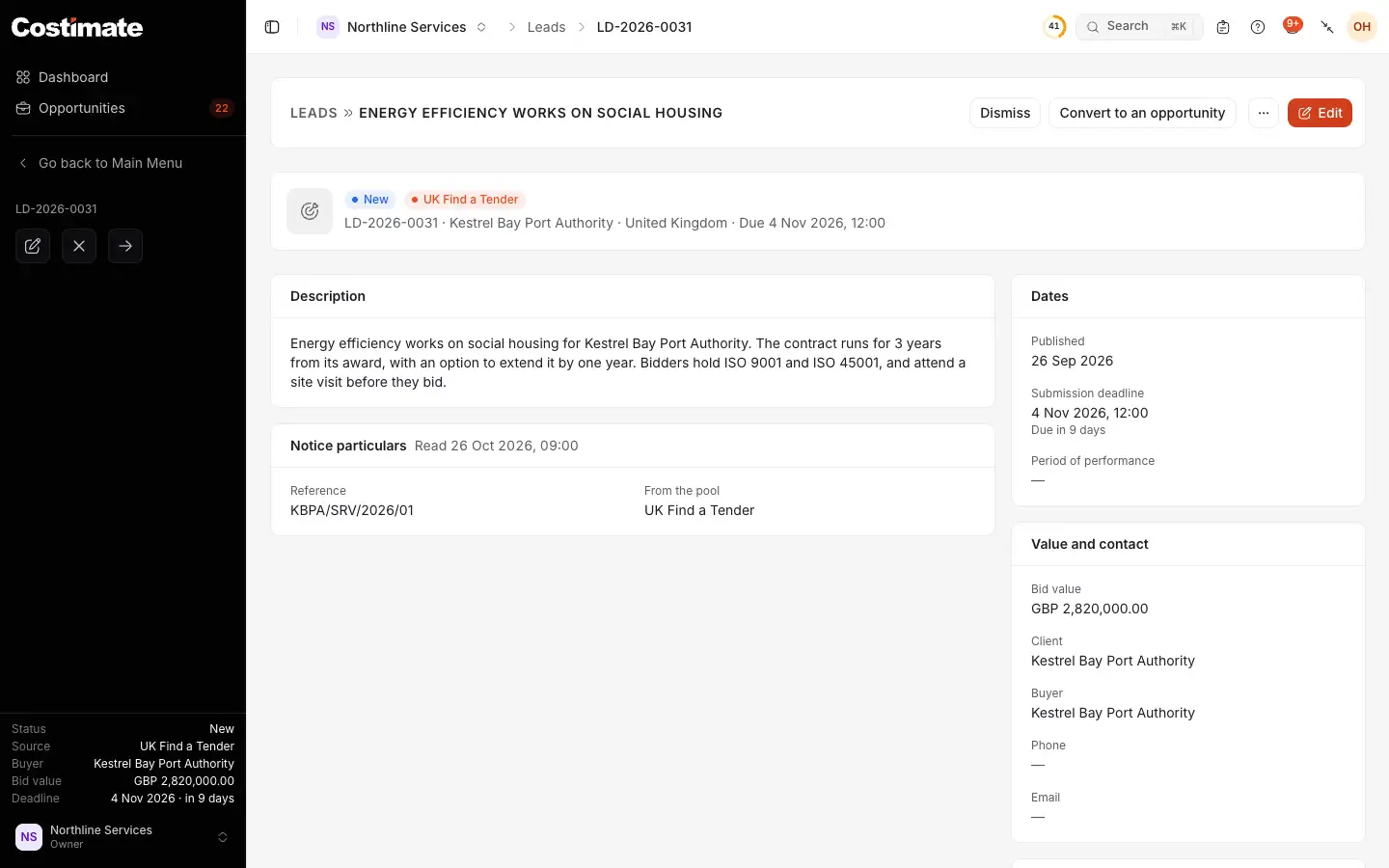
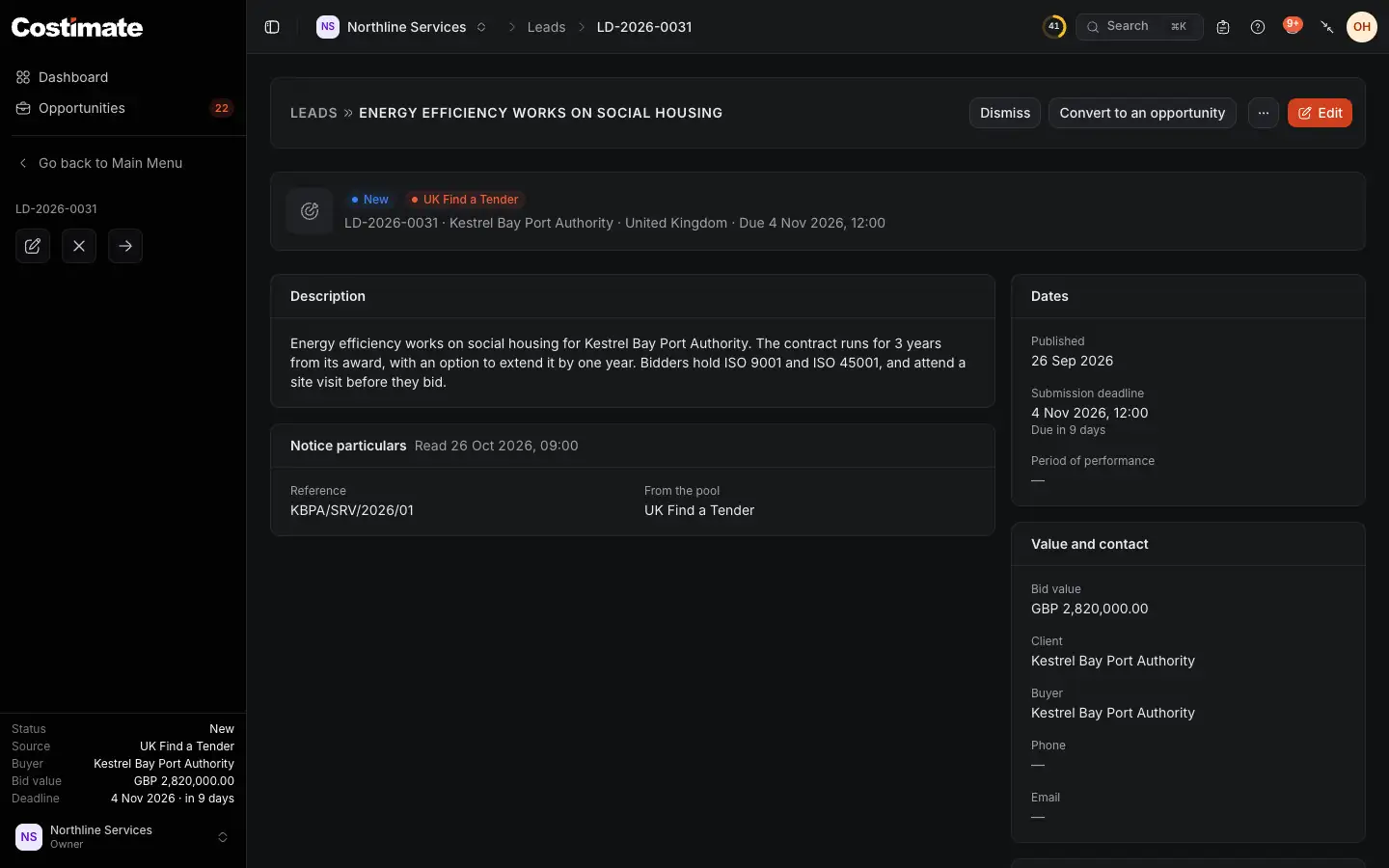
- Where it stands, and where it came from.
- Dismiss: you will not bid for it.
- Convert to an opportunity: you will.
- Edit: correct or complete it. It is the lead's own copy of the notice.
- What the register published, with the day it was read. A lead you typed has none.
- The value and how to reach the buyer. Client is filled once someone picks it, in Edit or an Excel import, or when the lead came from a public buyer you already have as a client.
A lead with a link to its notice also has Notice, which opens it at its source. If experts of the Costimate Expert Network said they are available for this public tender, the page shows them to people who can read the experts' directory.
Dismiss it, or bring it back
- Choose Dismiss. It leaves Open, and stays under Dismissed.
- On a dismissed lead, choose Reopen. It is New again.
A later import does not reopen it: your status stays as you set it.
Convert it to an opportunity
- Choose Convert to an opportunity, on the lead or in its menu in the list.
- Check what the lead brings, and add what is missing.
- Go through the steps, and save on the last one.
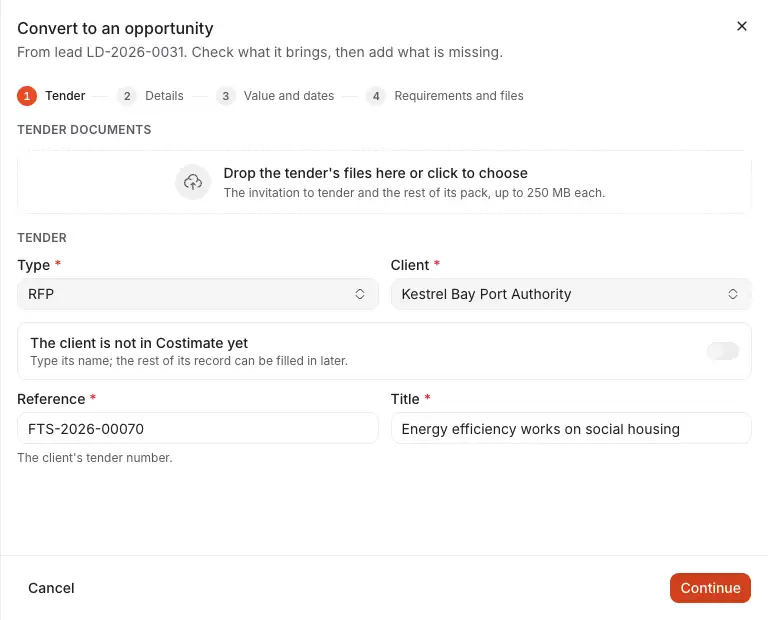
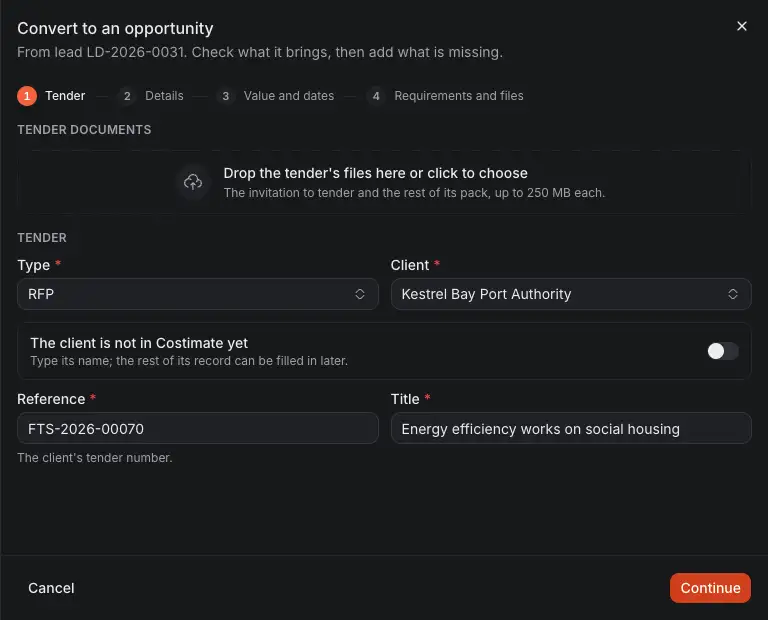
- The form's four steps: Tender, Details, Value and dates, and Requirements and files.
- Drop the tender's files here, and Costimate can read them to fill in what is still empty.
- Type starts as RFP. Check it: the type decides the stages and how the bid ends. See Opportunities and stages.
- Client. If the buyer is not a client yet, its name is offered to add as a new one.
- The client's own number for the tender, taken from the notice when it has one.
- Continue to the next step.
Nothing is saved until you save the form. The lead brings its title, description, country, client, industry, currency, bid value, published date, deadline, period of performance and its contact, for you to check.
Once saved, the lead is Converted and names its opportunity, and the opportunity names its lead. A lead is converted once, so if someone else got there first, you are told.
On Free, a conversion counts toward your 5 opportunities. Leads themselves have no limit.
If you change your mind
- The opportunity was deleted: the lead is New again, and can be converted again.
- The opportunity was given up: it stays converted. Giving up a bid is Do not pursue on the opportunity, which keeps its history.
- A converted lead cannot be dismissed or reopened.
Delete leads
Delete in a lead's menu removes it for good. It is not kept in Recently deleted. An opportunity it became keeps everything and only forgets where it came from. Deleting is for the owner and admins.
To start an import over, Clear leads in the list's menu deletes every lead that was never converted, all of them or those of one source. Converted leads stay. This cannot be undone.