

Call-offs and purchase orders
Call work off under a running agreement as a task order or a mini-competition, record a purchase order the client sent, and see what has been called off.
A call-off is work the client orders under an agreement you hold. It is an opportunity of its own, with its own number and proposal. When you win it, it makes a project, as any won tender does. That is the moment work is won: the agreement itself never is.
There are three kinds:
| Kind | When | How it goes |
|---|---|---|
| Task order | The client orders at the agreed rates. On a long-term agreement it is the only kind New call-off offers. Under a framework it is a direct award | Inception, Proposal, Submitted, Award. Priced at the agreed rates, which it cannot change |
| Mini-competition | Suppliers of a framework compete for the task | The same, with a Clarification round. Priced from the agreed rates, then free to compete |
| Purchase order | The client has already sent you the order, under either kind of agreement | Recorded at Award in one step |
Qualification and Decision were settled when you bid for the agreement, so a call-off has neither.
Before you start
- The agreement must be running: Active or Expiring. Work cannot be called off before its term starts or after it ends.
- To add a call-off you need to be able to add opportunities. To record a purchase order you also need to see the agreement's prices.
See the work called off
Open the agreement, then Call-offs. The appointed bid has the same tab, and the opportunities list can show the call-offs of one agreement with its Agreement filter.
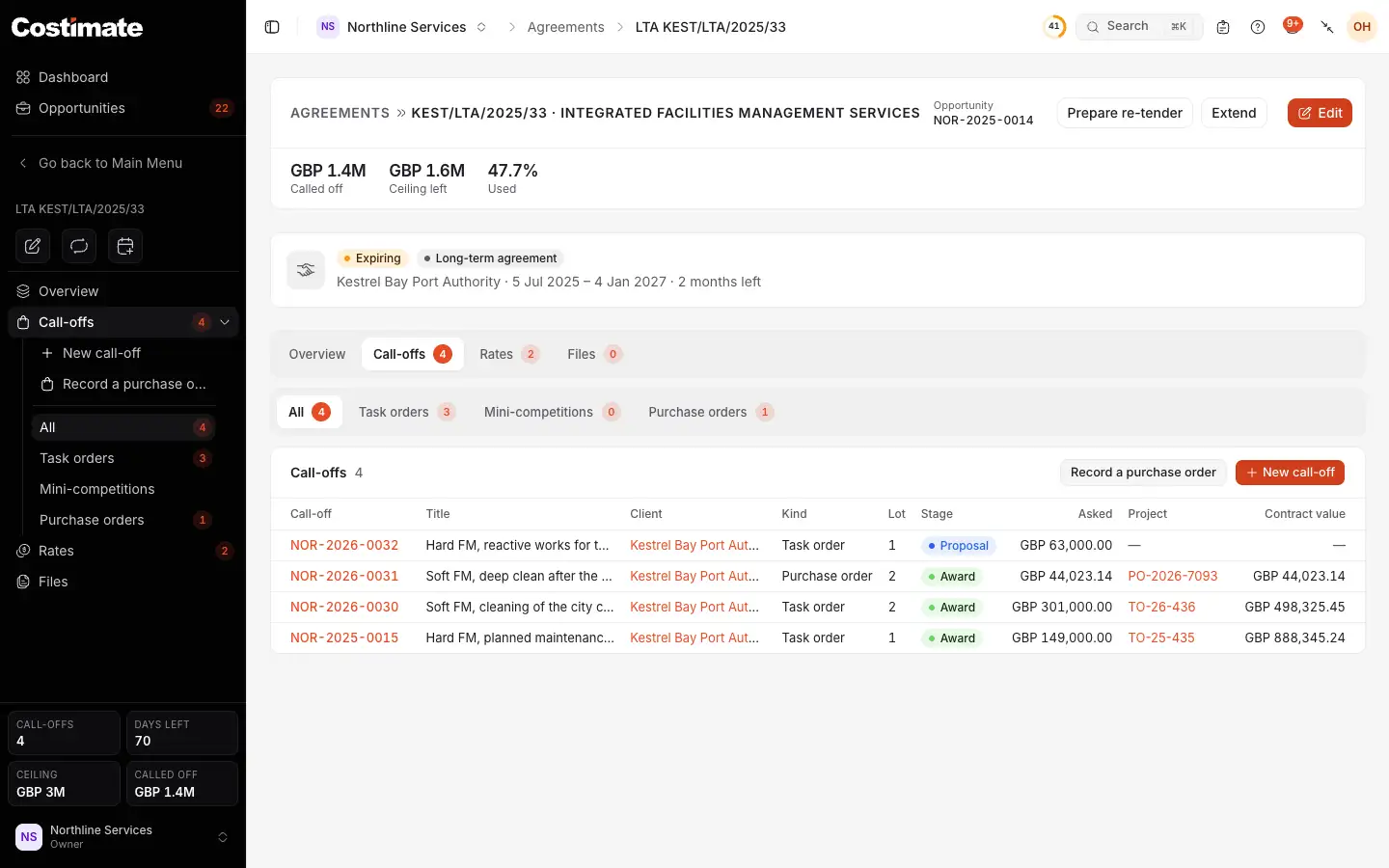
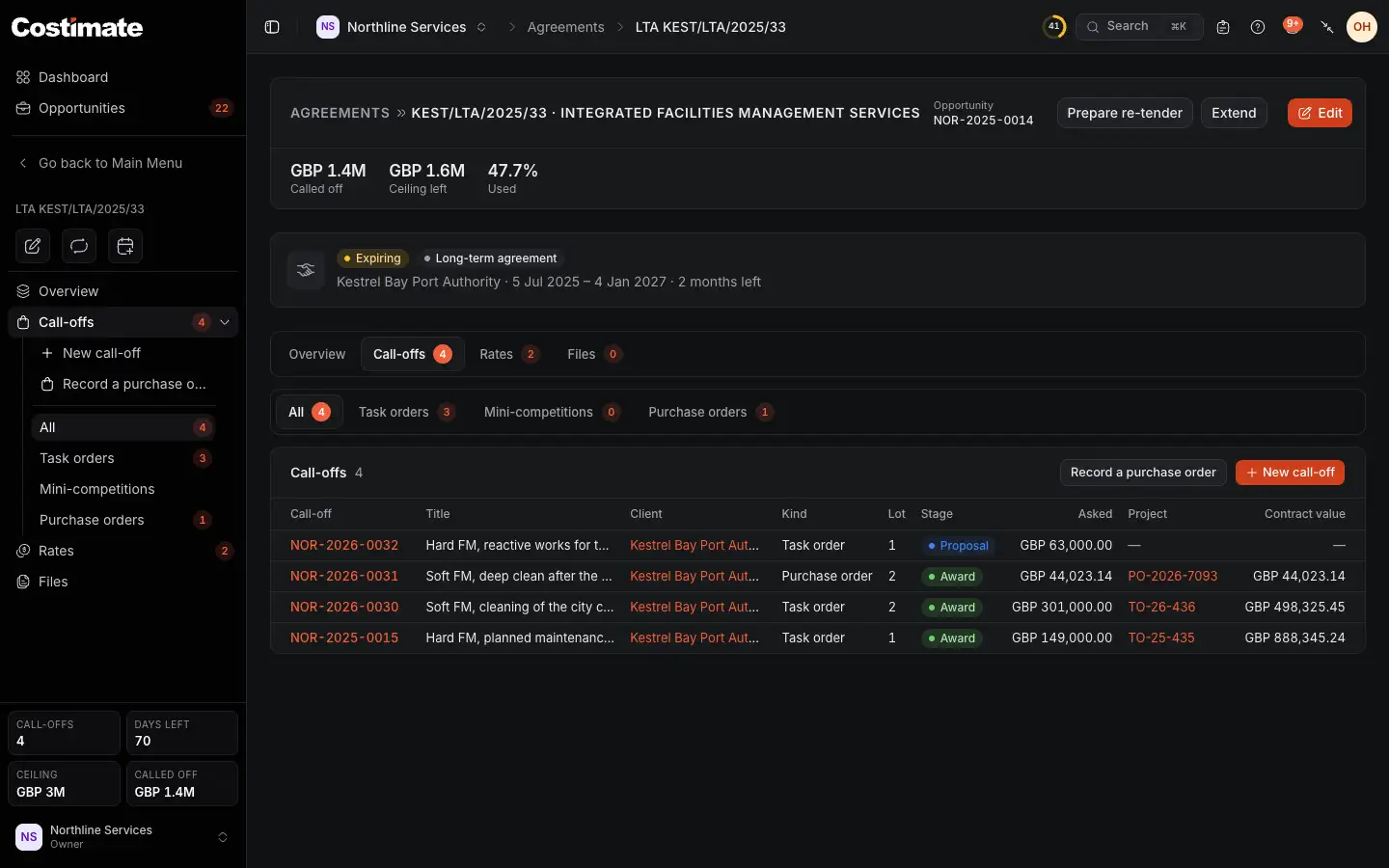
- The views by kind.
- Record a purchase order.
- New call-off.
- Its kind.
- The lot it is for, if any. Only lots you won are offered.
- The project it became, once won.
- Its contract value, for people who can see that call-off's prices.
Call off work
- On Call-offs, choose New call-off. The client's page offers it too.
- Pick the Kind, and the Lot if there is one.
- Check the Client. It starts as the agreement's, but it is the body calling the work off, which may be another. The agreement keeps its own client either way.
- Fill in the reference and the title, and go on through the form as for any bid.
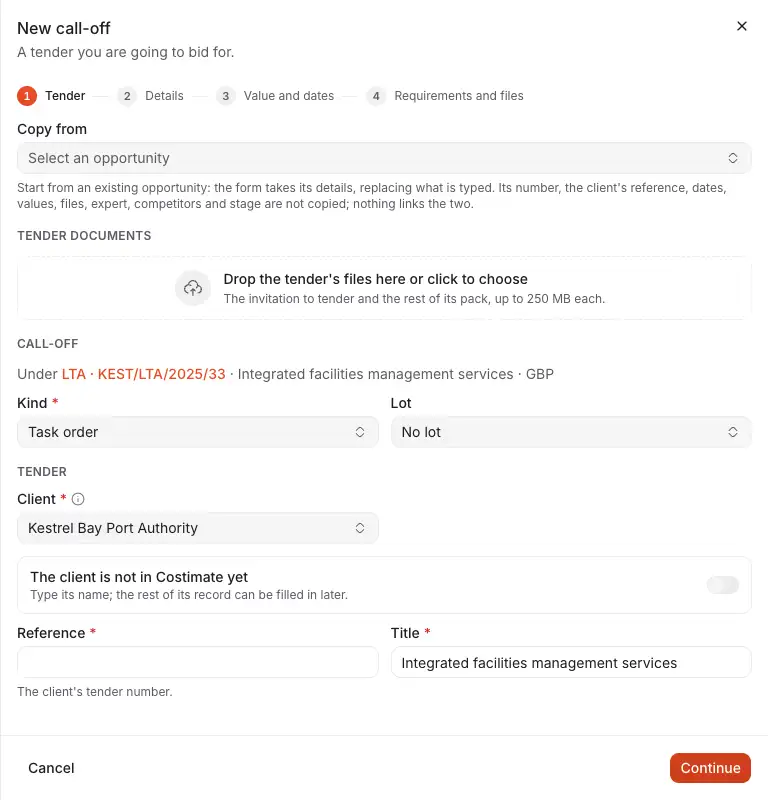
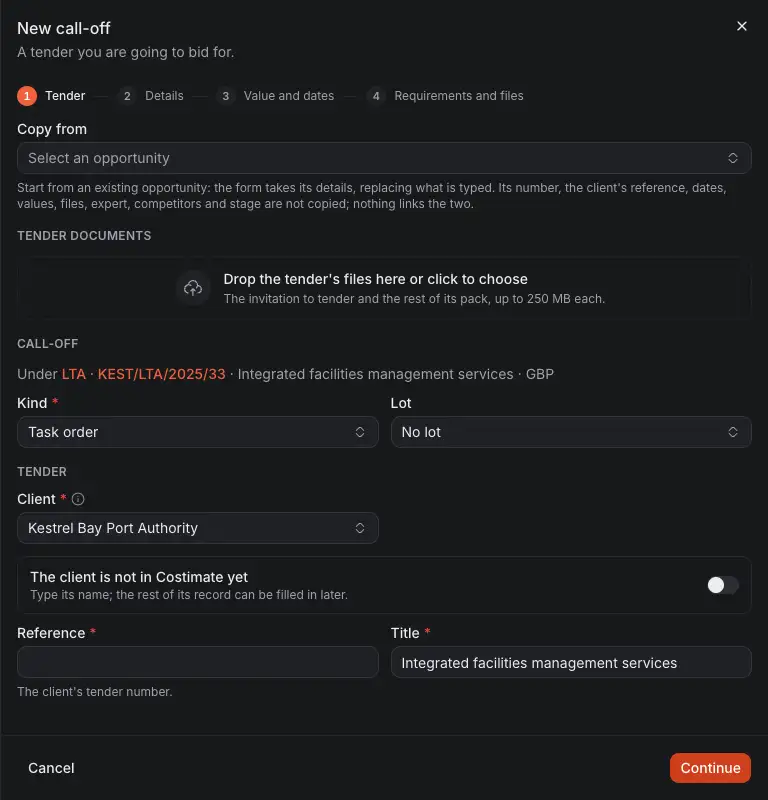
- The agreement it is under. It cannot change later.
- Kind: fixed once it is made.
- Lot.
- Client: who is calling the work off.
- The client's reference for this work.
- Continue.
Its currency is the agreement's, because the agreed rates are in it. Its market research, capture plan and documents all read the call-off's own client.
Price a call-off
Start its commercial proposal as for any bid. It starts from the agreement's rates in force, not from your rate card, unless the agreement has no agreed rates.
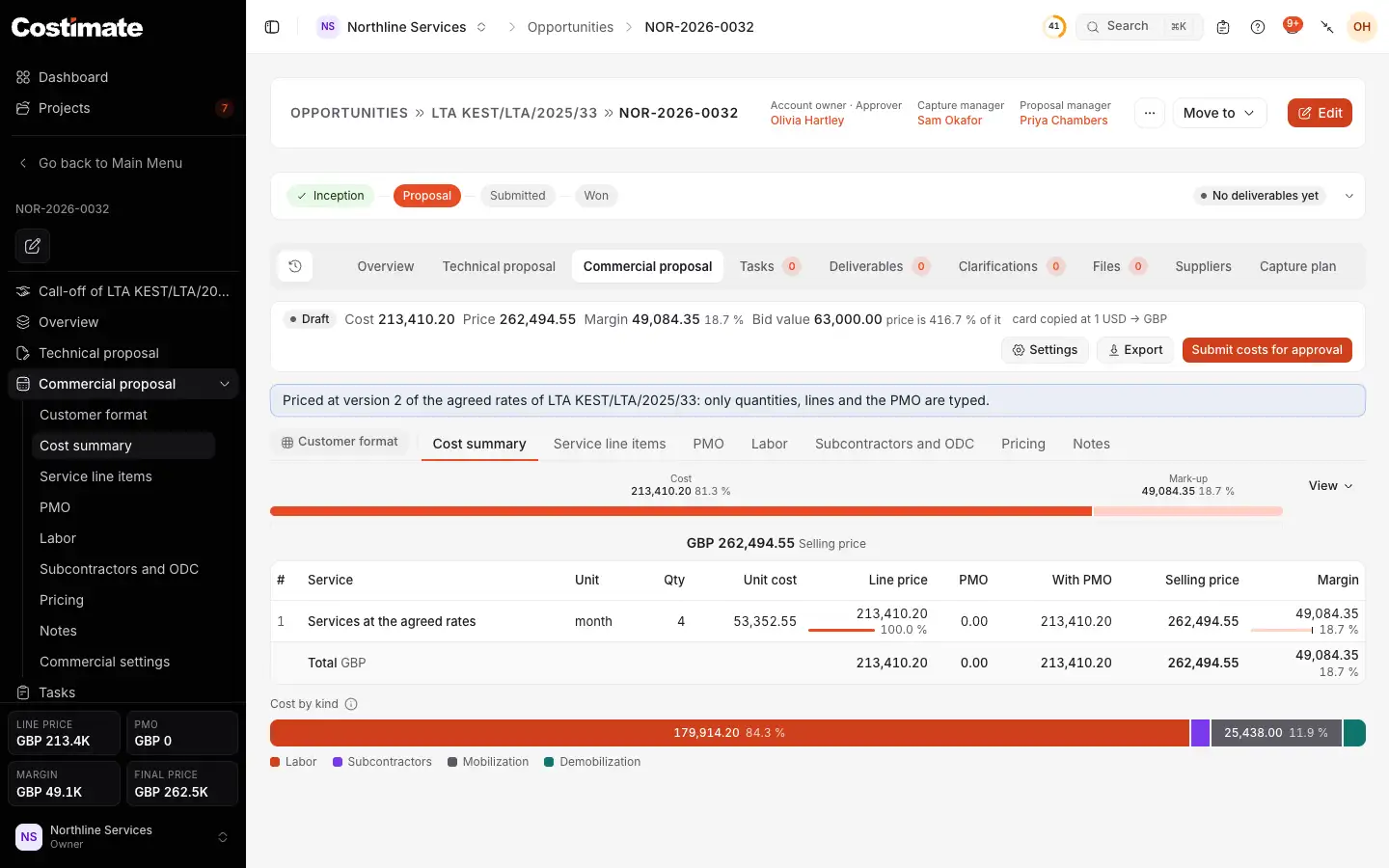
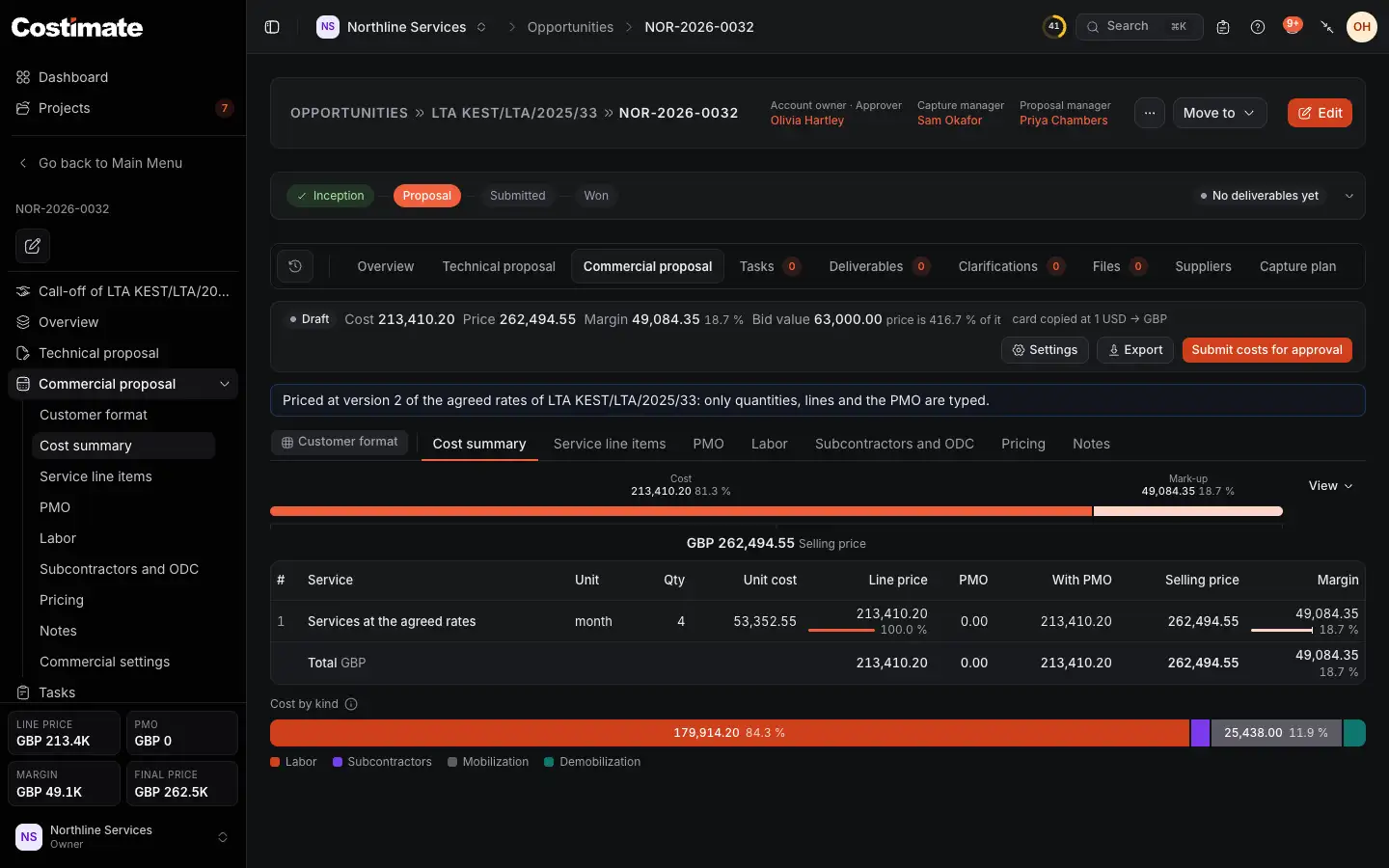
- Its agreement, in the path above it. The left menu has the way back too.
- Its stages, which are its kind's.
- A task order says what it is held to. You type the quantities, lines and the PMO, and every rate is the agreed one. A line with a rate of its own is refused.
- Its lines, priced from the agreed rates.
Once a later version is in force, a draft offers Take version with its number, which moves it to the new prices. See Agreed rates and changes.
Record a purchase order
Use this when the client sends an order directly. There is no bid to work: it is awarded at once.
- On Call-offs, choose Record a purchase order.
- Type the Purchase order number and the day it was ordered. The number becomes the call-off's reference.
- Check the title, Client and Lot.
- Add lines at the agreed rates if the order lists them: pick a rate and type a quantity.
- Type its value, and the contract's dates and project manager.
- Choose Record and award.
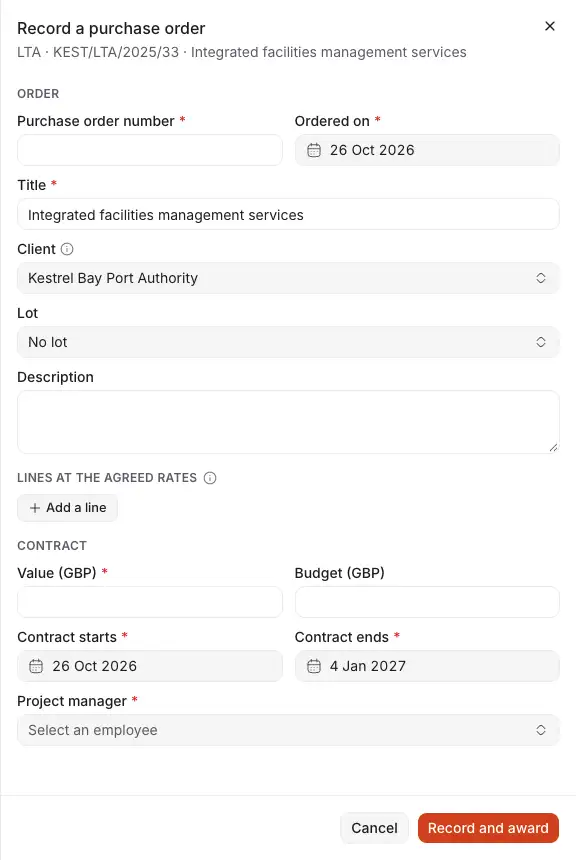
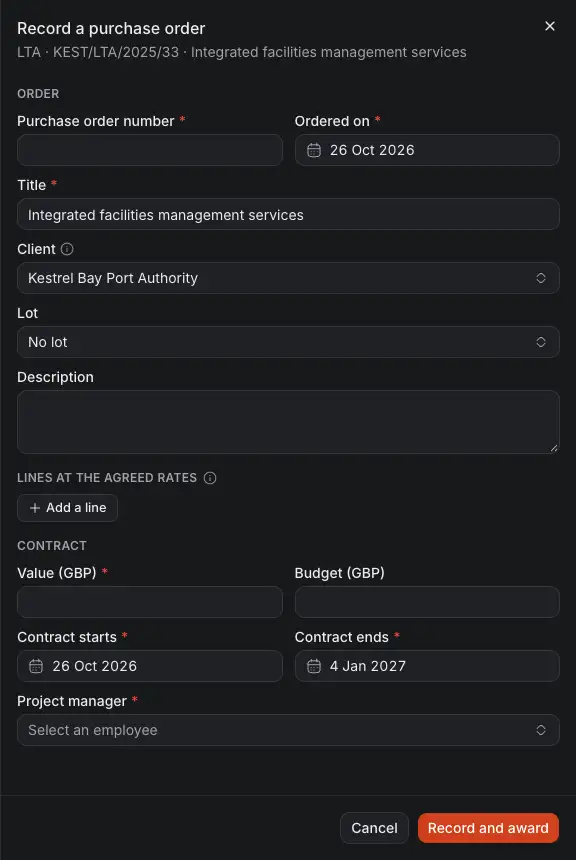
- The client's order number.
- Who ordered. It starts as the agreement's client.
- Add a line: a rate of the version in force and a quantity.
- Value: what the client pays. It is the contract value.
- Budget: what the work should cost. With lines, it is their cost and you need not type it.
- Project manager of the project this makes.
- Record and award makes the call-off at Award, and its project.
A purchase order carries no PMO. A line costs its quantity times the rate, and is priced with the agreed mark-ups.
What was called off
Called off on the agreement adds up the contract values of its won call-offs, in the agreement's currency. Beside it is what is left of the ceiling or estimate, and the share used.
- Those figures are prices. You see the total for the call-offs whose prices you can see. What is left, and the share used, are shown only when you can see all of them.
- A project from a call-off names its agreement on its overview.
- A call-off holds its agreement in place: while one exists, the appointment cannot be undone.