

Services and industries
The lists your records pick from: the industries you and your clients work in, and the services you offer by category, with AI to suggest some.
Services and industries, a tab of the Company profile, holds your company's own two lists. Clients, suppliers, competitors, bids, projects and events pick from them.
By default, everyone in your company can read them. The owner and admins change them.
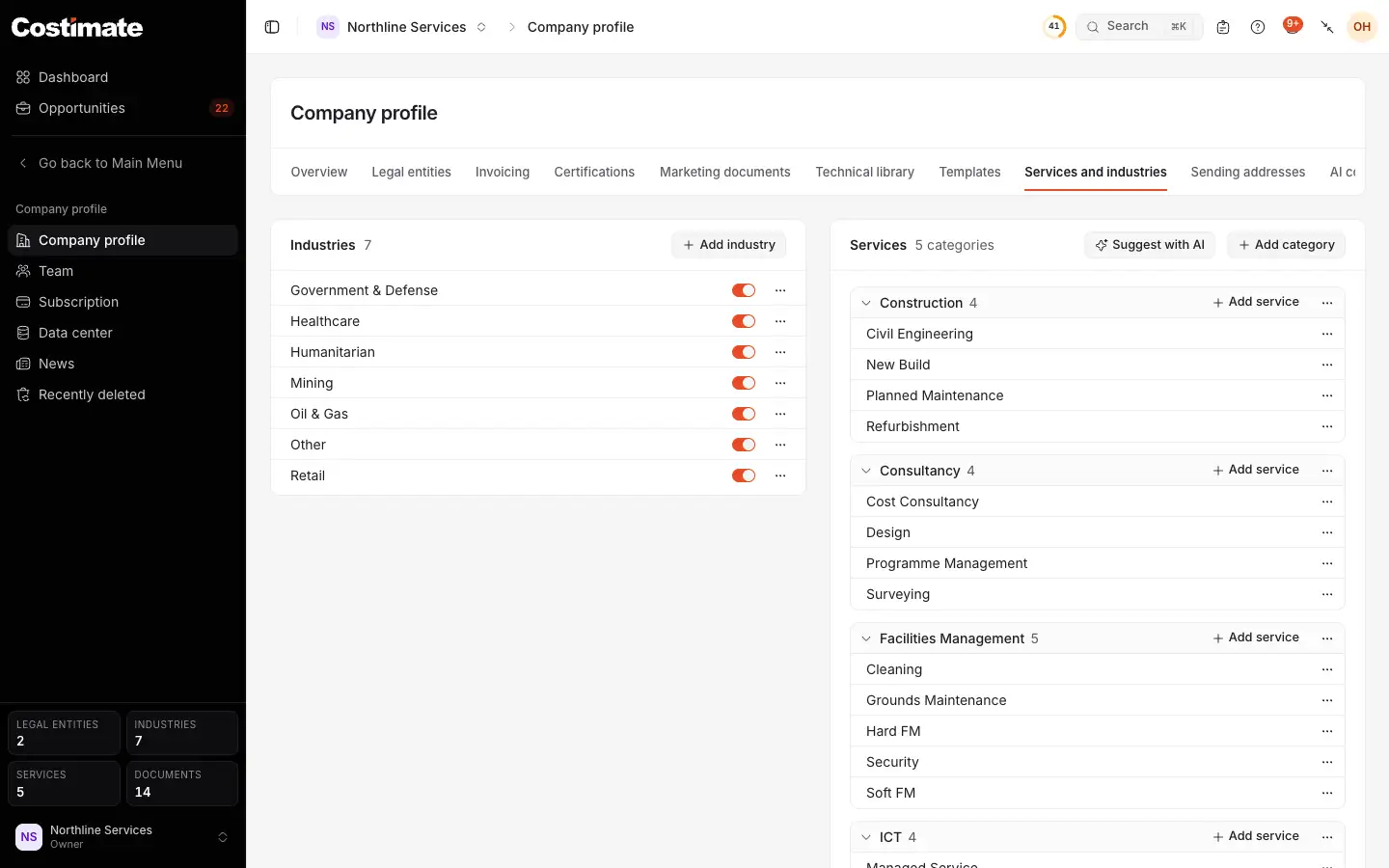
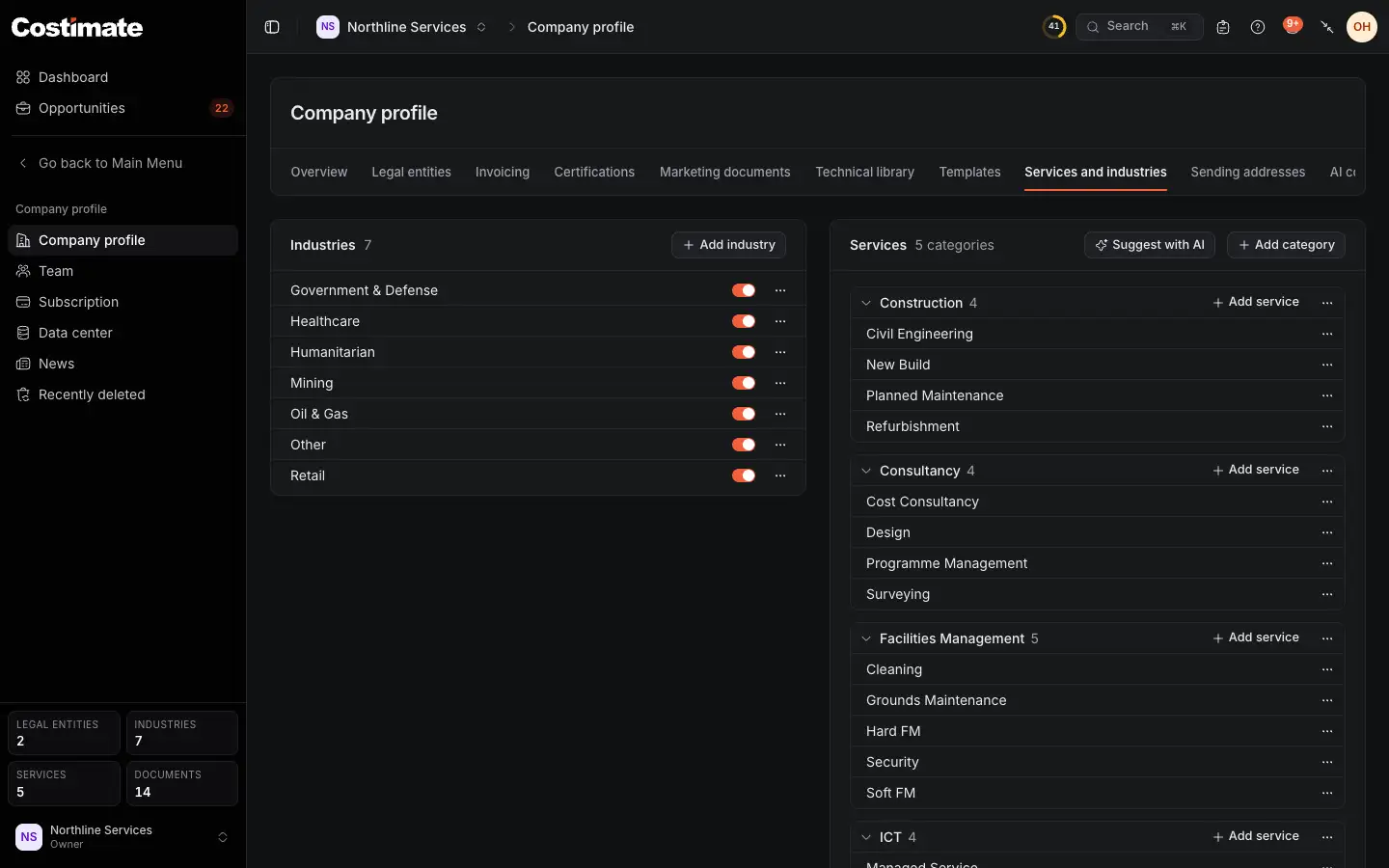
- Add industry. A name is enough, and no two share one.
- An industry, with its switch: off, it is no longer offered for new records. Its ⋯ renames or deletes it.
- Suggest with AI: see below.
- Add category: a group of services, such as Facilities Management.
- Add service to a category. A category folds, and each service has its ⋯.
Industries
Costimate starts your list with common industries and the ones you chose when you signed up, and you can add your own. It is the list every form offers: a client's Industry, a bid's, an event's.
Which industries your own company works in is another fact: pick those in Edit on the Overview. They decide which public buyers Costimate suggests to you, and which typical roles an organisation chart offers. Add industry here adds to the list and does not make you work in it.
Services
A service belongs to a category, and its name is unique within it. A client, a supplier or a competitor has its Service types, and a bid its Service type.
Suggest services with AI
- Choose Suggest with AI. It reads your company's details, the industries you chose, the list as it stands, and your website, or with no website one search for your name.
- Read the panel under the header. It shows categories and services you do not have yet, each with why it is offered and what it rests on, under an ⓘ.
- Pick with +, and take one out with –. Add your own in the fields below them.
- Choose Keep selected.
Nothing is added until you keep it. Your run is your own: nobody else sees your panel, and one person runs it at a time. Suggest again starts another.
Good to know
- What records use is kept. An industry that records use is switched off, not deleted: what names it keeps the name. One nothing uses is deleted. A service that records use cannot be deleted, and neither can its category: rename it instead.
- Filling your profile. A service counts as one of the papers your profile expects, and so do the industries you chose. See Certificates, marketing documents and the technical library.
- Not a price list. These are names. Prices are on your rate card and in each bid.