

Experts you work with
Find an expert of the Costimate Expert Network, invite them to a bid on agreed terms, ask them to sign and to send papers, approve their time, and review their work.
Experts, under Human Resources in the left menu, is the directory of the Costimate Expert Network: independent people you can invite to work on a bid. An expert is not a member of your company and holds no seat. They sign in to a portal of their own and see only what you share.
By default, everyone in your company can read the directory. The owner and admins invite, assign, block, review and approve. Experts are not part of Free: the page appears on a paid plan. See Plans, seats and billing.
Find an expert
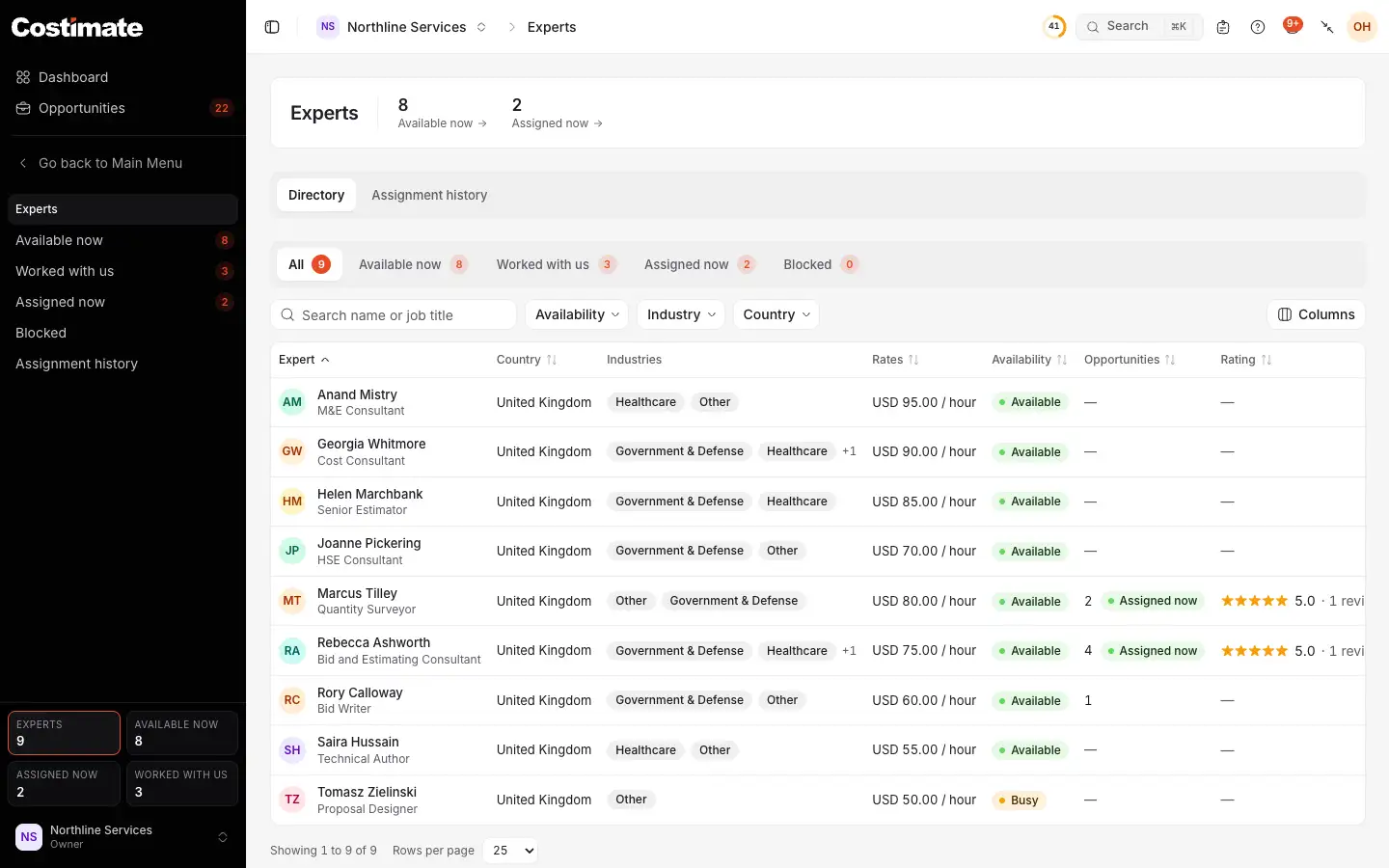
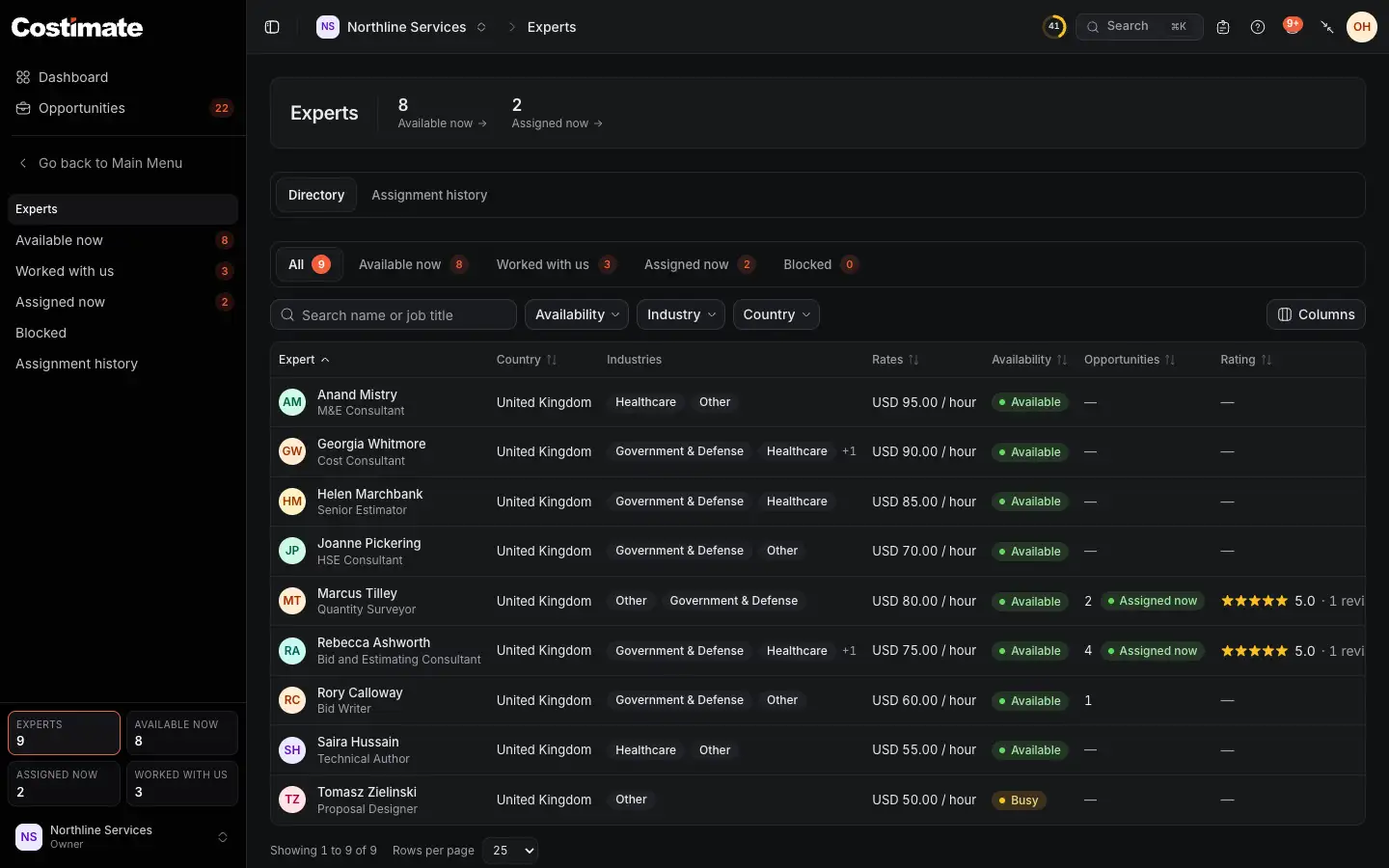
- How many are available now and how many are on your bids.
- Assignment history: every invitation, answer and assignment, with who and when.
- The views: all, available now, Worked with us, assigned now and blocked.
- The filters, by availability, industry and country.
- Rating: the average of your own reviews. Other companies never see them.
The list shows each expert's own rates. What you agree for a bid is set in the invitation.
An expert's page
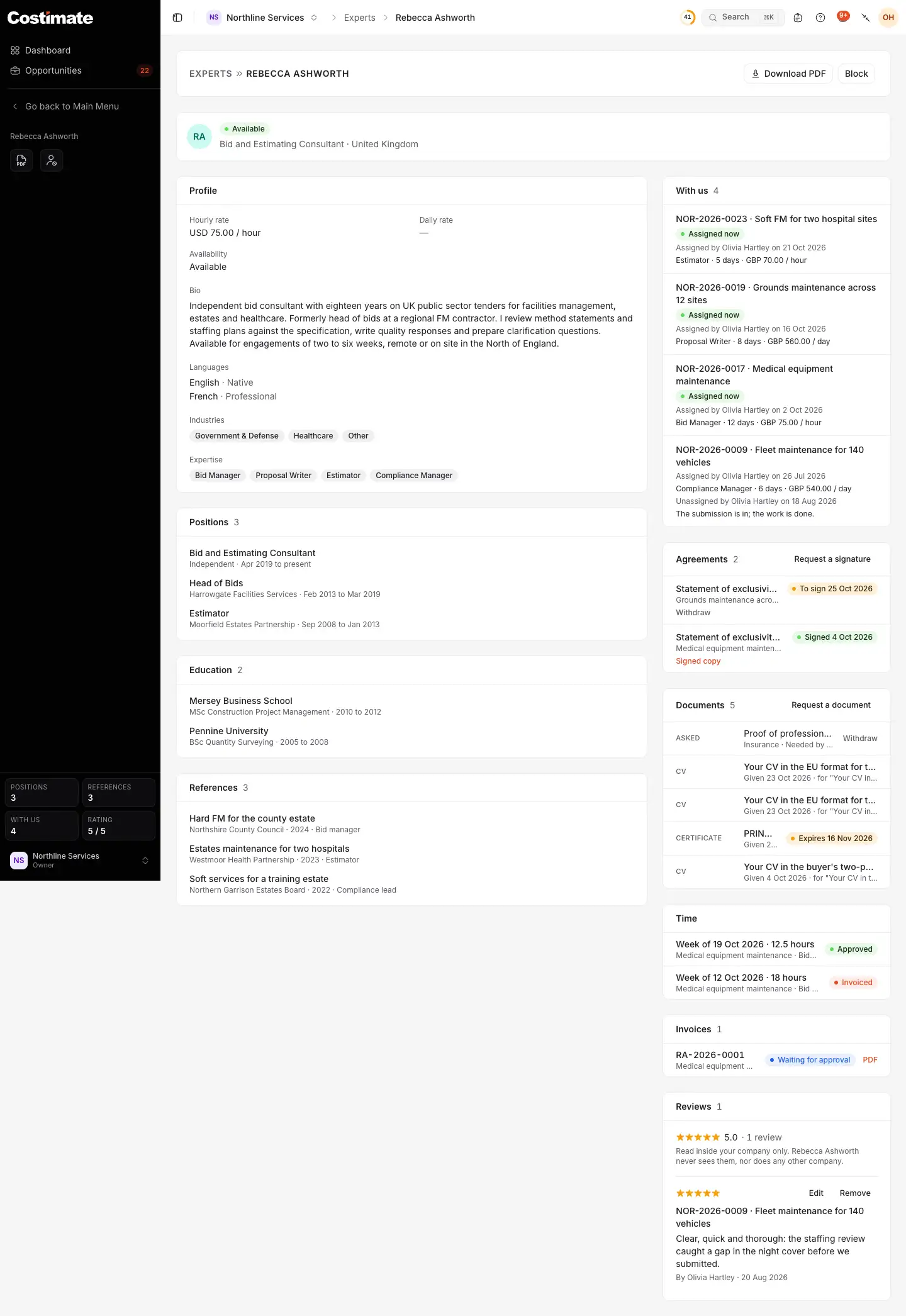
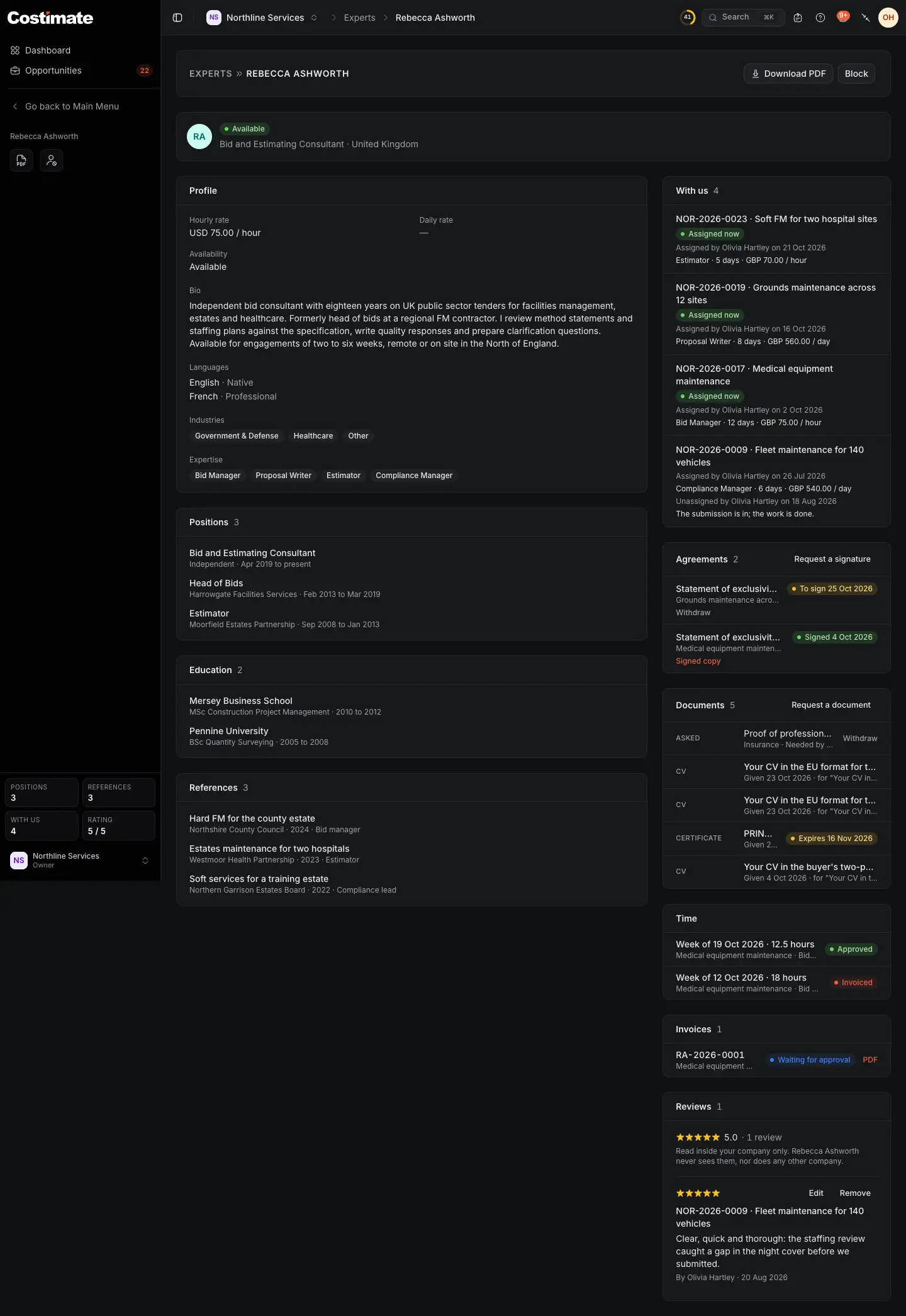
- Download PDF: their profile for a bid's file. It has no address, phone, rate, availability or review.
- Block asks why, and withdraws their live invitations. They are then not offered for your bids. Unblock undoes it.
- With us: their bids with you, with the role, days and rate you agreed.
- Request a signature: see below.
- Request a document: a category, a title, the day you need it by and a message. What they give arrives here.
- Time and Invoices: their weeks and what they invoiced you.
- Reviews: yours, read only inside your company. The expert never sees them.
Invite an expert to a bid
Inviting happens on the bid, in its Overview's Expert card. A bid has one expert at a time.
- Choose Invite an expert. Those who work in the bid's industry come first. One who said they are free for this public tender is marked Available for this tender, and whoever may invite them was told.
- Choose Invite beside a name.
- Fill in the terms, and choose Send the invitation.
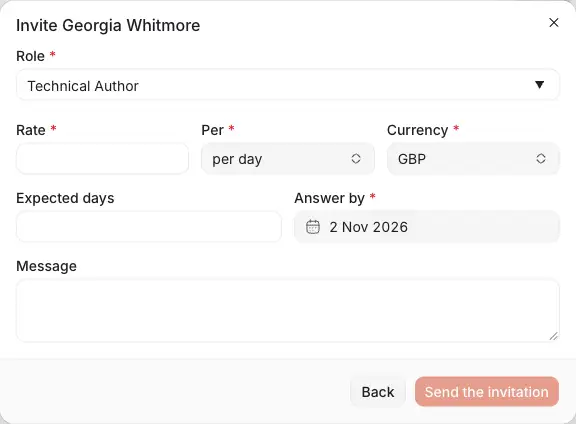
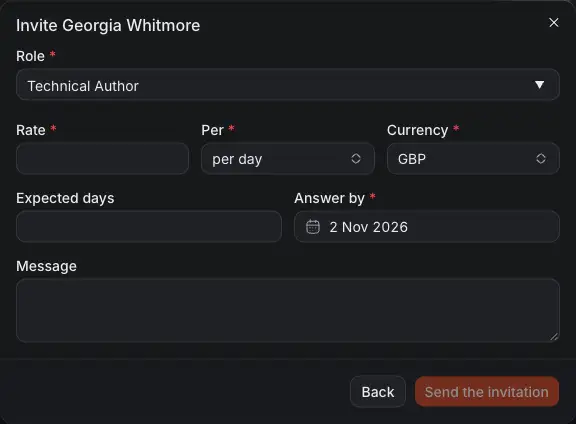
- Role: one of the usual roles, or your own words.
- Expected days: optional.
- Rate: an amount, per hour or per day, and its currency.
- Answer by: by default seven days ahead, or the bid's closing day when that comes first.
You can invite several experts to one bid. The first to accept takes the place, and the others' invitations are withdrawn. An invitation that passes its day expires, and both sides are told.
While they are on the bid
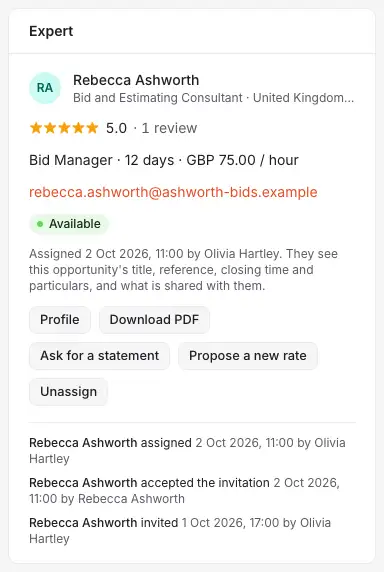
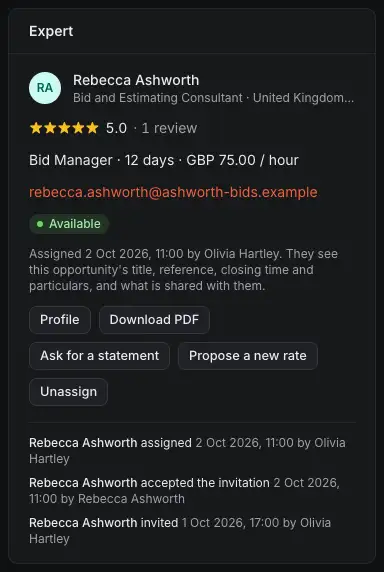
- The role, days and rate they accepted.
- Ask for a statement: a statement of exclusivity and availability for this bid, which Costimate can generate for them to sign.
- Propose a new rate: from a day today or later. It takes effect only once they accept it, and their time up to that day stays at the old rate.
- Unassign ends it. They can no longer open the bid. The card then offers to assign them again, on the same terms.
To hand them a tender document, tick Shared with the expert on the file. See Tasks, files and the activity of a bid. A task or a checklist item that names them reaches their portal too.
Ask them to sign
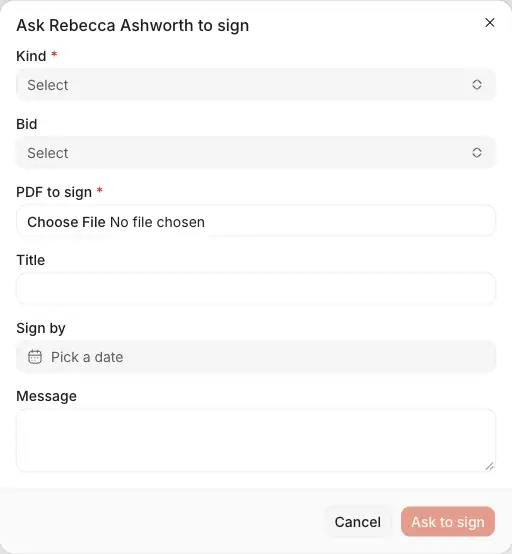
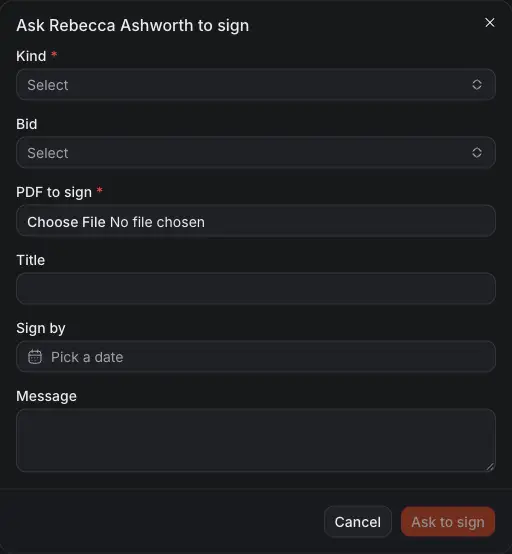
- Kind: a consultancy agreement, a non-disclosure agreement, a statement of exclusivity and availability, or other.
- Bid: required for a statement.
- PDF to sign, or Generate for a statement.
- Sign by: optional.
They read it and sign it in their portal, with the time, IP address and device recorded on a signature page joined to the document. The signed copy is then on their page. You can Withdraw a request while it waits.
Their time and invoices
An expert logs time on a bid and submits it by the week. A submitted week waits for you in Workflow, under Expert time: approve it, or reject it with a reason. They invoice approved weeks, which makes a draft bill in your Supplier bills for a supplier linked to them.
Write a review
Once an assignment has ended (they were unassigned, or the bid was decided or archived), the Reviews card offers Write a review for it: one to five, and a comment. There is one review per expert and bid.
Who sees what
- The expert sees the bid's title, reference, closing time, company and particulars (buyer, country, industry, type, site visit, description and scope), the files you shared and the items given to them. They never see its value, its price or costs, its stage, its competitors, your notes or proposals. See My business.
- The rate you agreed is for who reads the directory and the expert. It is also on the bill of their invoice, for who reads bills. It is never in the PDF, never shown to another company, and it does not feed your commercial proposal.
- An ID document or bank details they give are only for who manages experts: the owner and admins.