

Tenders for you, and a CV tailored to a bid
See the open public tenders in your sectors and say you are available, and have AI write your CV for a bid from your own profile, in the EU, World Bank or a generic format.
Tenders, under Work in the left menu, lists the open public tenders in your sectors. Tailored CVs is on each of your bids and on your Documents: it writes your CV for that bid from your own profile.
Tenders for you
Your sectors come from the Industries of your profile. Tenders come from public registers, each named with its terms at the foot of the list. Those in your own country come first, then your region, then the nearest closing.
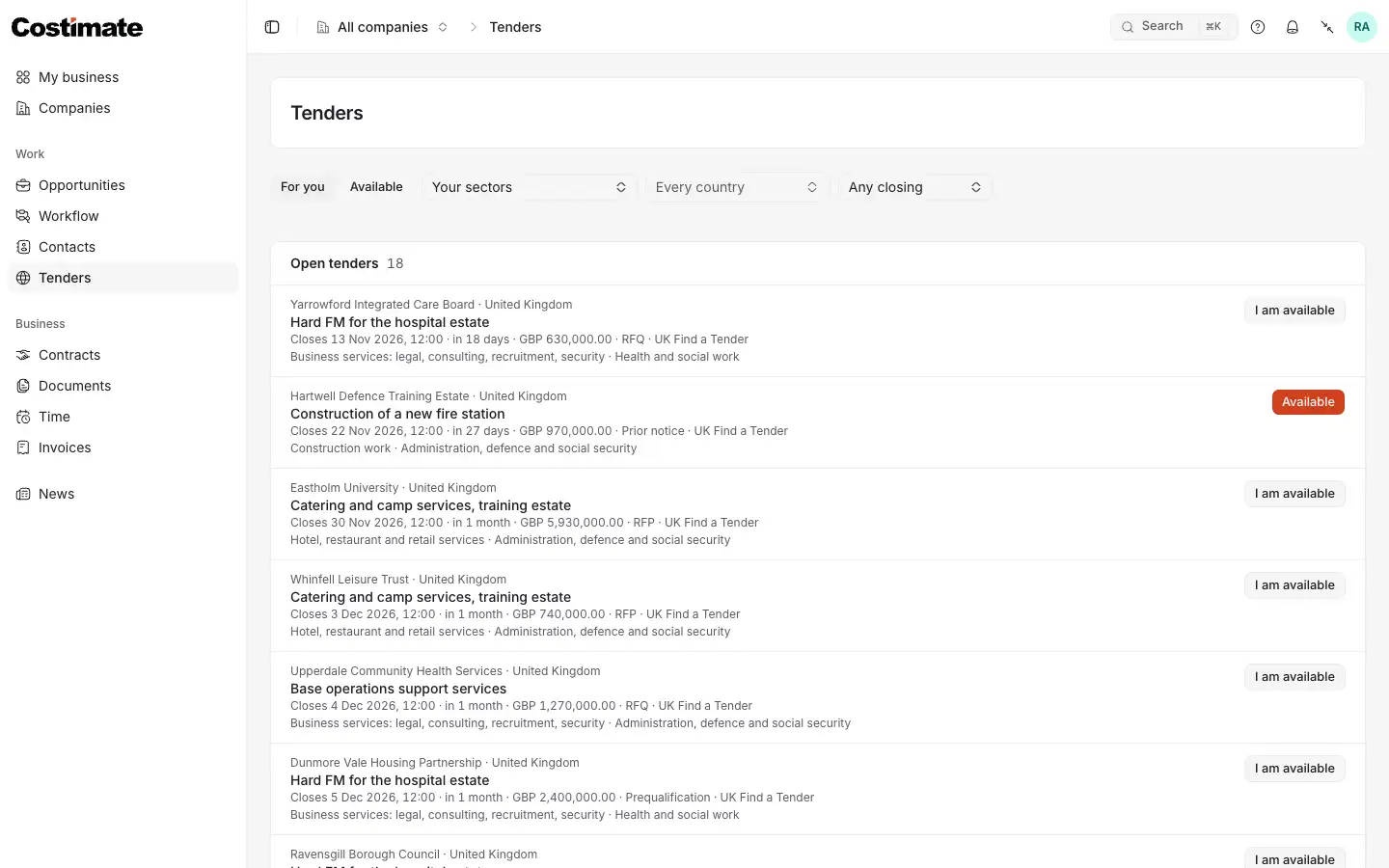
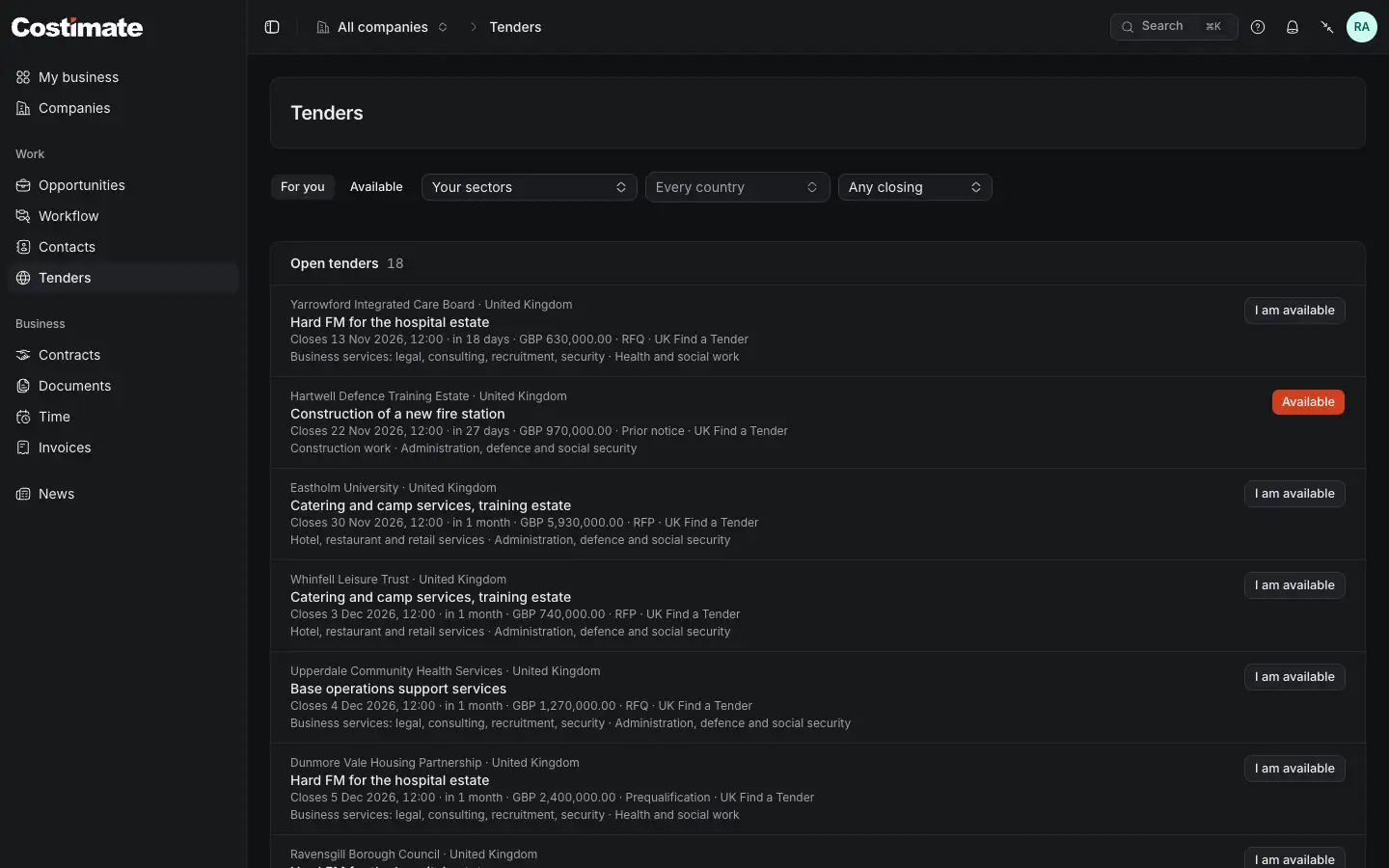
- For you shows your sectors. Available shows what you said you are available for, whatever its sector.
- Your sectors: pick one sector, or any other.
- Every country, and how soon it closes.
- I am available. Once pressed it says Available: press that to take it back.
Each row has the buyer and its country, the title linking to the notice, the closing time, the value when the notice gives one, the kind of tender, its source and its sectors. Tenders for you on My business shows the best five.
What "I am available" does
It is your own signal, and you can take it back at any time.
- A company that holds that tender as a lead or a bid, and can work with you, sees your name on it. Whoever may invite experts there is told, at most once a tender a day.
- You are never told which companies hold or follow a tender, or how many. A company never learns who else holds it.
- It is no application. An invitation may follow, and then it names the company as any invitation does.
Tailor your CV to a bid
The company may ask for your CV in a tender's format. A tailored CV is written from your profile, for one bid you are on.
- Open the bid and choose Tailor my CV for this bid. From Documents, choose Tailor my CV for a bid, and pick the bid.
- Choose the format.
- Choose Tailor my CV, and wait for the draft to open.
- Read and change it, then choose Save.
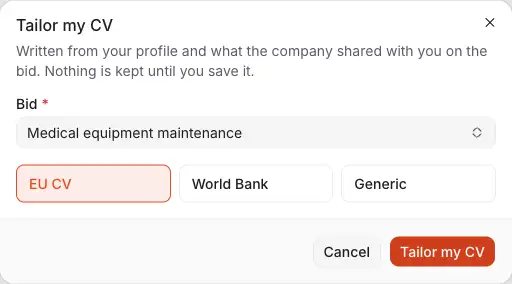
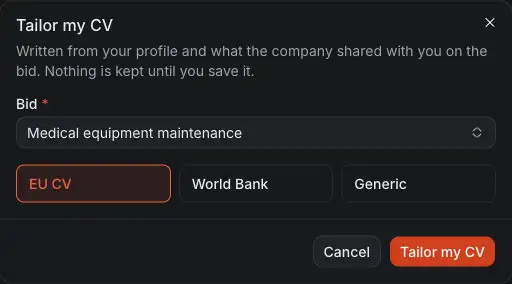
- Bid: one you are on.
- EU CV: the key expert CV EU tenders ask for.
- World Bank: its CV form for a consultant's experts.
- Generic.
What the draft holds
AI chooses, orders and rewords what your profile holds, and is told to add nothing. The proposed position, the summary, the descriptions and, in the World Bank format, the tasks assigned are its own words, so check them.
- Your dates, employers, positions and degrees stay your profile's. A description it rewrote is kept only if every year it names is one that entry holds. If it leaves your summary, education or experience empty, your profile's are used as they stand. If its answer cannot be read, you are asked to try again.
- It reads your profile, what you may read of the bid, your items and tasks there, the company's open requests for a CV, and up to five of the files shared with you.
- It never reads the bid's value, stage, notes or the rest of its files, and your address and phone never go to it. Your personal details are filled from your profile, and you type your date of birth and nationality yourself.
- It runs for the company. It reads the company's files, so it is recorded on that company's account and held to an hourly limit for that company.
No CV exists until you choose Save. What AI read of your profile and the draft it wrote stay on record on the company's account, and nobody there can open them.
Edit, download and give
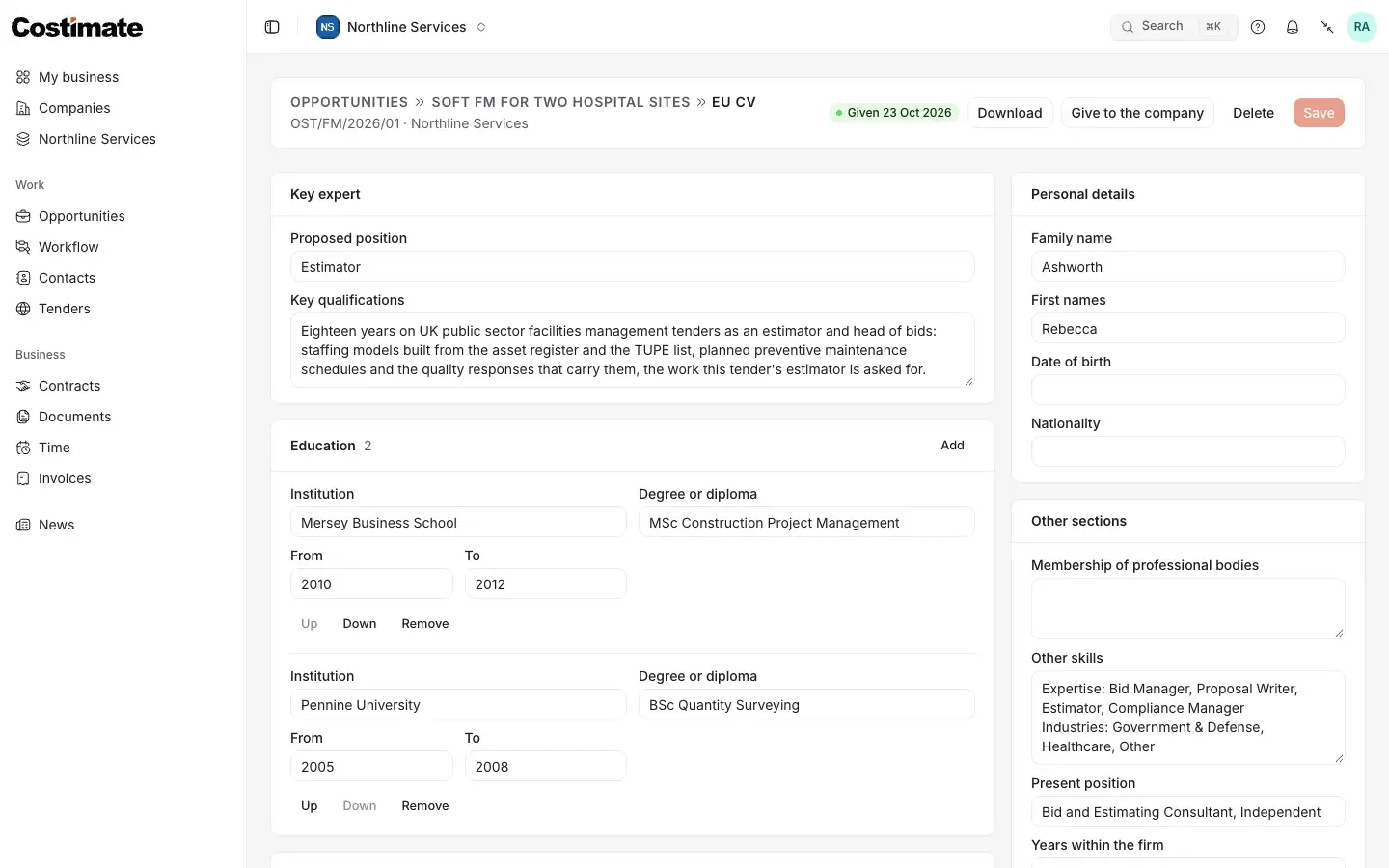
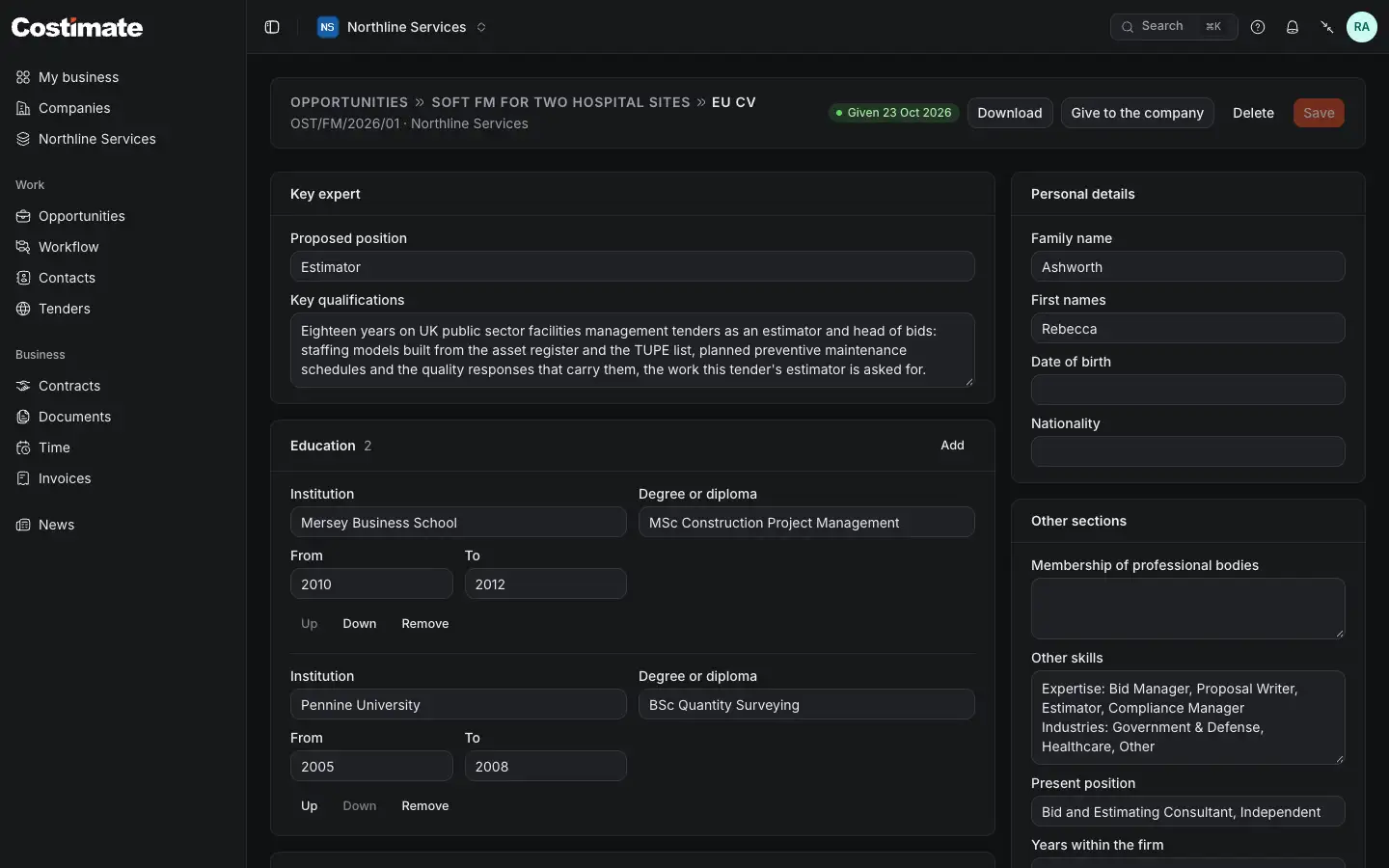
- Download: a PDF, or a Word document to go on editing. Both hold the same words.
- Give to the company: the PDF and the Word file become two of your documents, against a request of theirs if you pick one.
- Save keeps your changes.
- Key expert: the sections of the format, in plain text. Personal details are beside them.
- A list of rows. Add adds one, each row moves up or down, and Add from my profile brings back what the draft left out, with its own dates and words.
There is one CV per bid and format: saving a new draft of the same format replaces it. Deleting a CV keeps what you gave.
Good to know
- Check it. AI output can be wrong. It is your CV: read it before you give it.
- Its company. A CV is yours to read while you are on the bid, and the company reads it only once you give it.
- A short profile makes a short CV. A profile with nothing to write from cannot be tailored: add your positions, education and references first.