

The finance overview and currencies
See what clients were billed, paid and owe, and what you owe suppliers, in one currency, and how amounts in several currencies are added up.
The Overview under Finance is one page of what is coming in and going out. Every amount on it is in US dollars, because your documents can be in many currencies. Its first part is about what clients owe, and is only for people who can see prices. Its second part is about what you owe suppliers, and is for everyone who can open Finance.
Someone named on some bids, without the right to see every price, reads the first part for those bids only, and the page says so. Someone who sees no prices at all has only the second part.
Read the overview
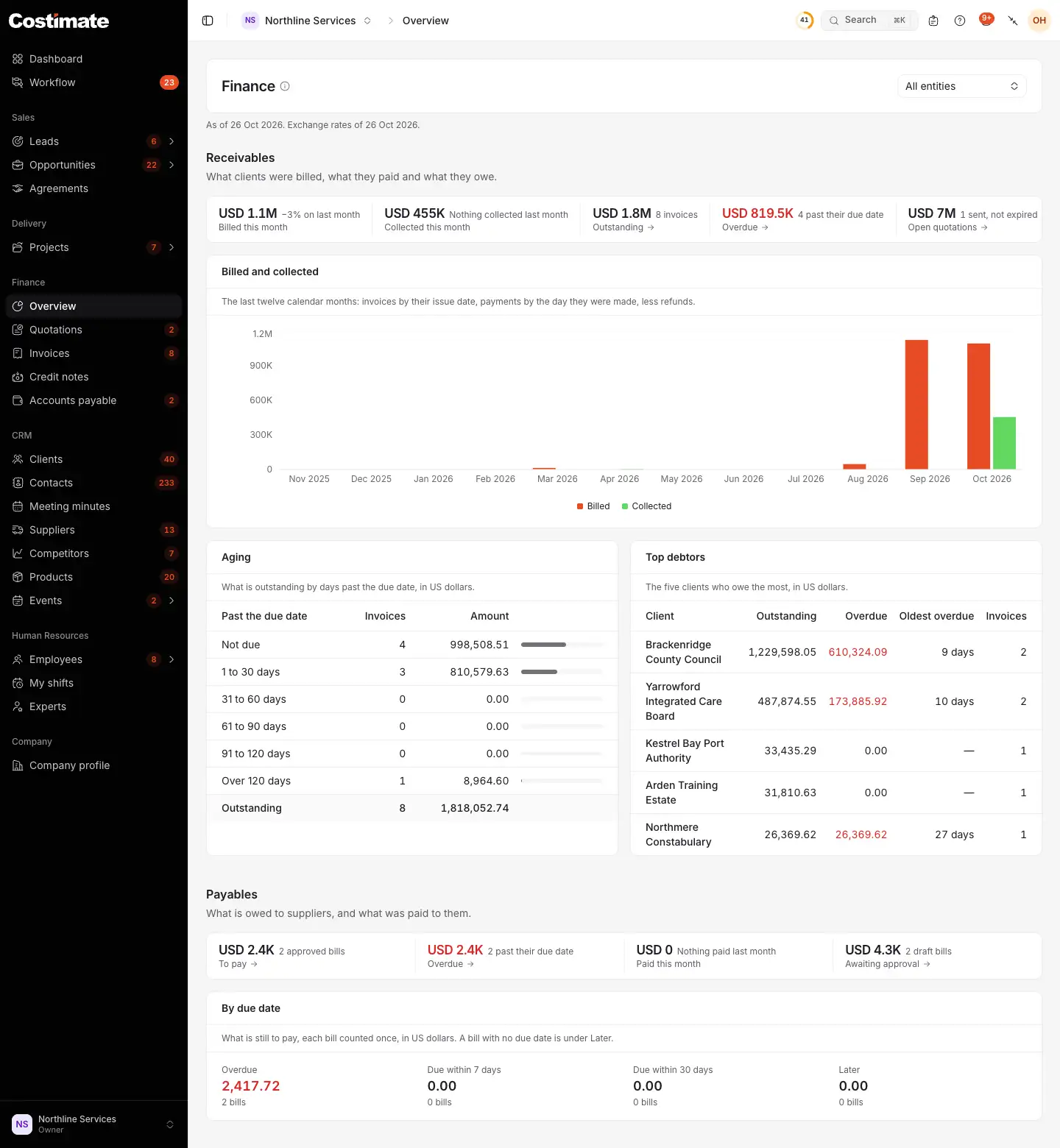
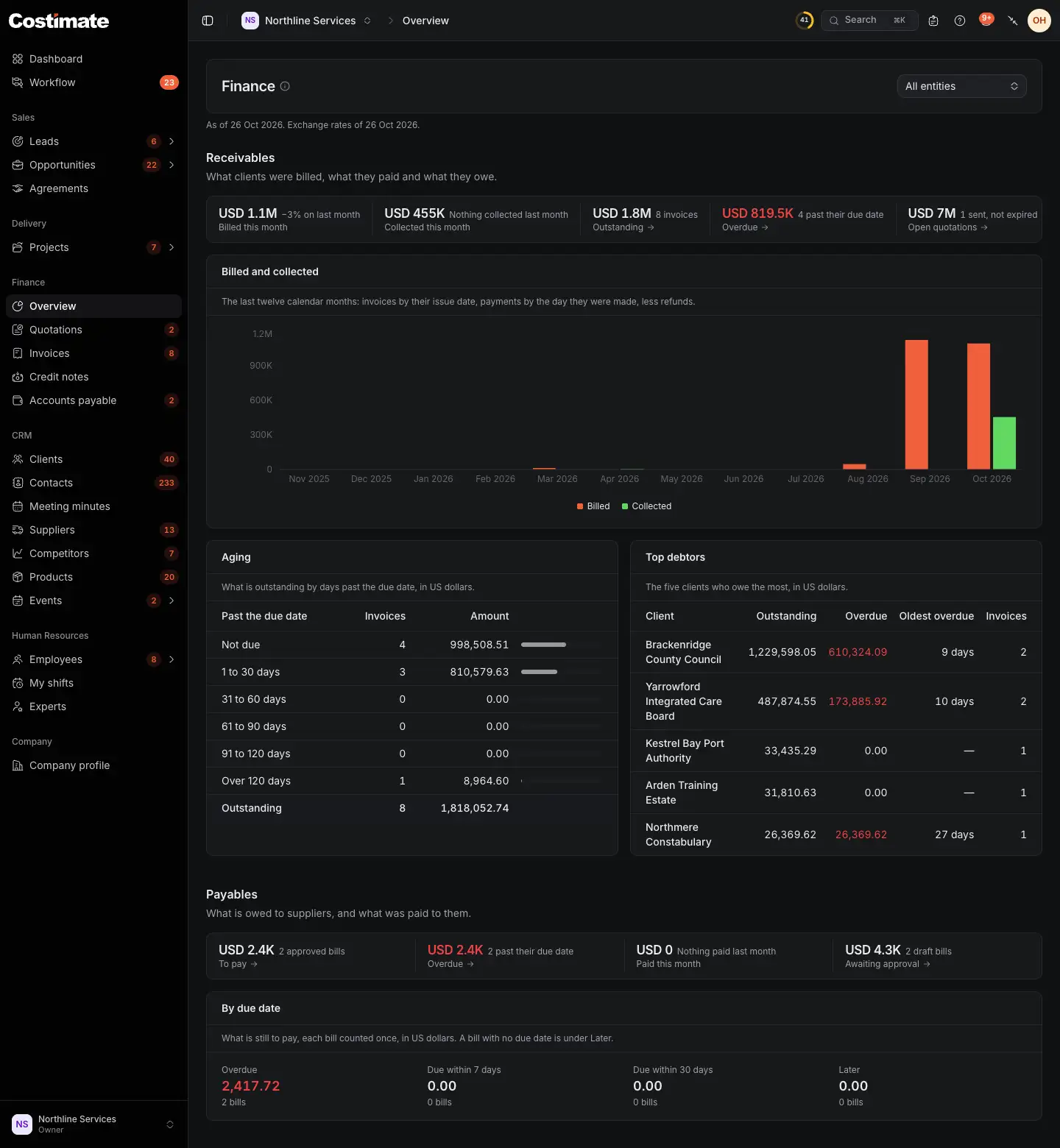
- All entities narrows the whole page to one of your legal entities. It is there when you have more than one.
- The day the figures are for, and the day of the exchange rates.
- Billed this month: invoices issued this month, less credit notes, with the change on last month. Collected this month is beside it: payments less refunds.
- Outstanding: what is still due today, and on how many invoices. Overdue is the part past its due date. Open quotations are those sent and not expired.
- Billed and collected: the last twelve months. Invoices count by their issue date, and payments by the day they were made.
- Aging: what is outstanding by how many days it is past the due date, from not due to over 120 days.
- Top debtors: the five clients who owe the most, with what is overdue and for how long.
- Payables: what you owe suppliers: what is to pay and overdue, what was paid this month, the bills awaiting approval, and when the rest falls due.
A figure that counts documents opens their list with the same view and entity.
How currencies are added up
Each quotation, invoice, credit note and bill has one currency, and keeps it once it is issued or approved. A quotation or an invoice of a project is in the project's currency. A bill is in the currency the supplier bills in. A payment and a refund are in their document's currency.
Nothing is converted on the document itself. Only the sums across documents are in US dollars, by one rule:
| Figure | Rate used | So |
|---|---|---|
| Of a month: billed, collected, paid to suppliers | The rate stored on the document, payment or refund, from the day it was issued or recorded | A month that has passed keeps its figure |
| As of today: outstanding, overdue, the aging, the debtors, the bills to pay | Today's rate | These move a little with the rates |
| Either, when its rate is missing | Today's rate | |
| Either, when there is no rate at all | None: it is left out | The page counts what was left out and says so, for example "2 documents or payments are not counted: no exchange rate." |
Costimate never treats a missing rate as zero, and never adds two currencies one to one.
The same rule holds on the figures at the top of the quotations, invoices and bills lists.
Where the rates come from
Rates are fetched once a day and shared by everyone on Costimate. You do not set them. The page says the day of the rates it used, and warns you if they are more than three days old. A document issued on a day with no known rate stores none, and is converted at today's rate when it is added up.
Your home currency
Your company's currency, set on the company profile, is what a new record starts with, such as a bid, a document, a client or a supplier. Nothing is converted into it, and the sums stay in US dollars.
Good to know
- Today's date, "this month" and "overdue" follow your company's time zone, not the reader's.
- Sums count only what you may see. A quotation or invoice hidden from you is not in any figure of yours.
- Credit notes lower what was billed in the month they were issued, so a month can be below zero. See Credit notes.