

Events and organizers
Keep the exhibitions and conferences you take part in, who runs them, who went, what they cost, and print an event's details.
Events, under CRM in the left menu, keeps the exhibitions, conferences and other events you take part in: when and where, how you took part, who went and what it cost. Organizers, under Events, is who runs them.
By default, everyone in your company can read events. The owner and admins add, change and delete them, and organizers with them.
Add an event
- Choose New event.
- Type the Name, unique among your events, and pick the Start date and End date.
- Pick the Country, and the Impact.
- Fill in the Cost and its Currency.
- Pick the Lead participant: one of your people, or a contact.
- Choose Add event.
The rest of the drawer:
- Suggest with AI, beside the name: fills what it can from the name, the place and the year alone. These are guesses, not looked up, so each stays marked until you confirm or change it.
- Participation: how you took part, such as Visitor, Exhibitor or Speaker.
- Organizer: pick one, or type a new name to add it.
- Other internal people and External attendance: who else went, your people and your contacts.
- About the event: what it is, in rich text.
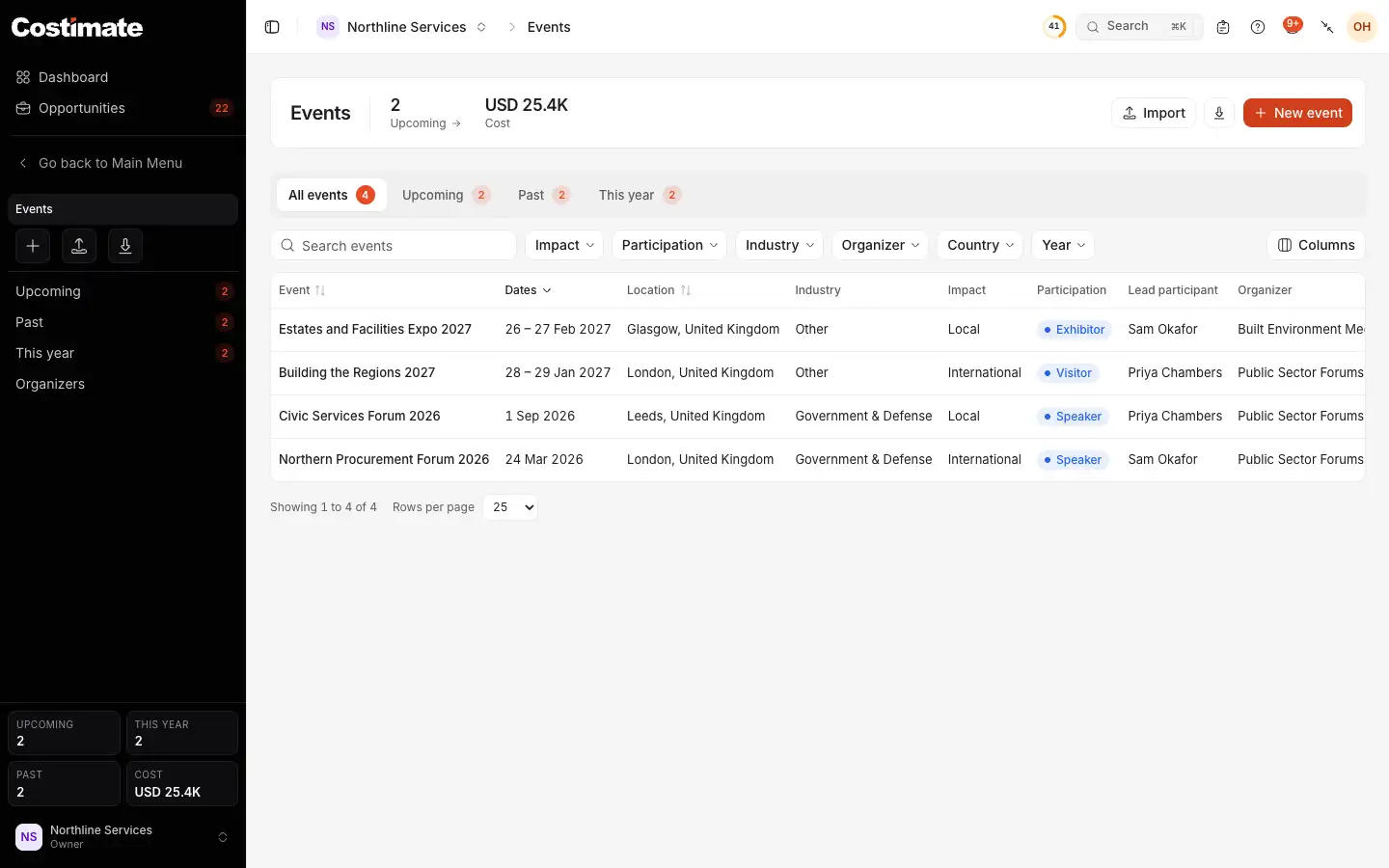
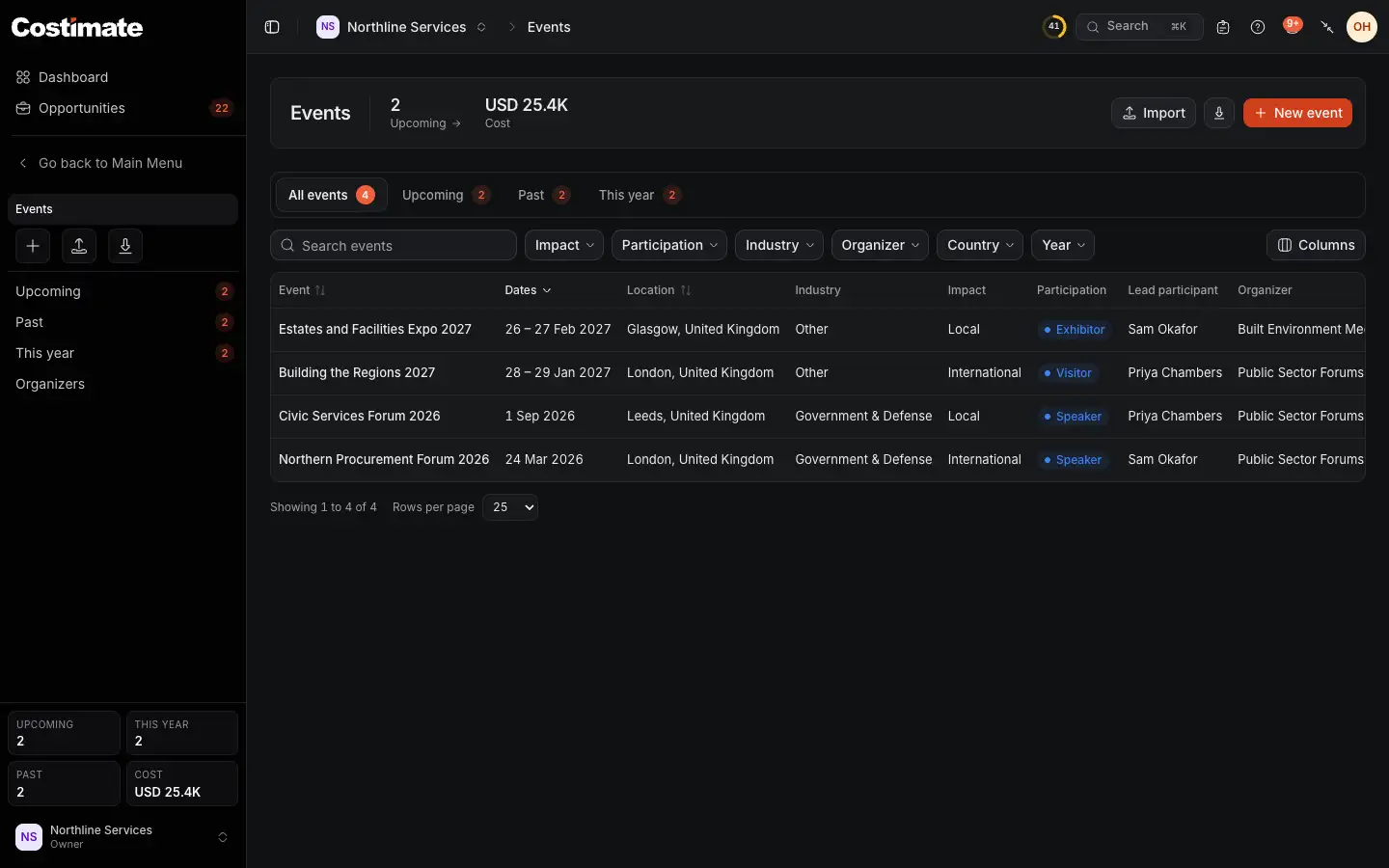
- How many are upcoming, and what your events cost, in US dollars.
- New event. Import and the export of the list are beside it. See Import and export with Excel.
- The views: all, upcoming, past and this year.
- How you took part in each. Further right are the lead participant, the organizer and the cost.
An event's page
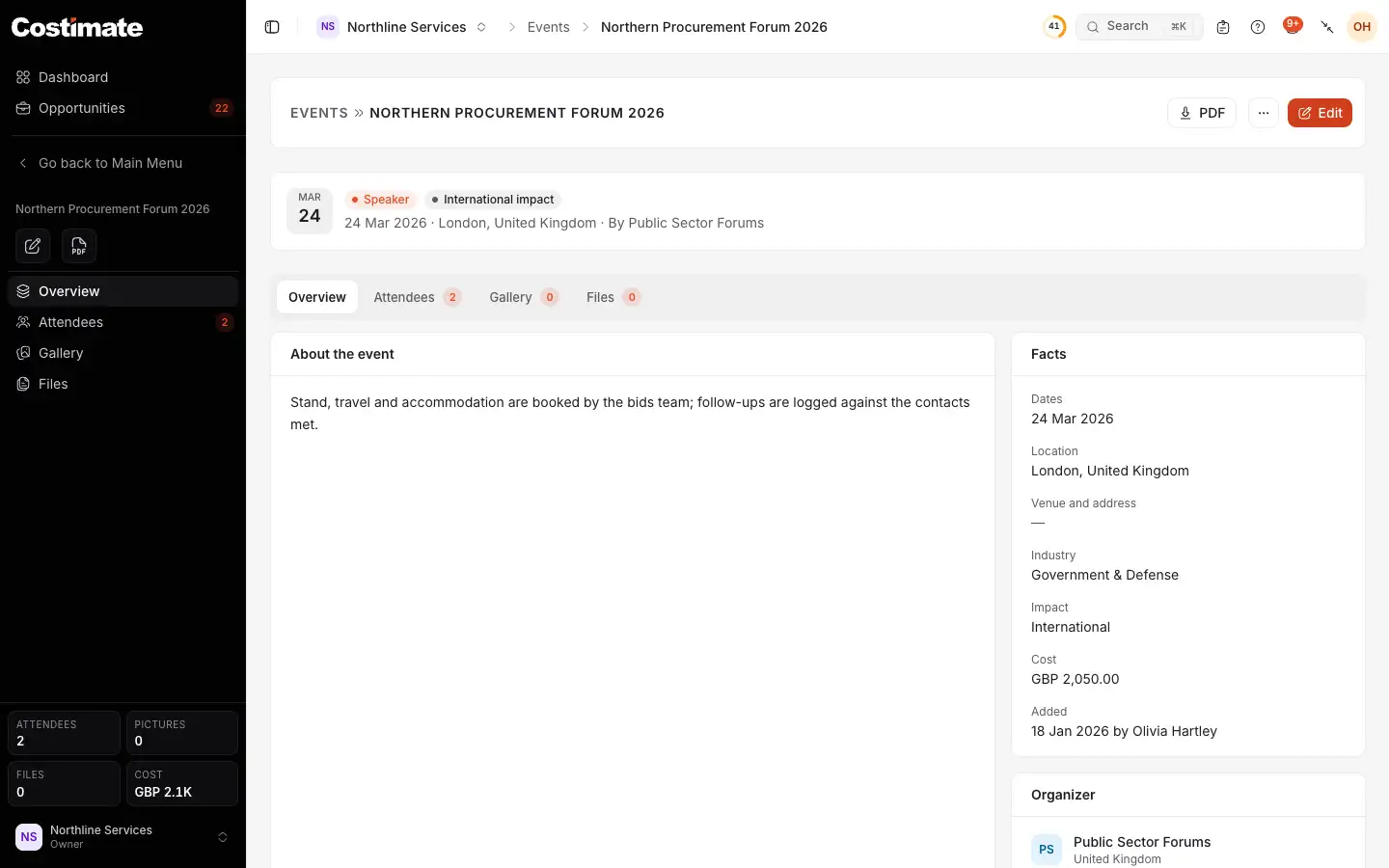
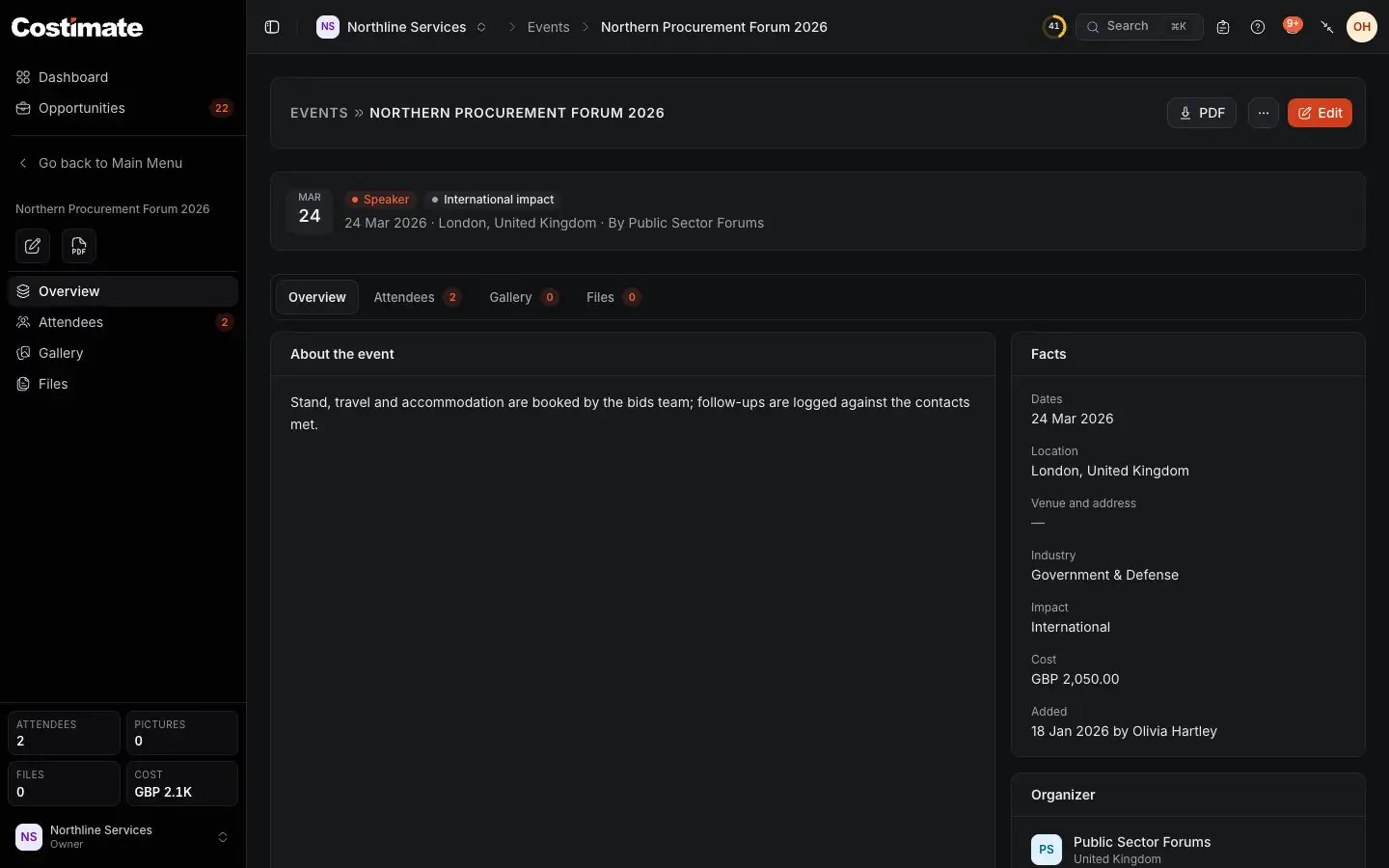
- PDF prints its details.
- How you took part, and its impact.
- Attendees: who went, your people and your contacts, with the lead marked.
- Gallery: photos of the event. Files holds its papers.
- Its facts: the dates, place, industry, impact and cost.
- Its organizer, a link to its page.
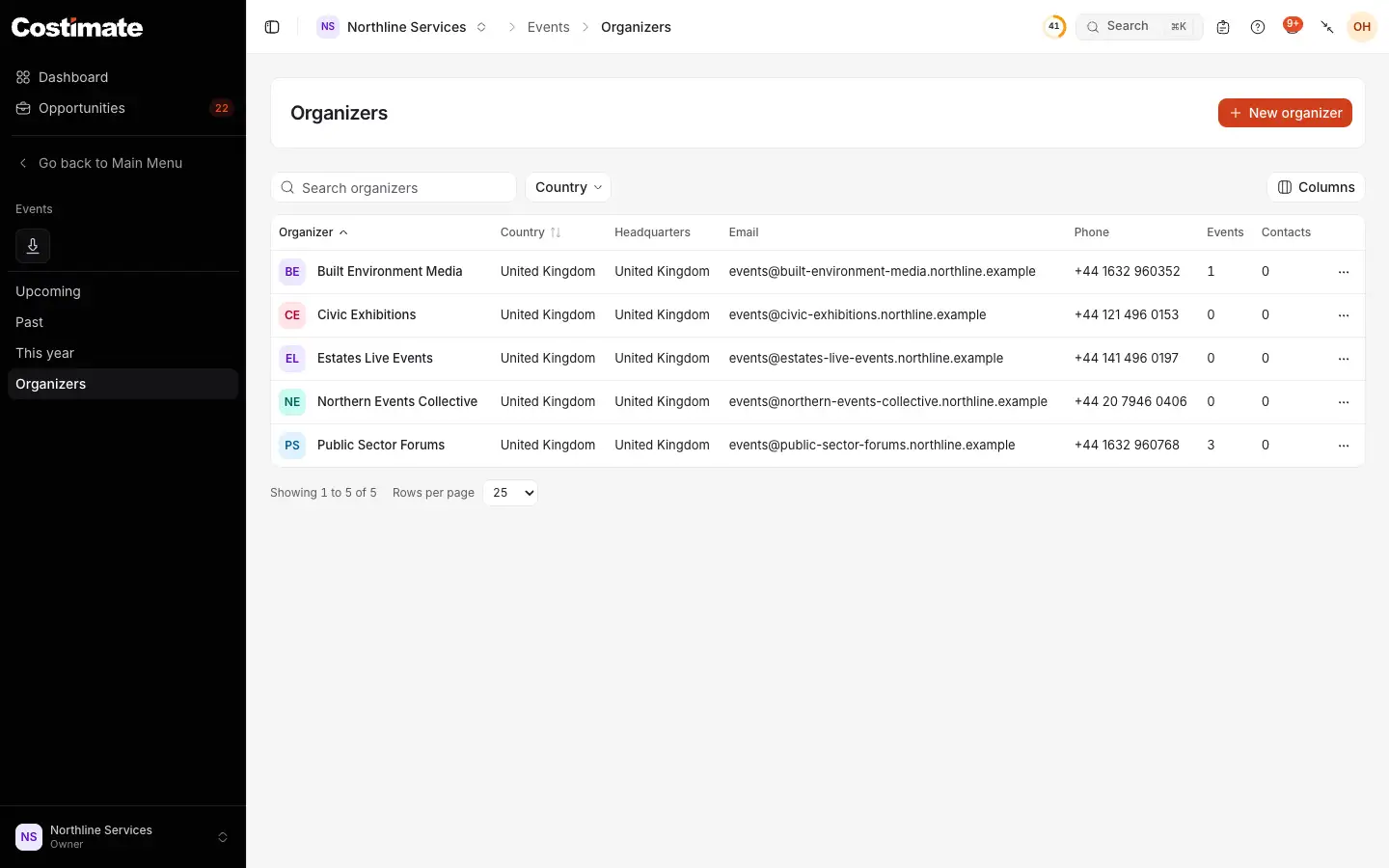
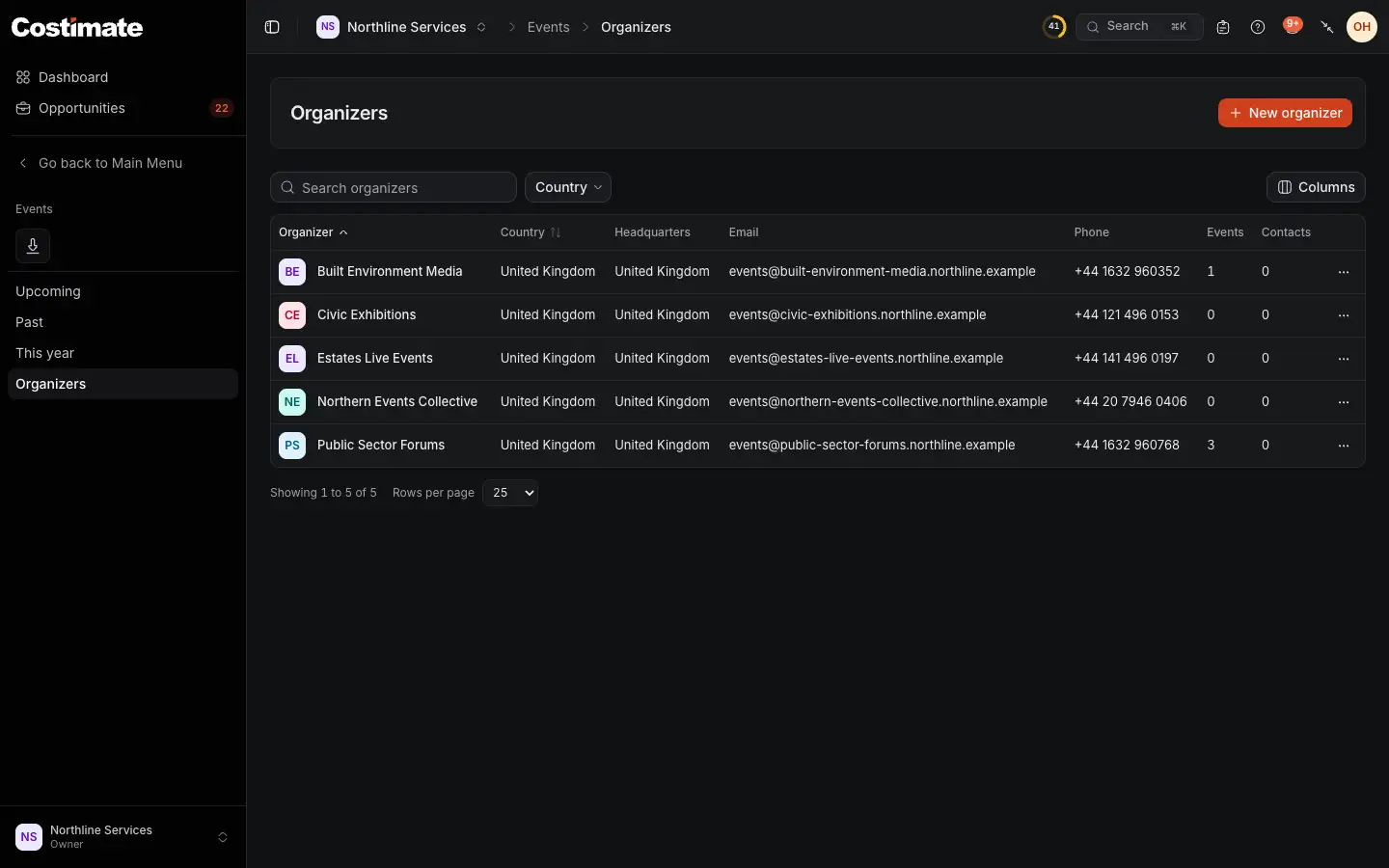
- New organizer: a name and a country are enough.
- How many of your events it runs.
- How many of your contacts work there.
An organizer's page has Overview, Events and Contacts. A contact can belong to an organizer as to a client.
Good to know
- The cost is open. Everyone who reads events reads what each one cost. The total at the top is in US dollars, and what has no exchange rate is left out and counted.
- Deleting. A deleted event or organizer is kept for 30 days in Recently deleted, then removed for good with its files. Deleting an organizer leaves its events and contacts in place, no longer linked to it, and a restore links them again.
- Not a calendar. Nobody is invited or told by an event, and it does not appear in a schedule.