

Contracts and documents
Sign what a company asks you to sign, inside Costimate, and give it the papers it asks for, a CV, a certificate or proof of insurance, or give one unasked.
A company you work with can ask you to sign something, or to give it a paper. Both are under Business in the left menu, each row naming its company. Choose a company in the switcher at the top to see that company's only.
The network agreement between you and Costimate is apart from these. See Join the Costimate Expert Network.
What you are asked to sign
Contracts lists it: a consultancy agreement, a non-disclosure agreement, a statement of exclusivity and availability for one bid, or something else. What waits comes first.
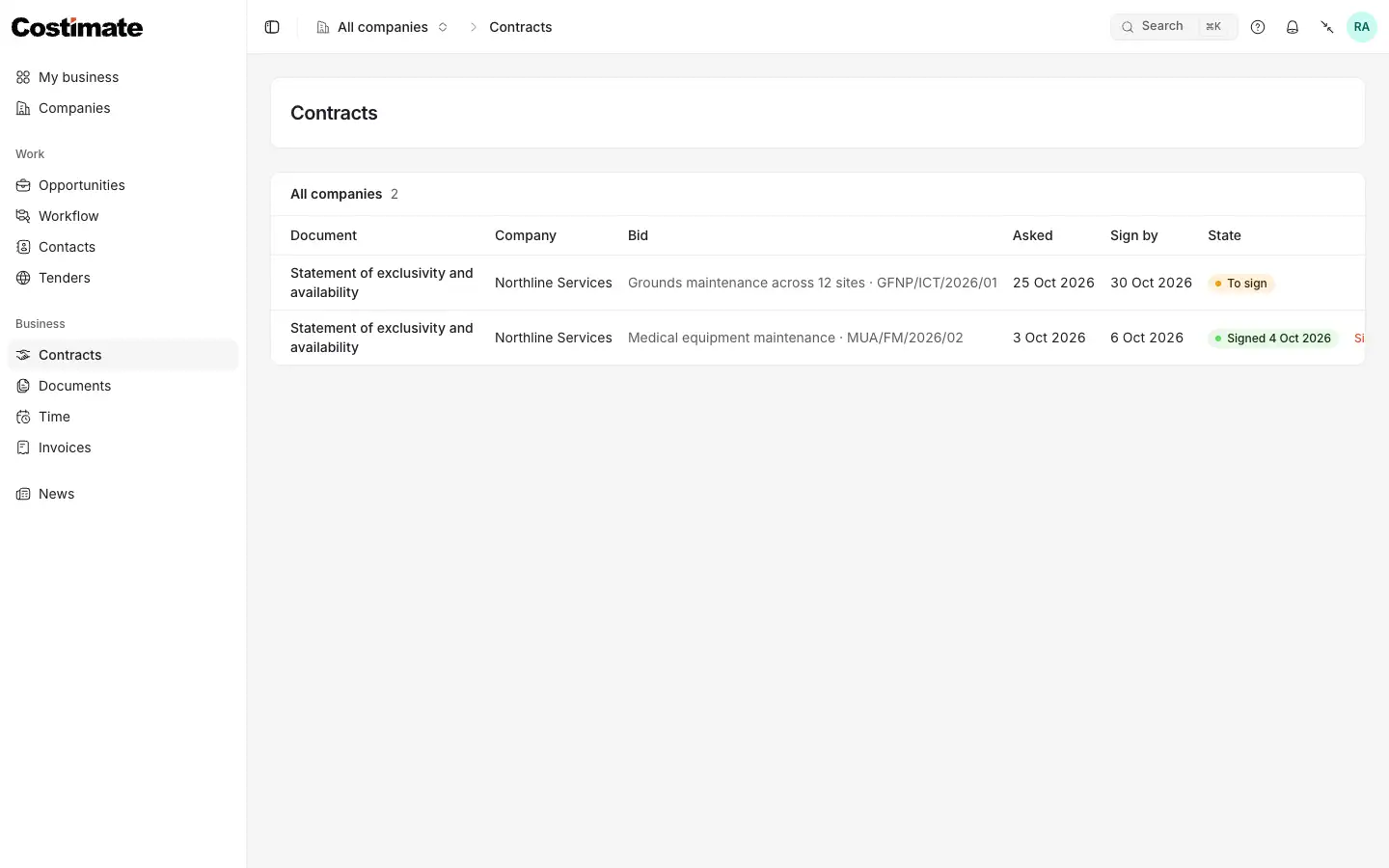
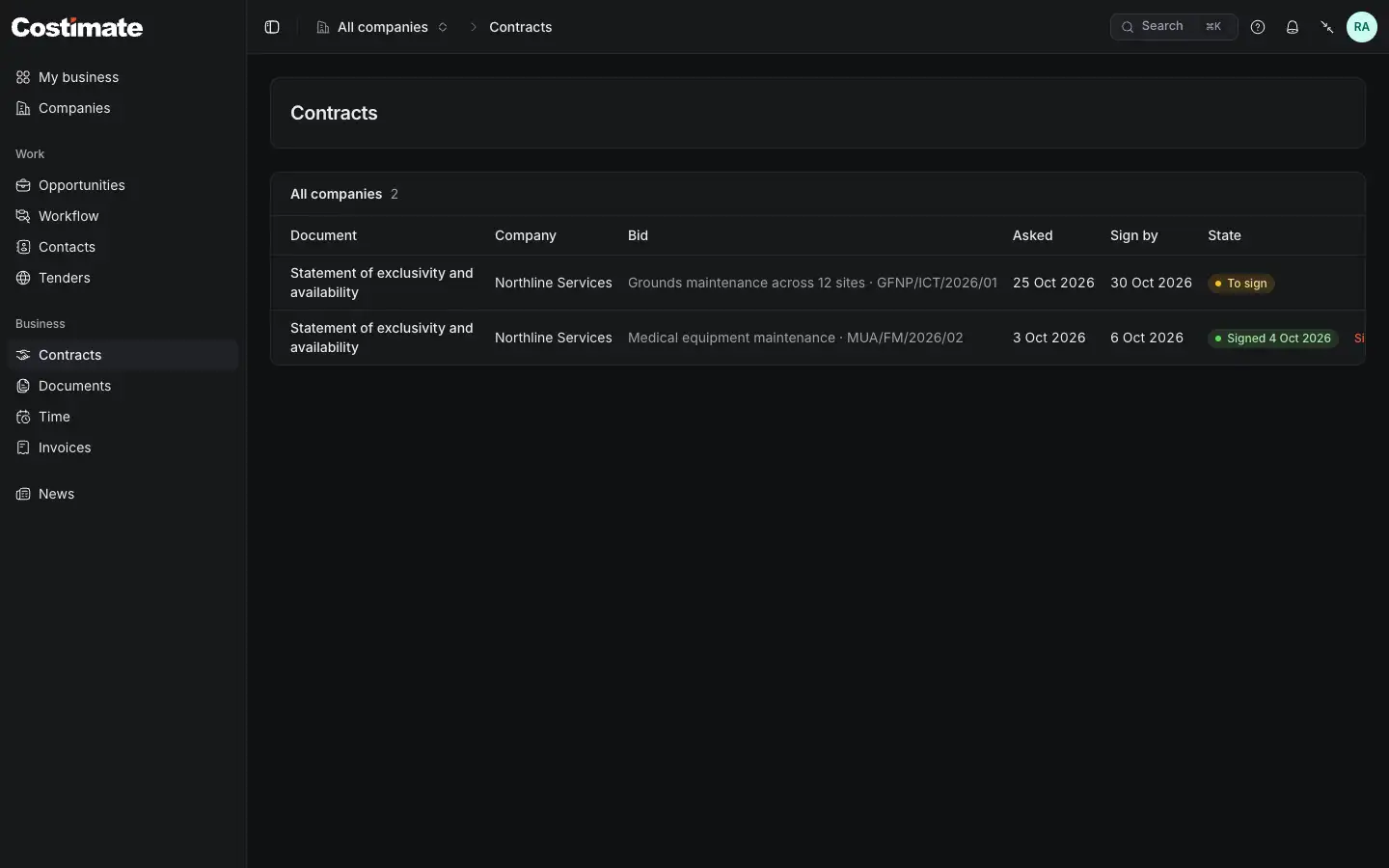
- Sign by: the day the company would like it by.
- To sign: what waits for you. Click it to read it.
- Signed, with its date, and the signed copy to open.
The other state is Declined. If the company takes it back, you are told and it leaves this list.
Sign
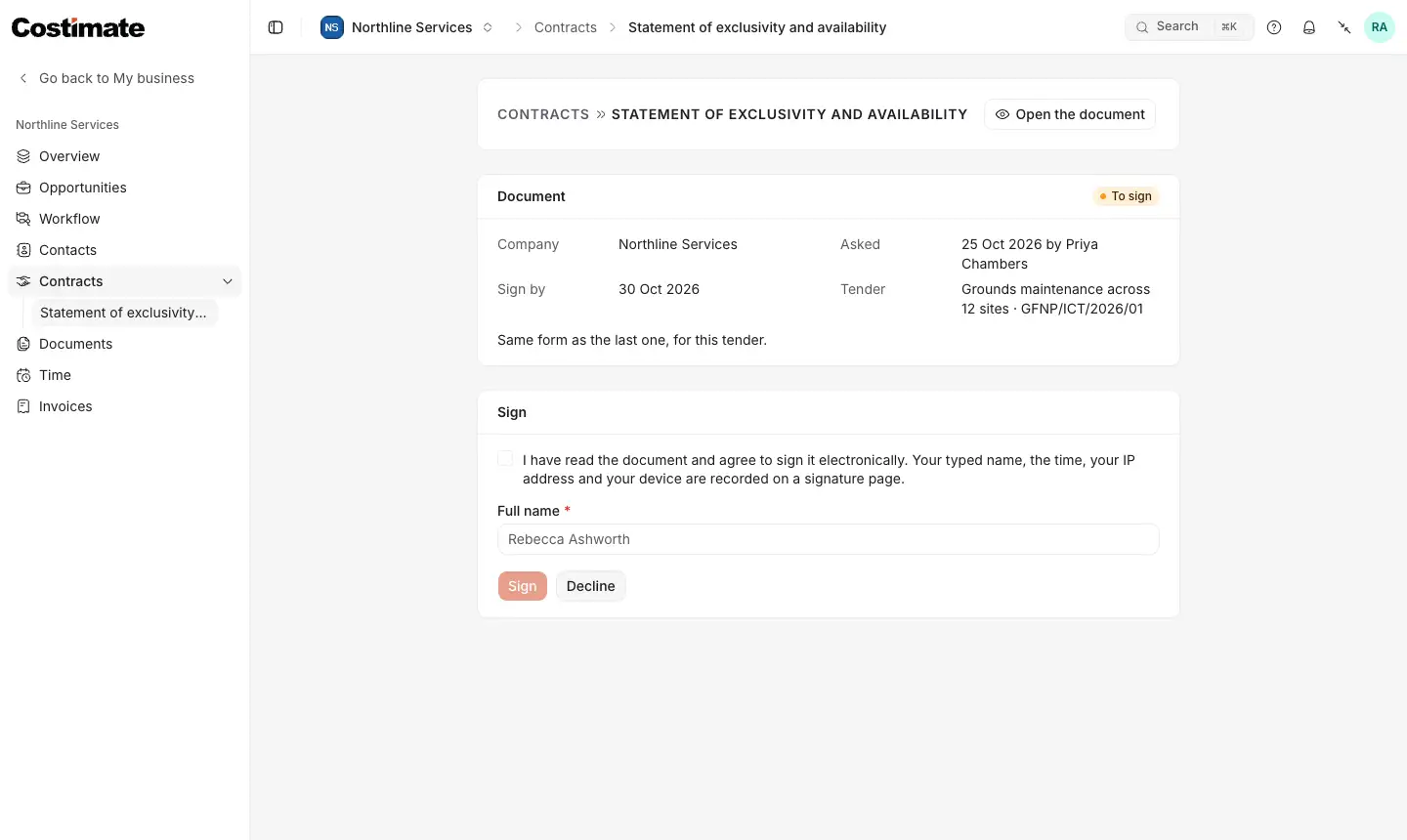
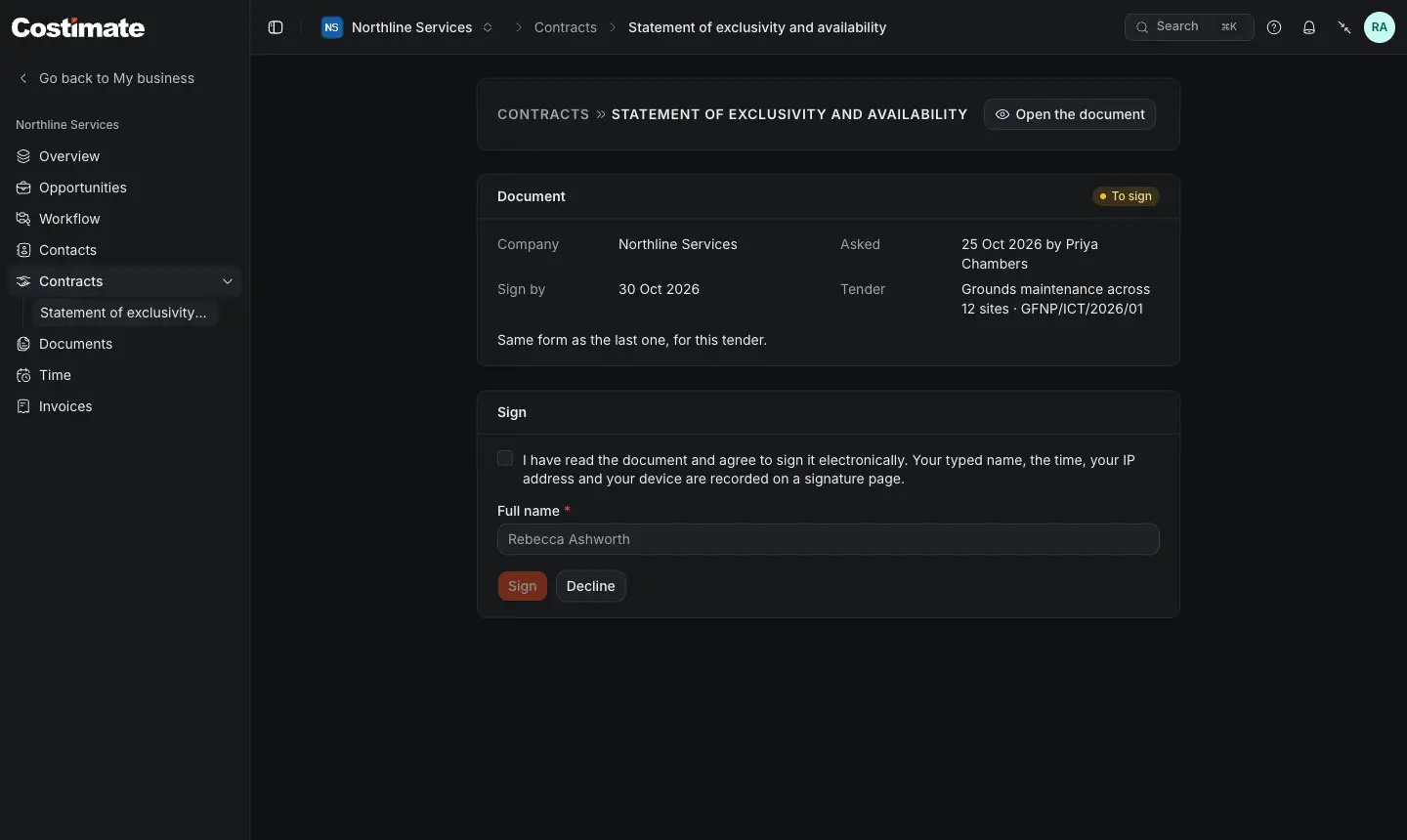
- Open the document, and read it.
- The day to sign by. The company's message is above the box.
- Tick that you have read it and agree. The tick says what is recorded: your typed name, the time, your IP address and your device.
- Full name: type it as you sign.
- Sign.
- Decline: you must give a reason, and the company reads it.
Signing makes the signed copy: the document followed by a signature page that records who signed and when, with what the box said. Costimate checks the document first: if it changed after it was sent, it says so and you ask the company to send it again.
A statement names one bid, and was asked for with that bid's title and reference, so what you signed stays what you were asked to sign.
Documents
Documents works both ways.
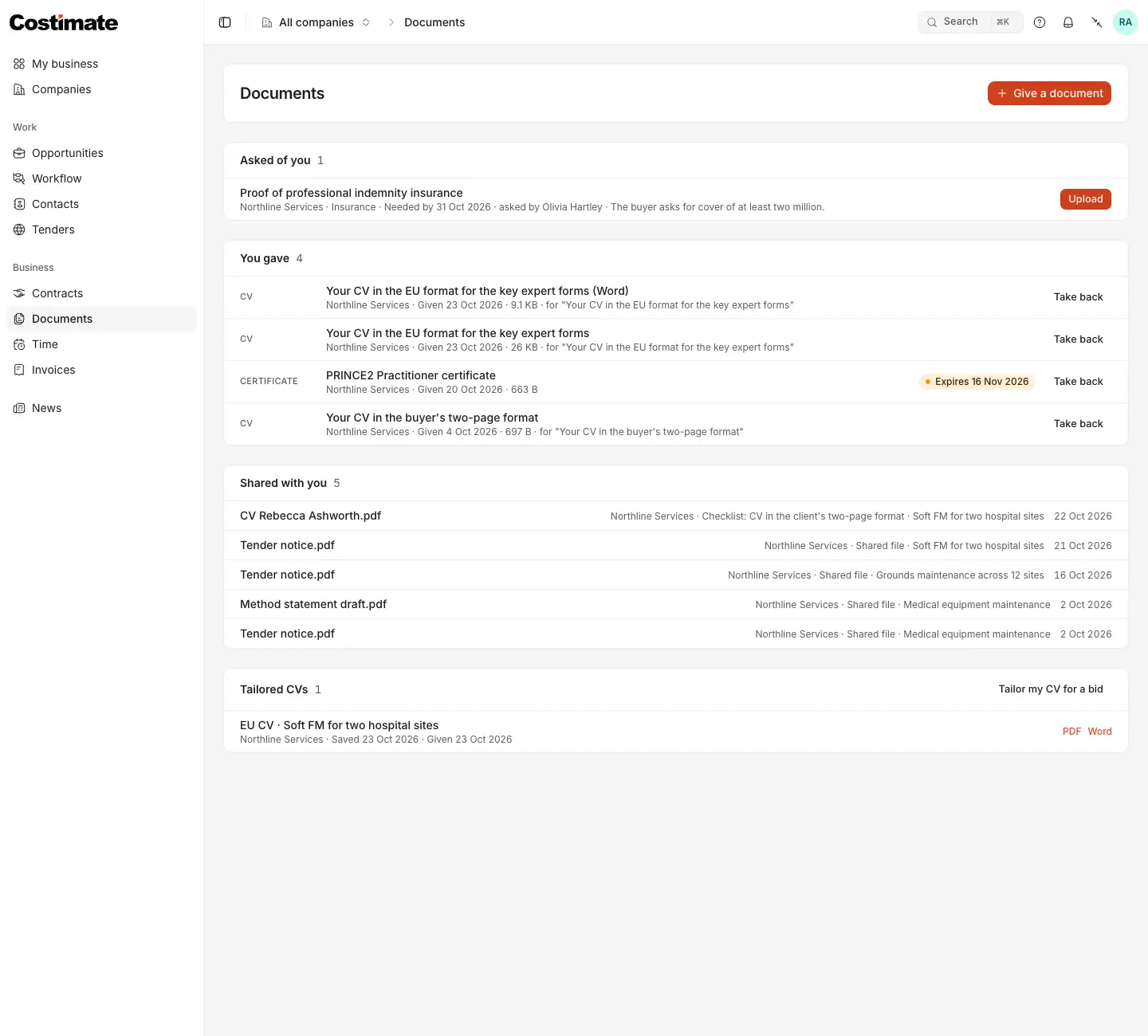
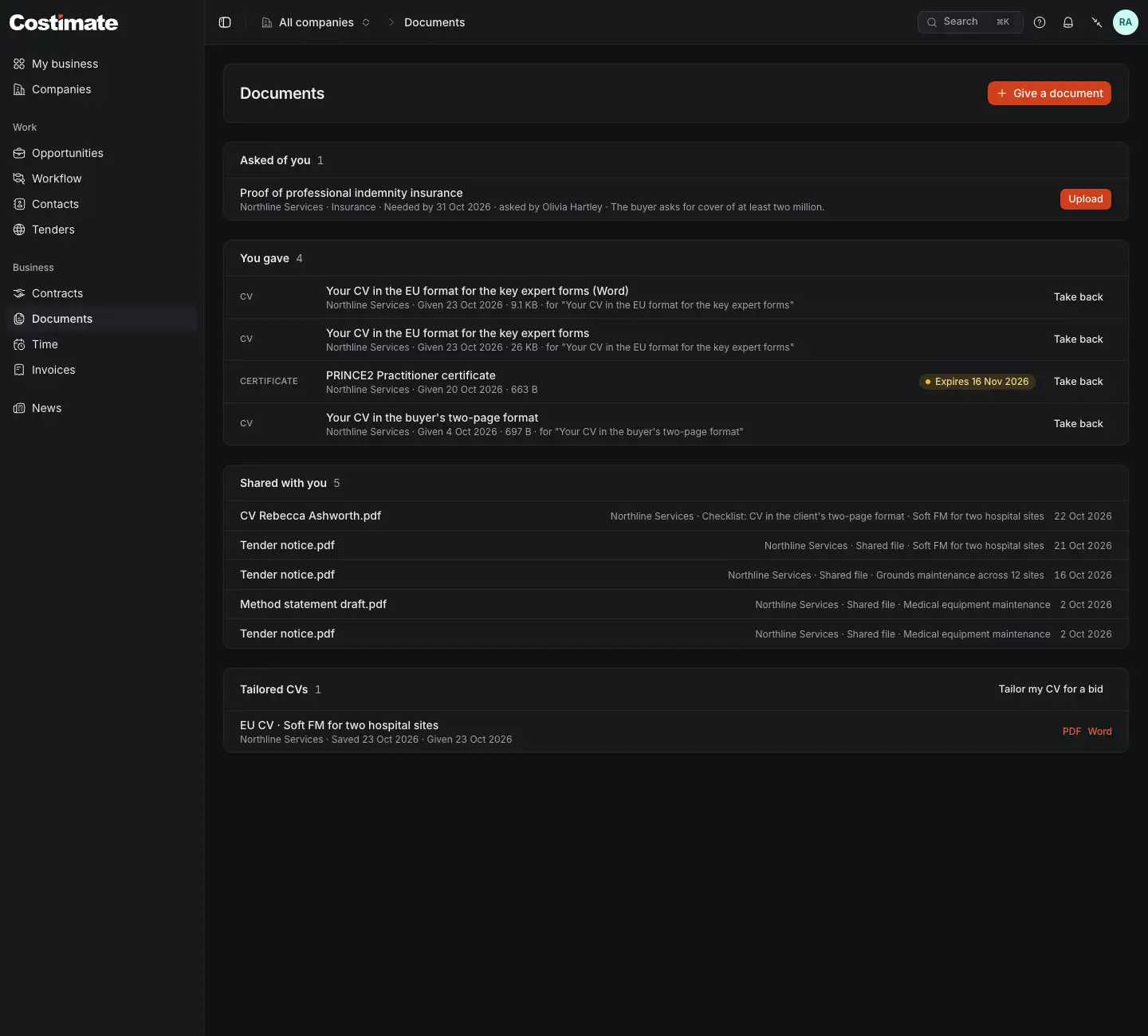
- Give a document: a paper nobody asked for, such as a new certificate. With every company showing, pick which company it goes to.
- Asked of you: what a company requested, with the day it needs it by, who asked and their message.
- Upload gives it, against that request.
- You gave: what you gave, when, and against which request. An expiry is flagged within 30 days of its day, and Expired after it.
- Take back removes a paper you gave. A request it answered opens again once nothing else answers it.
- Shared with you: the company's files for you, from your bids and checklist items, to open.
Tailored CVs is under them. See Tenders for you, and a CV tailored to a bid.
Give a document
- Choose Give a document, or Upload on a request.
- Pick the Category: CV, Certificate, Insurance, ID document, Bank details or Other. A request has its own, so there you pick none.
- Choose the File: one PDF, Word document or picture, up to 30 MB. It counts against that company's storage.
- Add a Title and, if it has one, an Expires on day.
- Choose Give.
Who reads what
- A paper you give goes to that one company. No other company sees it.
- An ID document or Bank details is read only by the people who manage experts at that company. Others there do not know it exists.
Good to know
- A company leaves your list when you have nothing with it any more. A document asked for or given, or an agreement waiting or signed, keeps it there.