

Send documents from your own address
Verify your company's domain, then send quotations, invoices, credit notes and reminders from billing@ or from each person's own address.
Costimate sends your documents from its own address, under your entity's name, and replies go to whoever sent them. Once you verify your company's domain, they can go from your own addresses, and replies reach your own mailboxes, as long as the address has one. This covers quotations, invoices, receipts, credit notes and payment reminders. Everything else Costimate sends, such as notifications and invitations, stays on Costimate's address.
Before you start
- Adding a domain comes with a paid plan. On Free, documents go from Costimate's address. See Plans, seats and billing.
- You need to be able to change the company: the owner and admins can add domains and shared addresses. Each member sets their own address.
- You need someone who can add DNS records at your domain provider. The records do not touch your domain's own email.
Add your domain
- Open the company profile, then Sending addresses.
- Under Domains, choose Add domain and type your domain, such as acme.com.
- Costimate lists the records to add. Copy each one to your domain provider.
- Come back and choose Check again. Verifying often takes minutes, and can take up to 72 hours.
A domain must be verified within seven days, or it is removed, and whoever added it is told. You can add it again when the records are ready. Your company can have up to three domains.
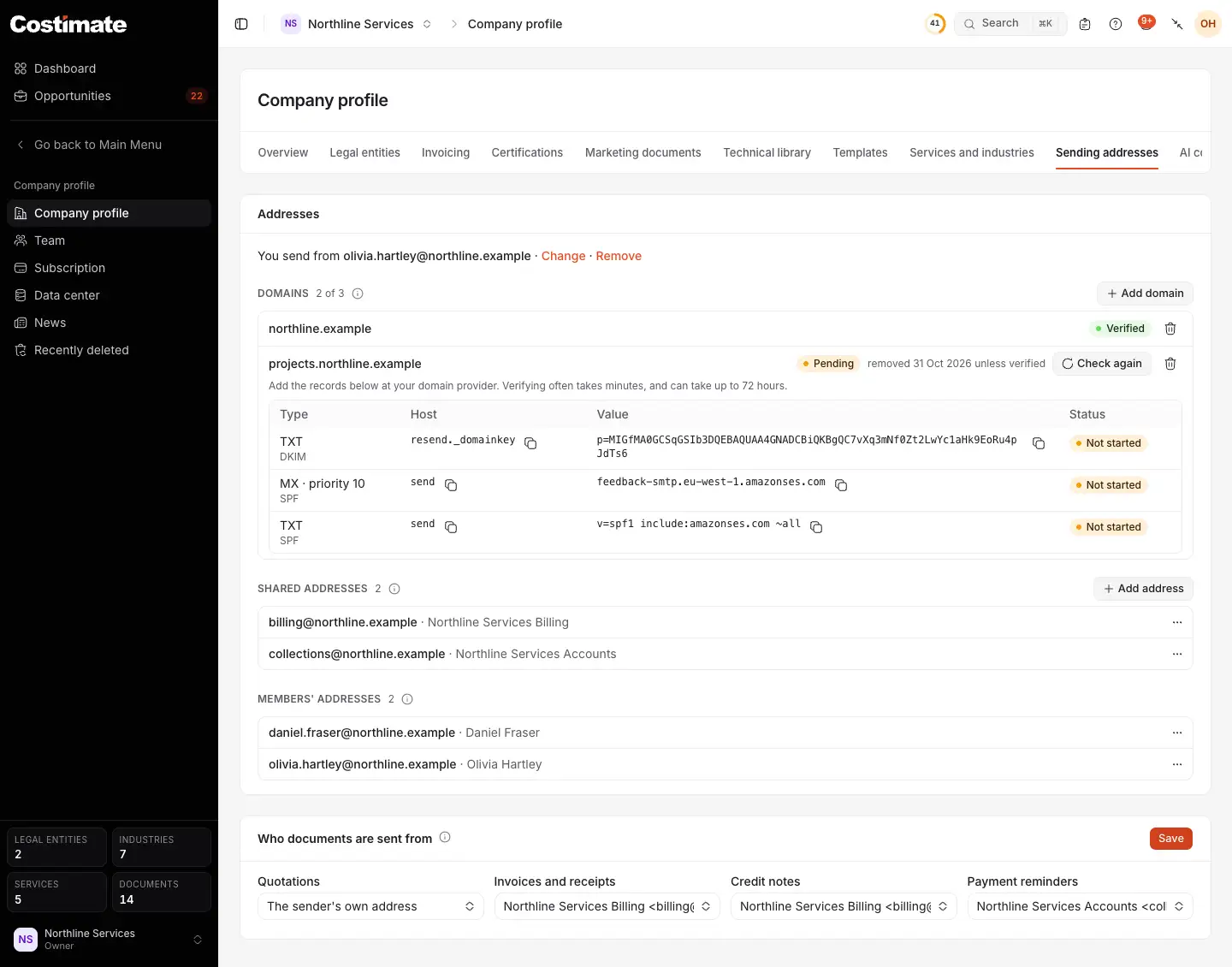
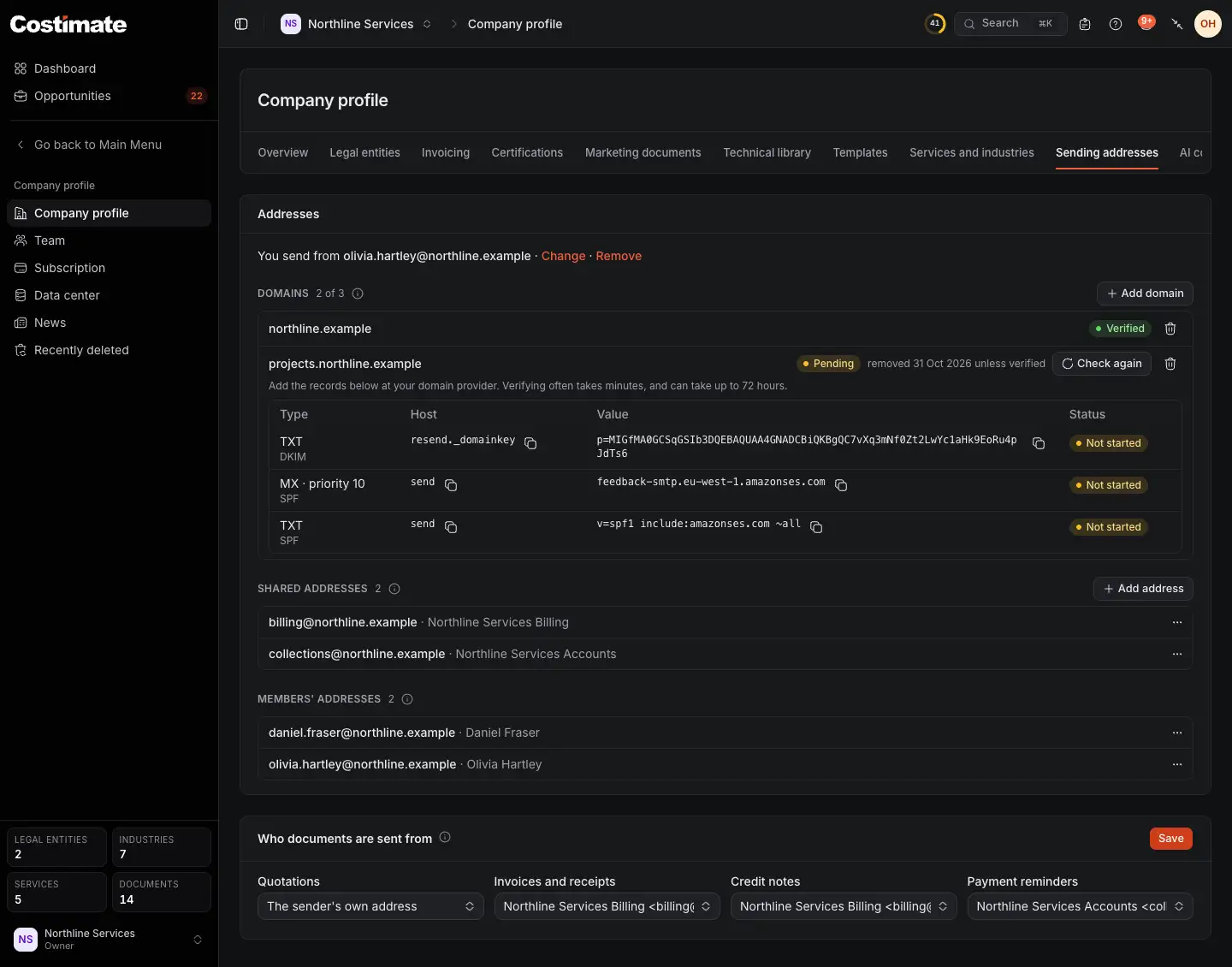
- What the documents you send go from. Change or Remove it here, or Set your own.
- Add domain.
- Verified: its addresses can send.
- Pending: its records are not seen yet, with the day it is removed unless verified.
- Check again asks whether the records are there now.
- Shared addresses, such as billing@, each with the name it is sent under.
- Members' addresses: each member's own. Only people who can change the company see this list.
- Who documents are sent from: the default for each kind of document.
A domain another company on Costimate holds cannot be added, nor one that is a public mailbox service such as gmail.com. A domain you already use with Resend, the mail provider Costimate sends through, cannot be added either: the form says so and suggests a subdomain such as mail.acme.com.
Add the addresses
- A shared address: under Shared addresses, choose Add address, type the name before the @, and pick the domain and the name it is sent under.
- Your own address: on the line that says what you send from, choose Set your own, and type the name before the @ and the name it is sent under. Nobody else can send from it.
You can prepare an address on a domain that is still pending. It starts working once the domain is verified.
Choose who each document is from
Under Who documents are sent from, choose an address for Quotations, Invoices and receipts, Credit notes and Payment reminders, and choose Save:
- Costimate's address, under your entity's name. This is where every kind starts.
- The sender's own address, for whoever presses send. Reminders are sent by nobody, so for them this is the own address of the member assigned to the invoice.
- A shared address.
Send a document
When you send a quotation, an invoice or a credit note, it goes from your company's default, unless you pick another under From: your own address, a shared one or Costimate's, for that one message. Only addresses that can be used now are offered.
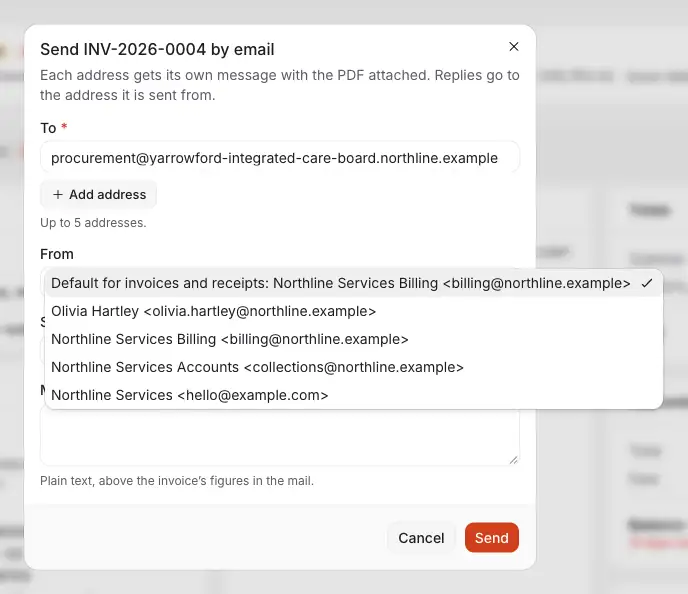
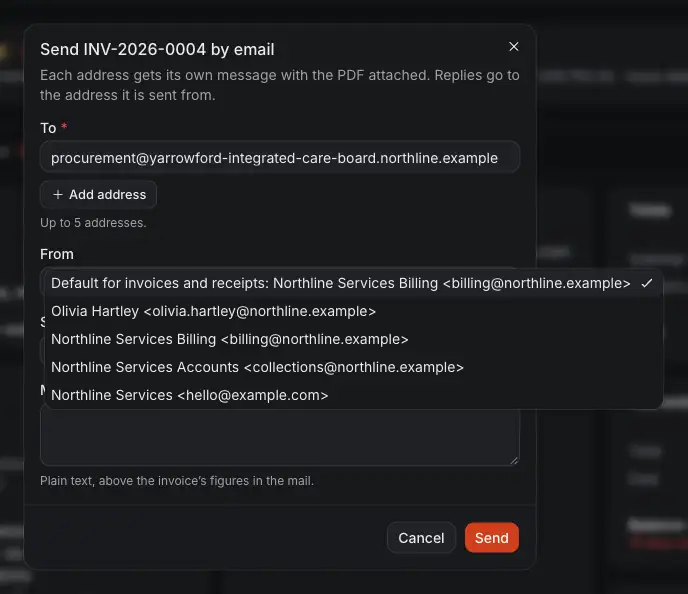
- Up to five addresses. Each gets its own message with the PDF.
- The default for this kind of document: what your company chose, named here.
- Your own address.
- A shared address.
- Costimate's address, under your entity's name.
- Send. A reply goes to the address it is sent from. From Costimate's address, it goes to you.
When an address cannot be used
Costimate checks again as it sends. An address is used when your company is on a paid plan, its domain is verified, and it still exists. A member's own address also needs that member to still open the company.
If any of that fails, the message is not lost. It goes from Costimate's address under your entity's name, and a reply goes to who sent it. The Emails card on the document says it went that way, and why.
Good to know
- Removing a domain removes its addresses too. A document kind that used one goes back to Costimate's address.
- A domain stays yours if you move to Free. It is simply not sent from until you are on a paid plan again.
- A domain verified once is never removed for its age. If its records disappear later, it goes back to pending, or to failed once the mail provider stops looking, and nothing is sent from it meanwhile.
- Removing a member removes their own address.