

Won, lost or appointed: what follows
What each ending of a bid asks for and what it makes: a project, an agreement, the tender that follows, or a record of who won instead.
How a bid ends depends on its type. A tender is won or lost. A framework or long-term agreement is appointed. A prequalification is qualified. An expression of interest or a request for information is accepted or not qualified. Each ending makes something different.
| Type | Ending | What it makes |
|---|---|---|
| RFP, ITT, RFQ, RFT, Call-off | Won (the stage Award) | Its project |
| FWA, LTA | Appointed | An agreement, and no project |
| PQQ | Qualified | Nothing, until you add the tender that follows |
| EOI, RFI | Accepted | Nothing, until you add the tender that follows |
| Any of them | Lost, or Not qualified for an EOI or RFI | A record of what you know |
| Any of them | Not pursued | Nothing. An approver can reopen it |
Each ending is a move, under Move to. Like other moves, it waits for an approver unless an approver makes it. An approver can choose an ending from any stage. Anyone else who can change the bid moves forward one step at a time: after Submitted comes Clarification, except for an EOI, an RFI or a task order, which go straight to their ending. See Opportunities and stages.
Won: the project opens
- On the bid, choose Move to, then Award.
- Fill in the contract.
- Choose Move to Award.
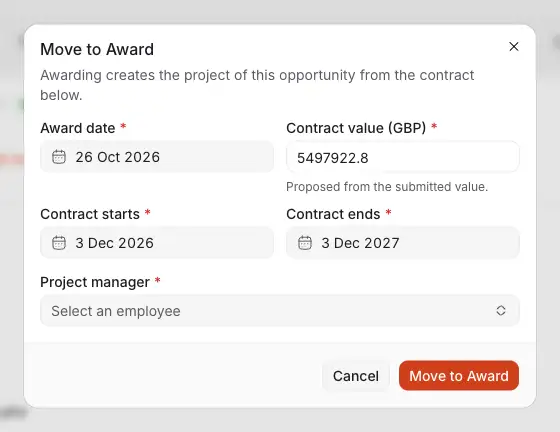
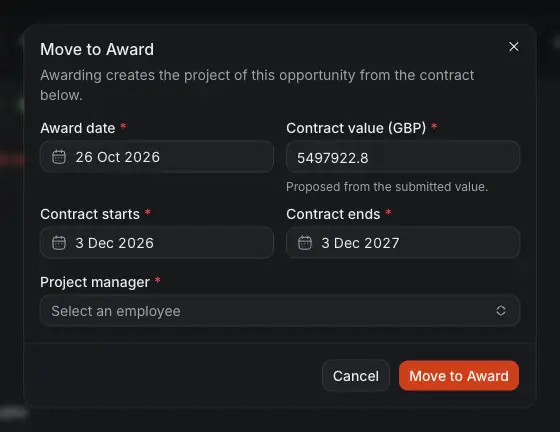
- The day it was awarded.
- Contract value: the price the client signed for. It starts from your submitted value, or from the bid value if there is none or you cannot see prices. Once saved, only people who can see prices read it.
- The contract's dates, starting from the bid's period of performance.
- Project manager, an employee of yours.
- Move to Award makes the project.
The project takes its client, reference, title, country, industry, service type and currency from the bid, and stays in step with it. If its proposal is finalised, that proposal's cost is its budget. Otherwise it has none until one is typed or the proposal is finalised. See Projects: budget, cost and profit.
The contract value is what you type here, whatever it starts from, so check it.
Appointed: the agreement opens
An FWA or LTA guarantees no work, so an appointment is never won work. It asks for the term, the extension options, the value and the lots you won. Each call-off you later win under it makes its own project.
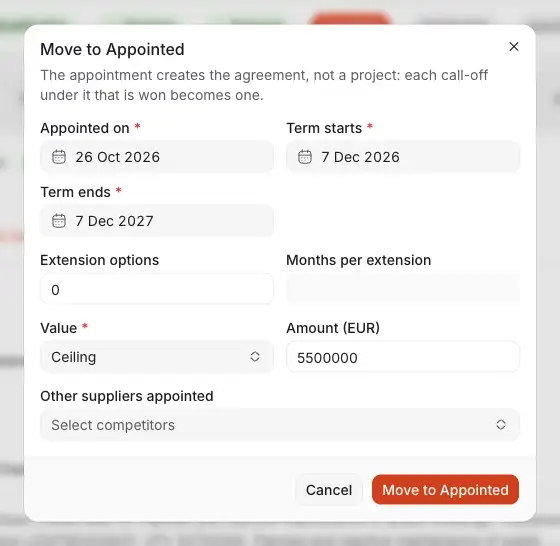
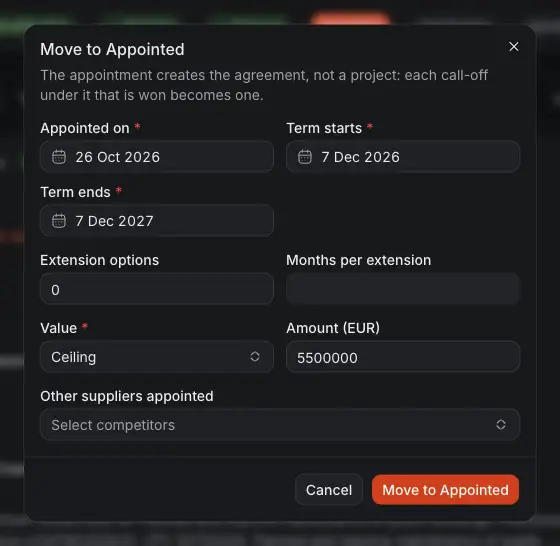
- The day you were appointed.
- The term.
- The extension options.
- Ceiling or Estimated value, and its amount.
- Other suppliers appointed with you.
- Move to Appointed makes the agreement.
See Frameworks and long-term agreements.
Lost: record what you know
Close as lost is offered only once the closing date has passed. Everything it asks is optional, and worth filling in: it is what your next bid against them starts from.
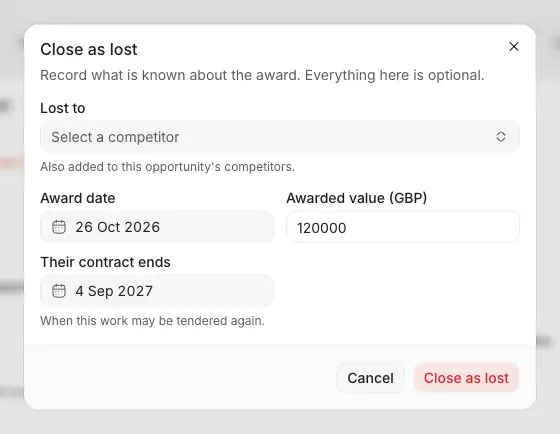
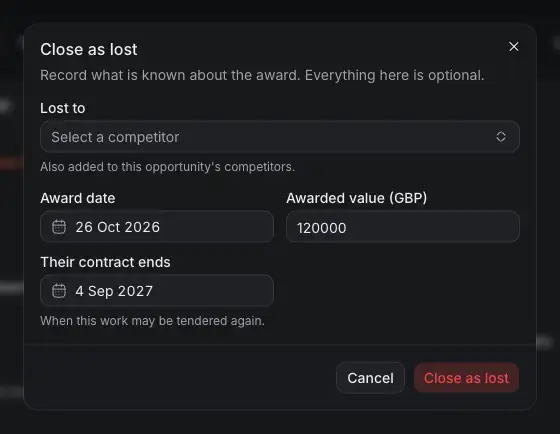
- Lost to: the competitor. It joins this bid's competitors.
- The day of the award.
- What it was awarded for.
- Their contract ends: when this work may be tendered again.
An EOI or RFI that fails is Not qualified instead. It asks for the date and the reason, both optional.
Do not pursue
Do not pursue gives a bid up: you decided not to bid. An approver can reopen it later by moving it to another stage.
Qualified or accepted: add the tender that follows
A prequalification you passed, or an answer that was accepted, starts no project. What comes of it is the tender itself, which is an opportunity of its own.
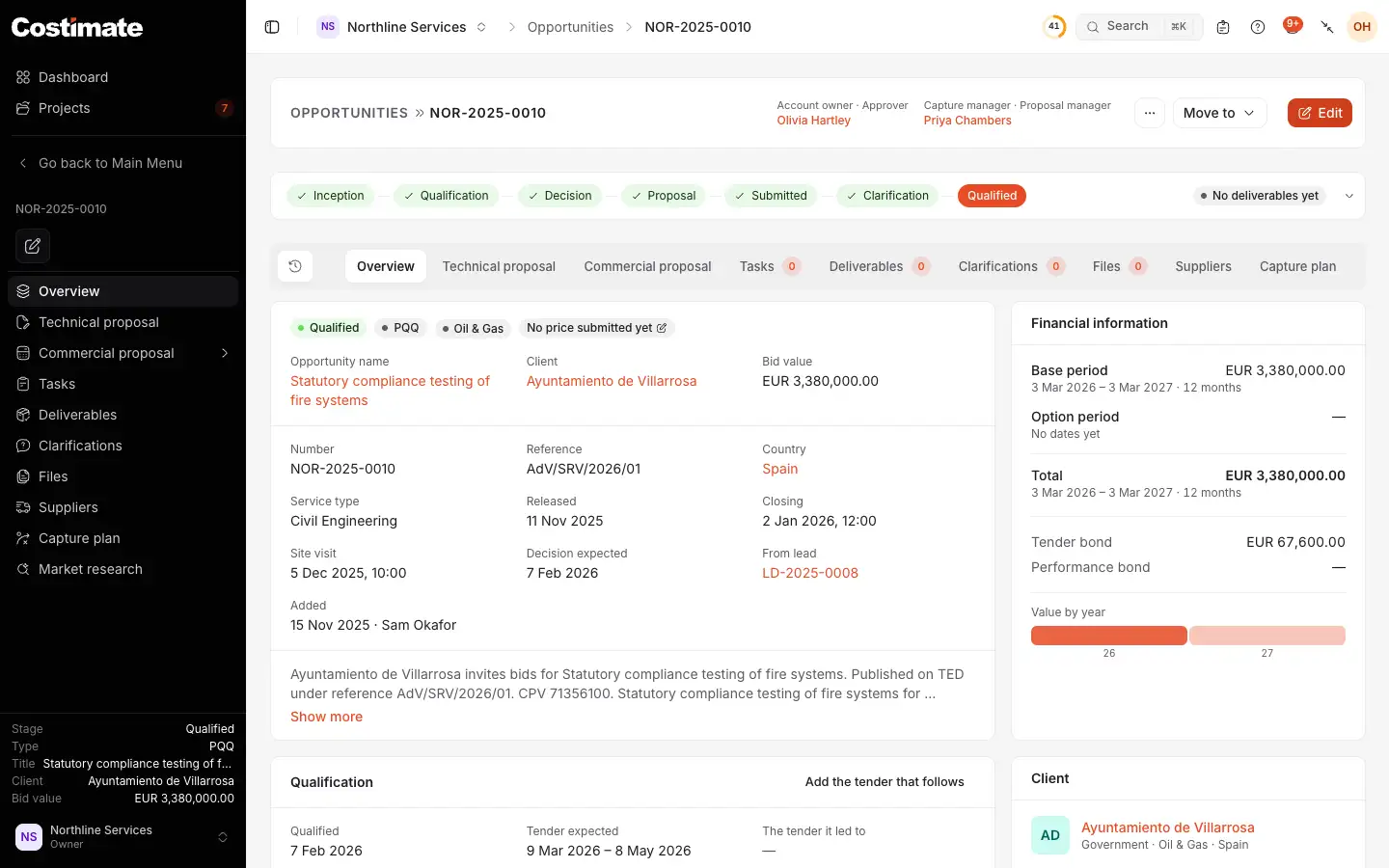
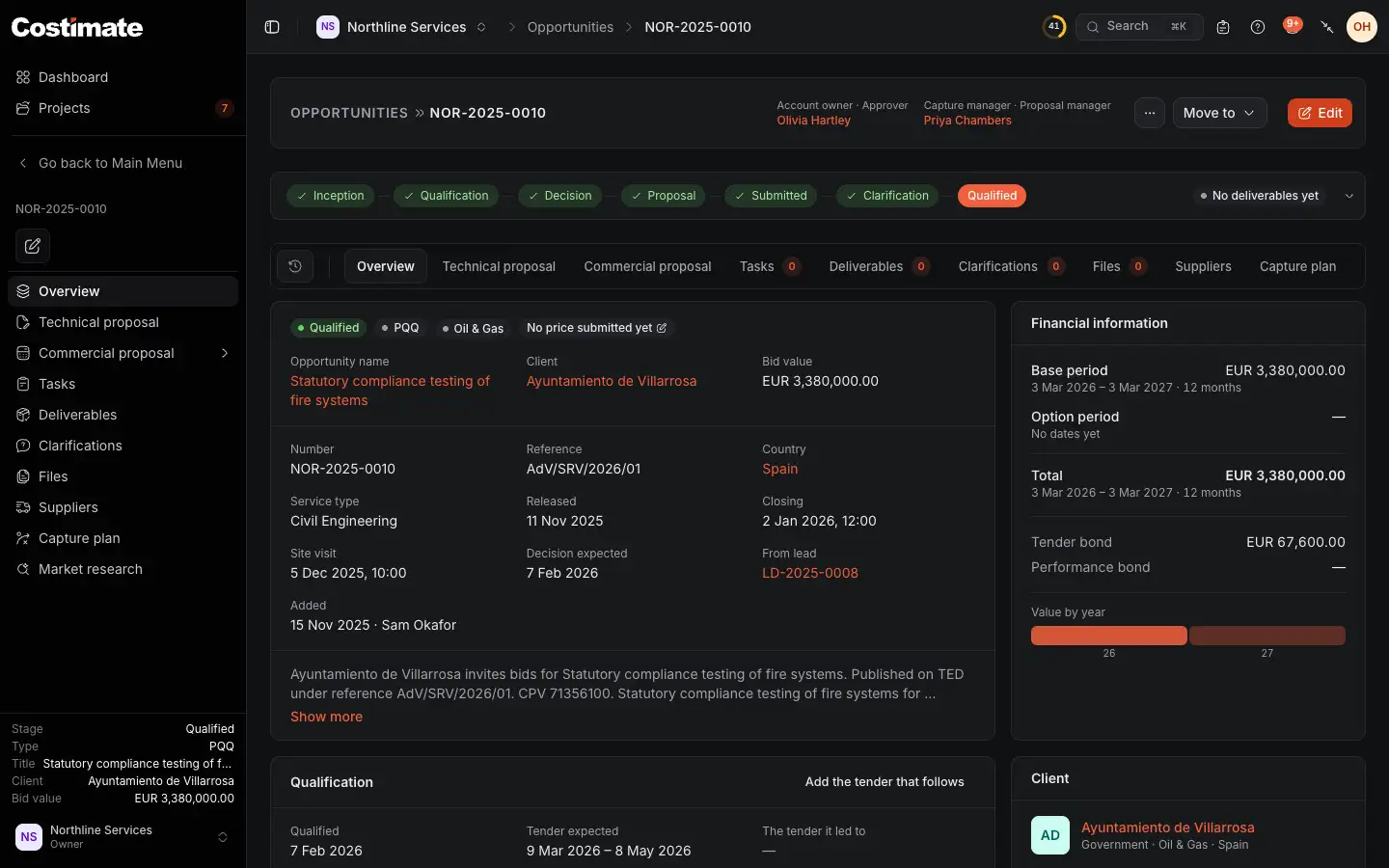
- Its ending. A PQQ reads Qualified, an EOI or RFI Accepted.
- Add the tender that follows opens the opportunity's form, filled in with what this one knows. Pick the type, RFP or FWA for example.
Saved, the two name each other. One tender can follow each. A PQQ's move asks when the tender is expected. For an EOI or RFI that is optional. Either can name the tender if it is already in Costimate.
Undo an ending
An approver chooses Move to and picks another stage. Whether it works depends on what has happened since:
- Won: the project goes with it only while nothing is recorded on it. Otherwise Costimate refuses and says what it found, such as "The project of this opportunity already has 5 crew members and 3 expenses, so the award can no longer be undone."
- Appointed: the agreement goes only while nothing is recorded under it, such as a call-off, a file or a rate change.
The budget, a project manager or a changed date are not records. They go with the project.
How endings count
- The win rate is won and appointed against won, appointed and lost, decided this year. A bid not pursued is not in it.
- On the Advanced dashboard, Win/loss performance can show the Bid value of the tenders won, which counts tenders and call-offs. An appointment's worth is shown apart as Framework potential, and never added to it.
Good to know
- A bid with a project or an agreement cannot be deleted. Archive it instead.
- The client's page has a card for what you won, and one of its own for appointments.