

My shifts
See your own shifts across your company's projects, your next one and your hours this week, and how to ask for a swap.
My shifts is your own page: every shift planned for you, on any project of your company. It is yours whatever else you may read, so you see it even if you cannot open projects. Nobody else's shift is on it, and neither is any pay or price.
Before you start
- You need an employee record linked to your login, and to be on the crew of a project. Without them, My shifts is not in your menu.
- Your shifts are planned by whoever runs the project's schedule. See The schedule.
Read your shifts
In the left menu, open Human Resources, then My shifts.
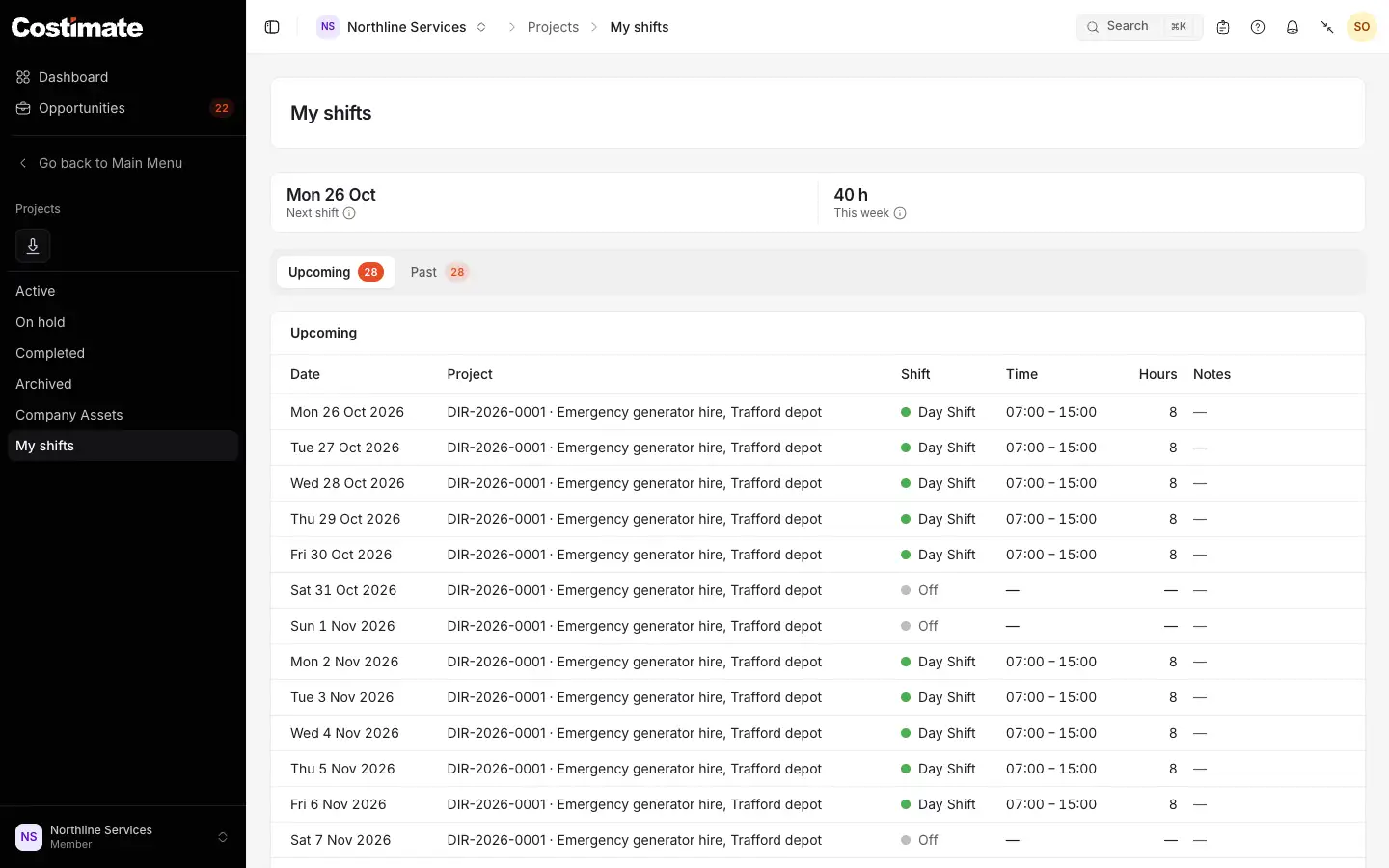
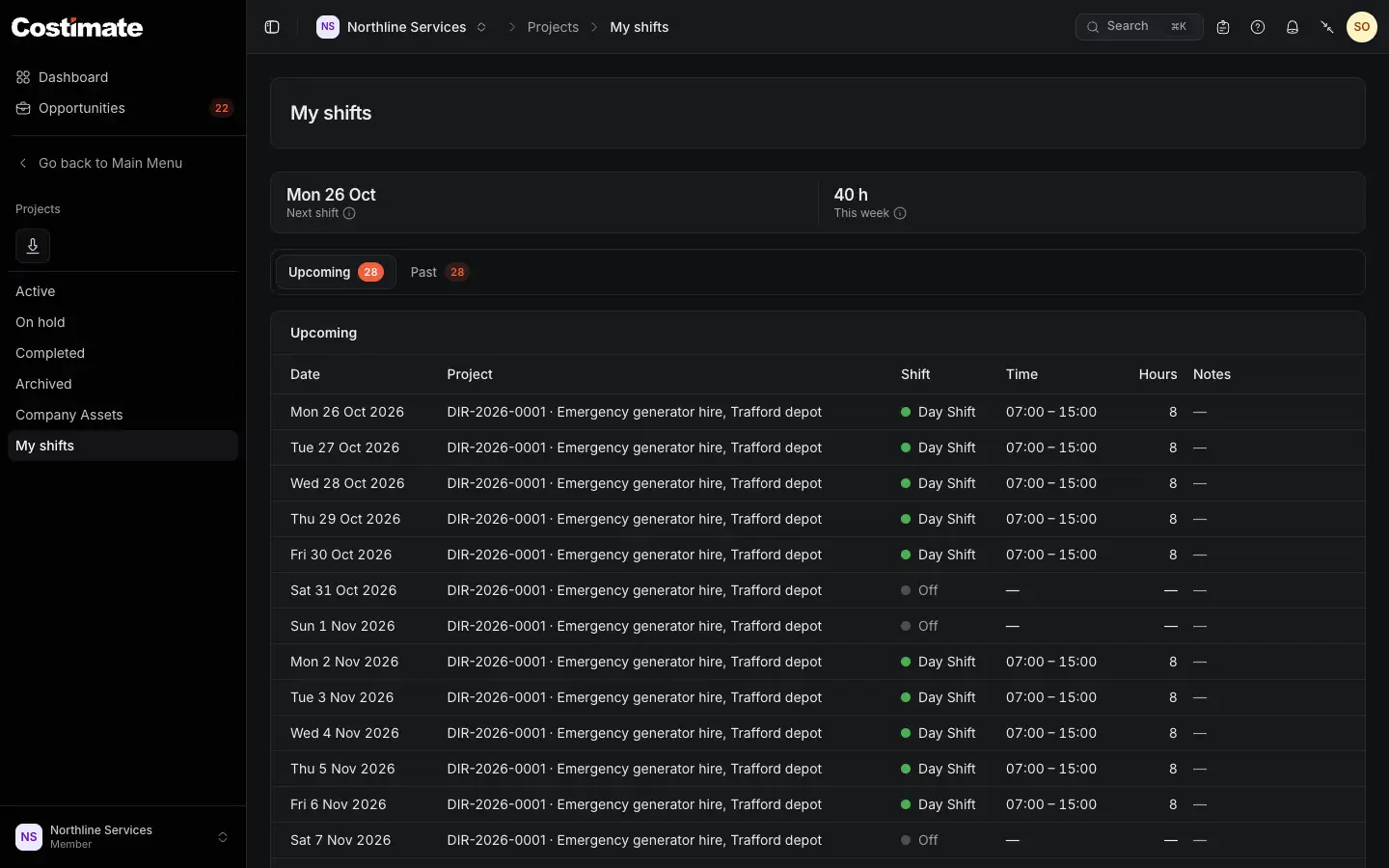
- Next shift: the next day you work, its shift and times, and the project.
- This week: your hours and how many shifts.
- Upcoming, from today on with the next first, and Past, with the latest first.
- The project. If you can open projects, it links to that week of its schedule.
- Off: a day off planned for you.
A row also says Night, Overtime or Swap requested when they apply, and any note from the planner. Each list shows 25 shifts a page.
Swap a shift
You ask for a swap on the project's own schedule, not on this page, and you need to be able to open the project to do it. The people who plan the schedule decide. See The schedule.
Good to know
- Days are your company's. "Today" changes at midnight where your company is, not where you are.
- Approved leave clears the shifts on those days. See Leave Tracker.